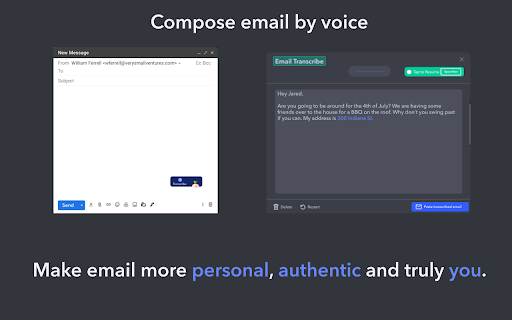
Voice Email - Chrome Extension: Convert voice messages to emails instantly for communication.
Explore a specific workflow
Explore voice messaging tools through the product profiles below. Audio tools handle tasks such as transcription, speech synthesis, sound generation and editing. Distinguish converting existing audio from creating a new recording.
Compare recording length, file types, language support and speaker handling. For voice generation, check pronunciation controls and permission to use any reference voice.
Listen for mispronounced names, unnatural pauses, clipped words and noise. For transcripts, compare the text with the recording and correct speaker labels.
Voice Email - Chrome Extension: Convert voice messages to emails instantly for communication.

Vocha - Chrome Extension: Send voice messages directly in ChatGPT for faster, hands-free conversations. Boost productivity with voice interaction.
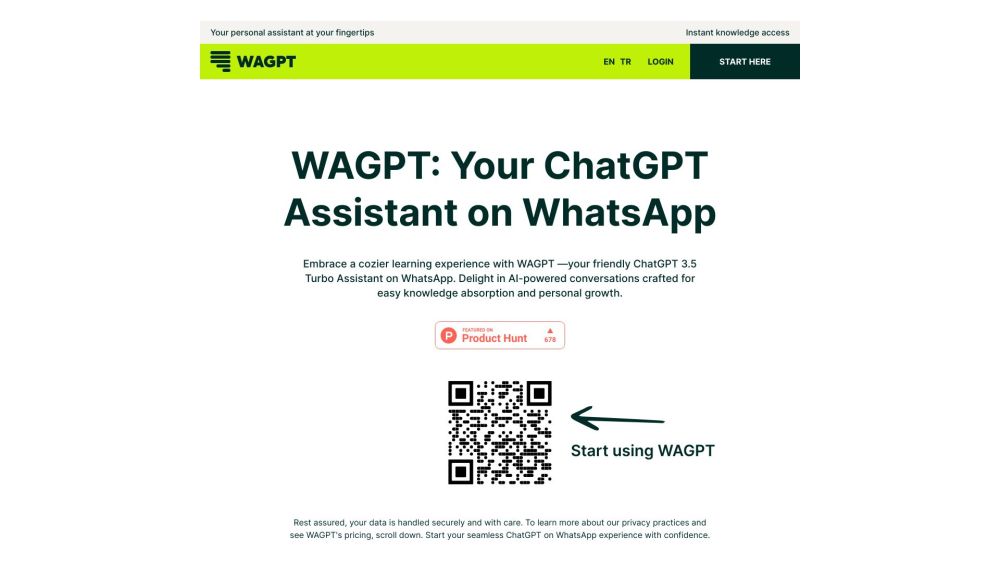
Unlock AI-powered learning on WhatsApp with WAGPT's ChatGPT 3.5 Turbo Assistant—fast, convenient, and personalized education at your fingertips!
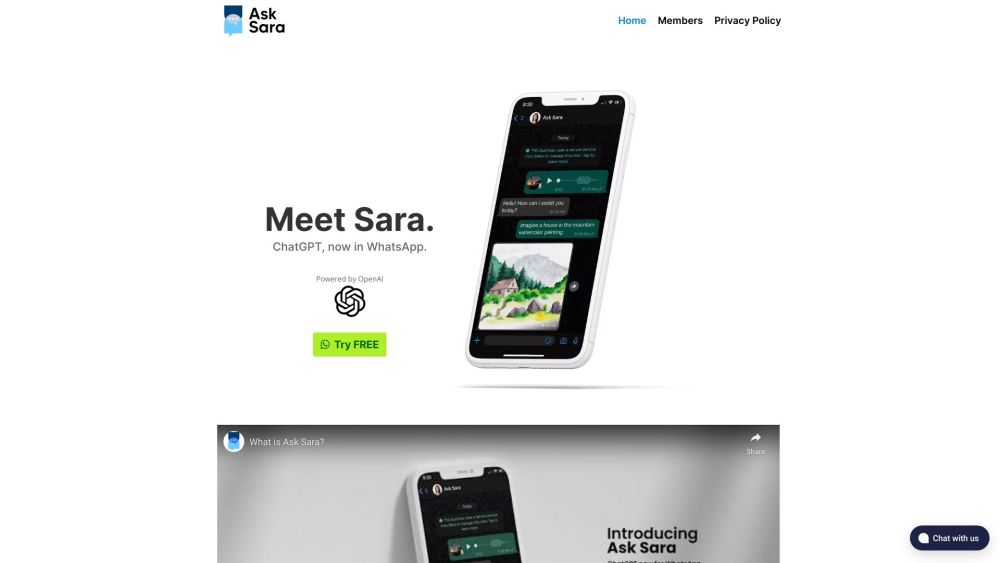
Ask Sara: A ChatGPT-powered WhatsApp chatbot for smart, conversations. Get instant, intelligent responses right on your phone, anytime!
Talk to realistic AI Girls. Chat, voice, photos. Your AI Girlfriend.
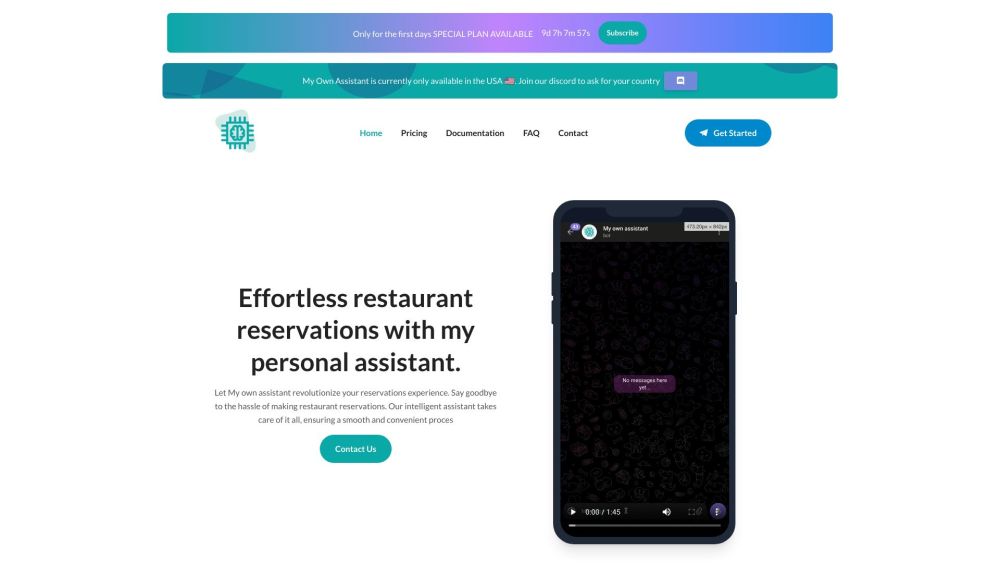
Streamline restaurant reservations with My Own Assistant: AI tech, chat bot, and timely reminders for an efficient dining experience. Secure your table today!
FAQ
Practical answers to help you take the next step.
Audio tools handle tasks such as transcription, speech synthesis, sound generation and editing. Distinguish converting existing audio from creating a new recording.
Compare recording length, file types, language support and speaker handling. For voice generation, check pronunciation controls and permission to use any reference voice.
Listen for mispronounced names, unnatural pauses, clipped words and noise. For transcripts, compare the text with the recording and correct speaker labels.
Use a short recording with names, numbers and more than one speaker, or a script with difficult pronunciation. Review the exported audio or transcript in full.
Voice Email - Chrome Extension: Convert voice messages to emails instantly for communication.
Read about Voice Email - Chrome ExtensionVocha - Chrome Extension: Send voice messages directly in ChatGPT for faster, hands-free conversations. Boost productivity with voice interaction.
Read about Vocha - Chrome ExtensionUnlock AI-powered learning on WhatsApp with WAGPT's ChatGPT 3.5 Turbo Assistant—fast, convenient, and personalized education at your fingertips!
Read about WAGPTAsk Sara: A ChatGPT-powered WhatsApp chatbot for smart, conversations. Get instant, intelligent responses right on your phone, anytime!
Read about Ask SaraTalk to realistic AI Girls. Chat, voice, photos. Your AI Girlfriend.
Read about Lollipop AI GirlsStreamline restaurant reservations with My Own Assistant: AI tech, chat bot, and timely reminders for an efficient dining experience. Secure your table today!
Read about My Own Assistant