Writing Assistants

My Own Assistant

Streamline restaurant reservations with My Own Assistant: AI tech, chat bot, and timely reminders for an efficient dining experience. Secure your table today!

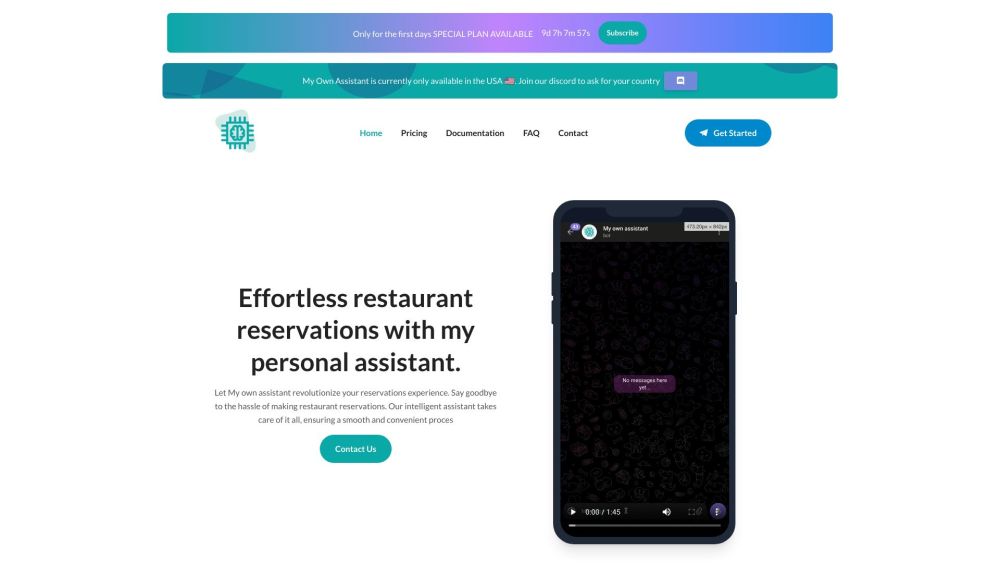
My Own Assistant website preview

My Own Assistant Website screenshot

Discover My Own Assistant

My Own Assistant leverages advanced AI technology to simplify and optimize the process of making restaurant reservations. By providing an efficient platform, users can effortlessly book tables, enhancing their overall dining experience with the help of chat bots and timely reminders.

Getting Started with My Own Assistant

1. Create an account on our website. 2. Input your preferred restaurant and reservation details. 3. Allow My Own Assistant to manage the booking process and keep you updated with timely notifications and reminders.

Key Features of My Own Assistant

Reservation Notifications

Booking Management

Interactive Chat Interface

Voice Command Support

Call Transcription Services

Extensive Customer Support

Applications of My Own Assistant

Seamless Restaurant Bookings

Voice-Activated Reservations via Telegram

  • Contact My Own Assistant for Support

    For customer service, email us at: [email protected]. For more contact options, visit our contact page.

  • My Own Assistant Pricing Information

    For pricing details, visit: our pricing page.

Product source: My Own Assistant official website. Check the provider for current plans, limits and availability.

FAQ

My Own Assistant questions and answers

Product context and practical checks for evaluating My Own Assistant.

What is My Own Assistant used for?

Streamline restaurant reservations with My Own Assistant: AI tech, chat bot, and timely reminders for an efficient dining experience. Secure your table today!

How do I get started with My Own Assistant?

1. Create an account on our website. 2. Input your preferred restaurant and reservation details. 3. Allow My Own Assistant to manage the booking process and keep you updated with timely notifications and reminders.

Which capabilities are described for My Own Assistant?

Reservation NotificationsBooking ManagementInteractive Chat InterfaceVoice Command SupportCall Transcription ServicesExtensive Customer Support

What projects can I evaluate My Own Assistant for?

Seamless Restaurant BookingsVoice-Activated Reservations via Telegram Contact My Own Assistant for Support For customer service, email us at: [email protected]. For more contact options, visit our contact page. My Own Assistant Pricing Information For pricing details, visit: our pricing page.

What should I compare before choosing a My Own Assistant plan?

For pricing details, visit: our pricing page. Confirm current prices and allowances on the provider’s website before purchasing.

What inputs should I prepare for a My Own Assistant trial?

Identify the files, text or account connections your task needs. Confirm that the product accepts those inputs and offers controls for reviewing its work.

How can I check the quality of a My Own Assistant result?

Test one representative task and inspect the result for accuracy and completeness. Record where manual corrections or extra tools are needed.

Which export options should I check in My Own Assistant?

Check export formats, integrations and whether you can keep using your work outside the service. Test a real export before committing to a longer plan.

What is a practical way to test My Own Assistant against alternatives?

Choose one task with a clear success condition. Keep the input consistent, record the time spent reviewing and compare the complete workflow cost.

Where is the official My Own Assistant website?

The website linked from this profile is https://www.my-own-assistant.com. Use the provider’s own documentation, account area and support channels to confirm current product details.

Visit My Own Assistant