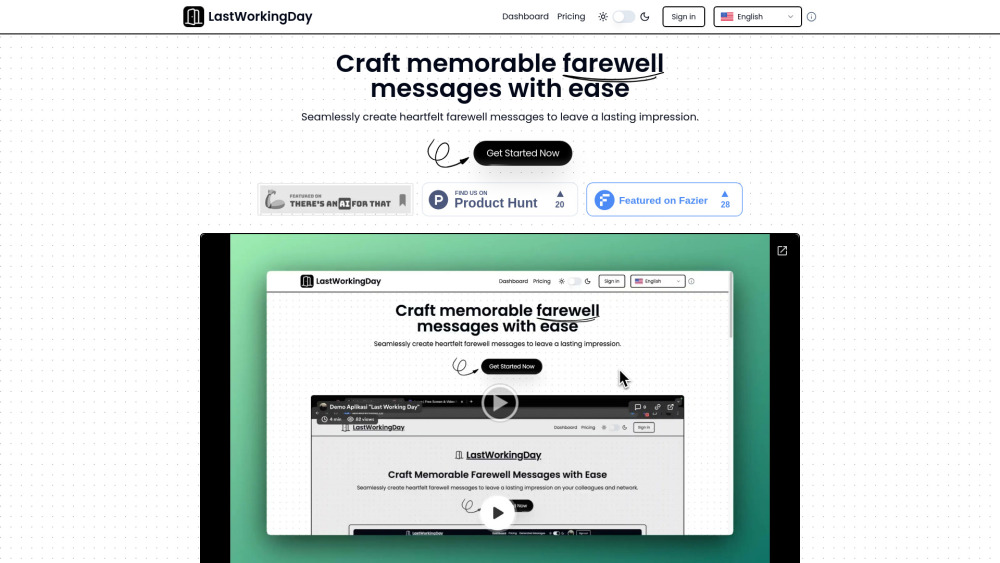
Create personalized farewell messages effortlessly with LastWorkingDay – the AI tool that simplifies goodbyes. Explore use cases, pricing, reviews, core features & alternatives.
Explore a specific workflow
Explore voice input tools through the product profiles below. Audio tools handle tasks such as transcription, speech synthesis, sound generation and editing. Distinguish converting existing audio from creating a new recording.
Compare recording length, file types, language support and speaker handling. For voice generation, check pronunciation controls and permission to use any reference voice.
Listen for mispronounced names, unnatural pauses, clipped words and noise. For transcripts, compare the text with the recording and correct speaker labels.
Create personalized farewell messages effortlessly with LastWorkingDay – the AI tool that simplifies goodbyes. Explore use cases, pricing, reviews, core features & alternatives.
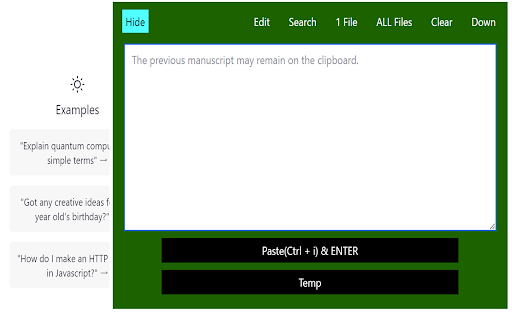
Effortlessly manage and organize your ChatGPT conversations with the ChatGPT Log Manager Chrome Extension. Streamline your logs today!
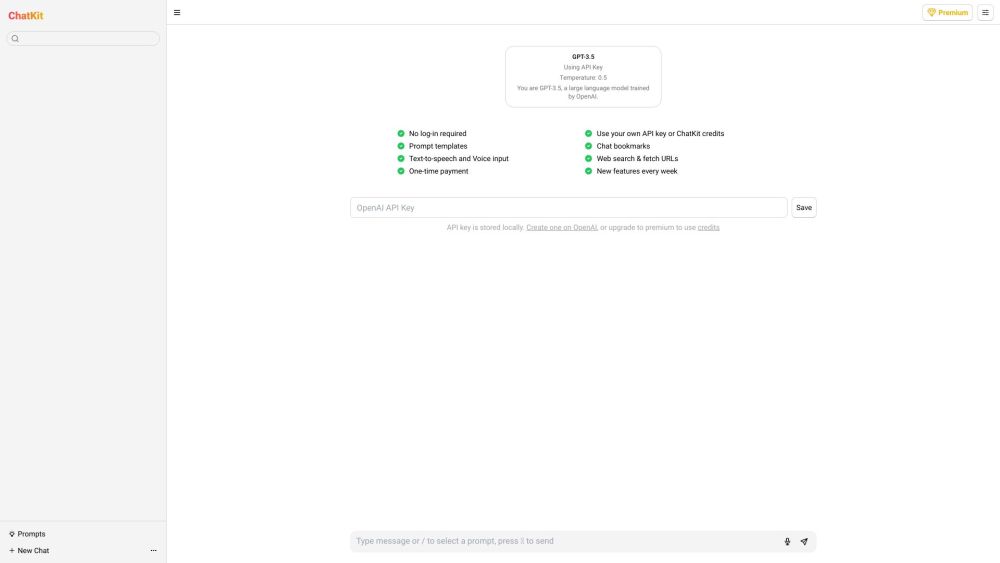
Enhance your ChatGPT experience with ChatKit: a refined UI offering intuitive design and essential features for seamless, productive interactions.
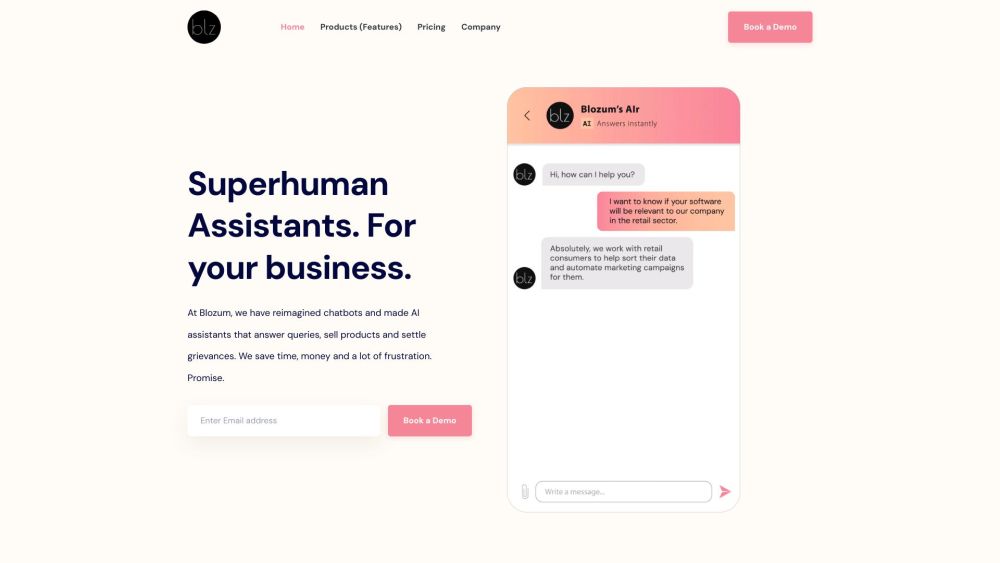
Blozum: The AI Assistant that guides customers through every sales stage. Boost pre, during, and post-purchase support effortlessly with smart conversation.
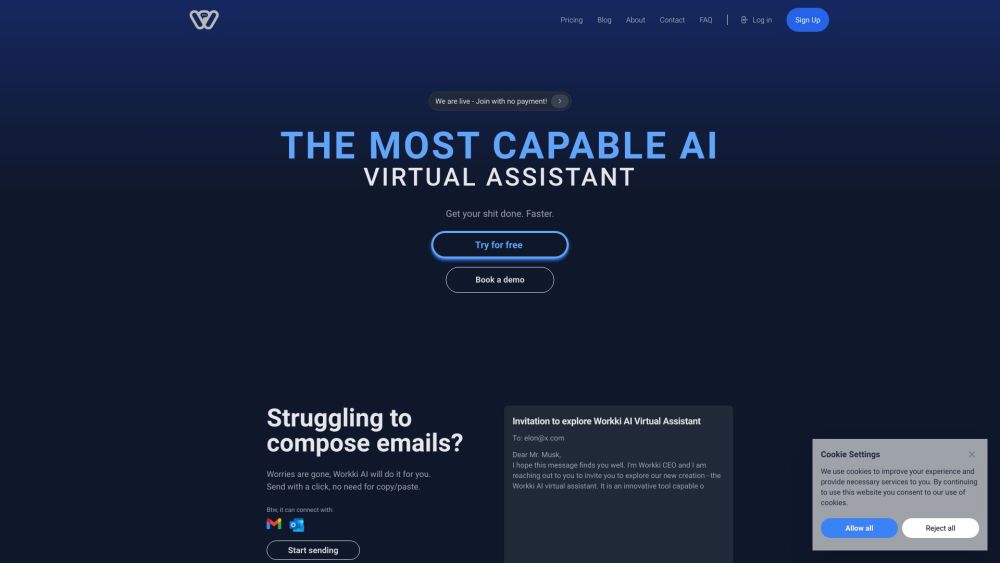
Workki AI is an AI-powered virtual assistant that helps you manage your tasks, schedule meetings, write emails, and more.
FAQ
Practical answers to help you take the next step.
Audio tools handle tasks such as transcription, speech synthesis, sound generation and editing. Distinguish converting existing audio from creating a new recording.
Compare recording length, file types, language support and speaker handling. For voice generation, check pronunciation controls and permission to use any reference voice.
Listen for mispronounced names, unnatural pauses, clipped words and noise. For transcripts, compare the text with the recording and correct speaker labels.
Use a short recording with names, numbers and more than one speaker, or a script with difficult pronunciation. Review the exported audio or transcript in full.
Create personalized farewell messages effortlessly with LastWorkingDay – the AI tool that simplifies goodbyes. Explore use cases, pricing, reviews, core features & alternatives.
Read about LastWorkingDayEffortlessly manage and organize your ChatGPT conversations with the ChatGPT Log Manager Chrome Extension. Streamline your logs today!
Read about ChatGPT Log Manager - Chrome ExtensionEnhance your ChatGPT experience with ChatKit: a refined UI offering intuitive design and essential features for seamless, productive interactions.
Read about ChatKitBlozum: The AI Assistant that guides customers through every sales stage. Boost pre, during, and post-purchase support effortlessly with smart conversation.
Read about BlozumWorkki AI is an AI-powered virtual assistant that helps you manage your tasks, schedule meetings, write emails, and more.
Read about Workki AICheck audio format, sample rate, separate tracks, captions and timestamp exports. Confirm that the result works in your editing or accessibility workflow.