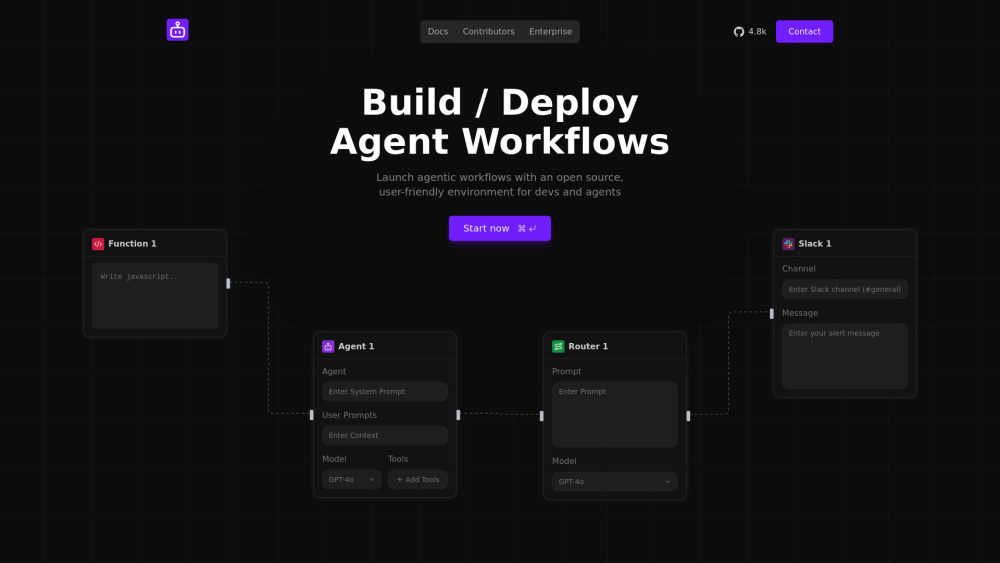
Sim Studio: Drag-and-drop visual platform to build, test, and deploy AI agents & workflows—no code required. Fast, flexible, production-ready.
Explore a specific workflow
Explore visual programming tools through the product profiles below. Coding tools assist with tasks such as generation, explanation, review and debugging. Match the product to your language, repository and review process.
Compare repository access, context limits, supported languages and tool permissions. Check whether the assistant can read relevant files and run your existing checks.
Review the diff, run tests and inspect error handling and dependency changes. Generated code should meet the same review standard as a human contribution.
Sim Studio: Drag-and-drop visual platform to build, test, and deploy AI agents & workflows—no code required. Fast, flexible, production-ready.

Solar: Build full-stack apps, AI agents & automations—fast. AI-powered, no-code to pro-code. Ship smarter, not harder.

Waveloom: Build and deploy AI workflows visually. Simplify complex processes with our intuitive drag-and-drop platform—unlocking AI's potential for everyone.
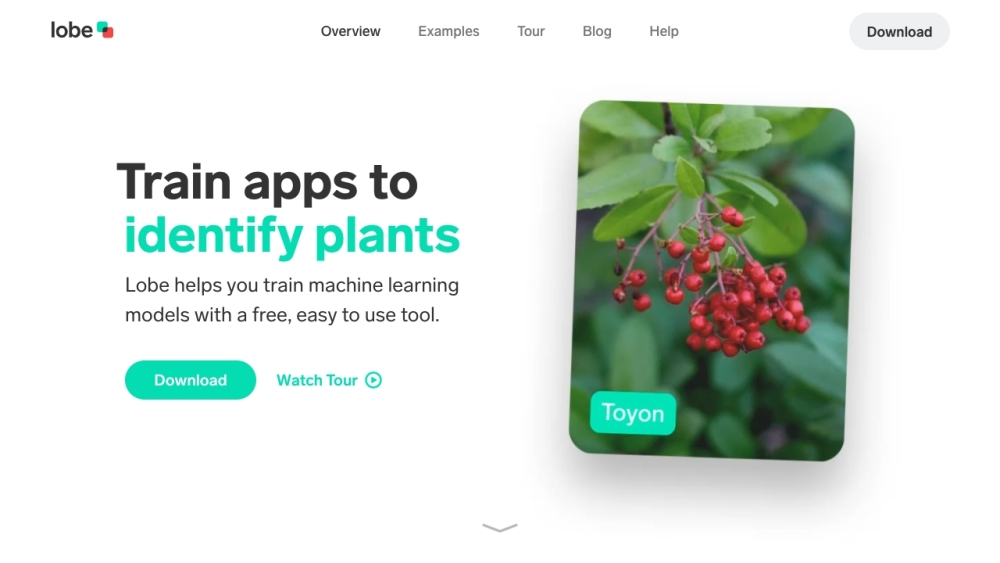
Lobe is a free and easy-to-use app that allows users to train custom machine learning models and incorporate them into their own applications. It provides a visual programming interface and supports various tasks such as image classification, object detection, and data classification.
FAQ
Practical answers to help you take the next step.
Coding tools assist with tasks such as generation, explanation, review and debugging. Match the product to your language, repository and review process.
Compare repository access, context limits, supported languages and tool permissions. Check whether the assistant can read relevant files and run your existing checks.
Review the diff, run tests and inspect error handling and dependency changes. Generated code should meet the same review standard as a human contribution.
Choose a small reproducible bug with an existing failing check. Measure whether the tool fixes the cause, preserves behavior and produces a reviewable change.
Sim Studio: Drag-and-drop visual platform to build, test, and deploy AI agents & workflows—no code required. Fast, flexible, production-ready.
Read about Sim StudioSolar: Build full-stack apps, AI agents & automations—fast. AI-powered, no-code to pro-code. Ship smarter, not harder.
Read about SolarWaveloom: Build and deploy AI workflows visually. Simplify complex processes with our intuitive drag-and-drop platform—unlocking AI's potential for everyone.
Read about WaveloomLobe is a free and easy-to-use app that allows users to train custom machine learning models and incorporate them into their own applications. It provides a visual programming interface and supports various tasks such as image classification, object detection, and data classification.
Read about LobePrefer changes you can inspect and keep in version control. Check whether code, tests and configuration can be exported without depending on a hosted preview.
Run the same small task in each shortlisted product. Compare the price per usable result, usage limits, regeneration costs and time spent correcting the output. Confirm current terms with the provider.