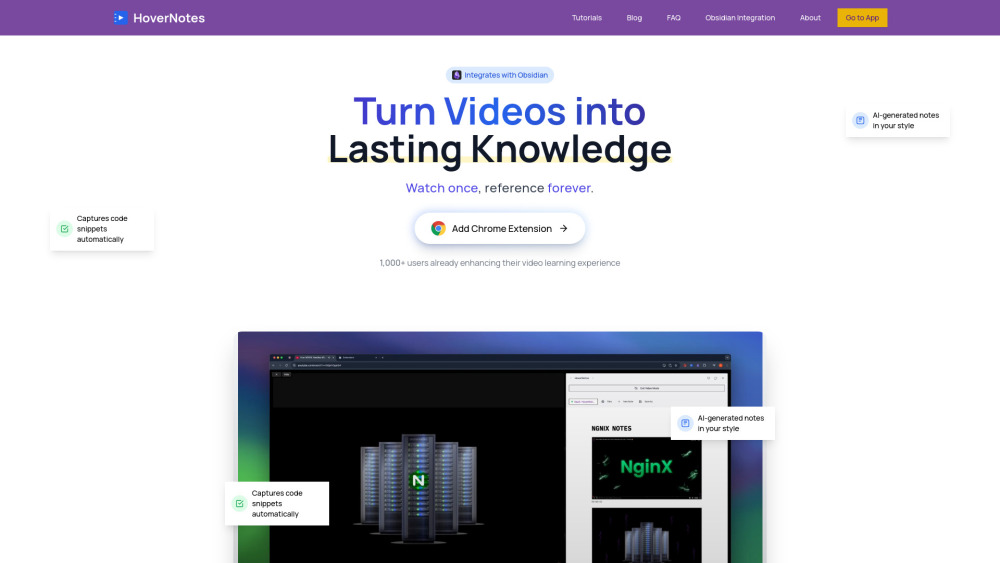
HoverNotes: Turn video tutorials into smart, linked Obsidian notes—fast. AI extracts key concepts, timestamps & structure. Learn deeper, not harder.
Explore a specific workflow
Explore video learning tools through the product profiles below. These tools help create, edit or repurpose moving images. Text-to-video, image animation and video editing solve different tasks, so start with the source material you already have.
Compare text prompts, reference frames, source footage and audio support. Check duration, aspect ratio and whether the tool lets you keep a subject consistent between shots.
Watch the entire clip for motion errors, distorted objects, changing identities, lip-sync problems and abrupt transitions. Inspect the downloaded file as well as the preview.
HoverNotes: Turn video tutorials into smart, linked Obsidian notes—fast. AI extracts key concepts, timestamps & structure. Learn deeper, not harder.

Unlock the power of AI with AI Video Learn. Revolutionize your learning experience with this AI-powered video learning tool.

VidvizGPT - Chrome Extension: Transform videos into interactive learning experiences with AI-powered insights and engagement for smarter, faster learning!

Master languages effortlessly with LingoSub: Learn through engaging videos with subtitles. Boost your skills while enjoying your favorite content!
FAQ
Practical answers to help you take the next step.
These tools help create, edit or repurpose moving images. Text-to-video, image animation and video editing solve different tasks, so start with the source material you already have.
Compare text prompts, reference frames, source footage and audio support. Check duration, aspect ratio and whether the tool lets you keep a subject consistent between shots.
Watch the entire clip for motion errors, distorted objects, changing identities, lip-sync problems and abrupt transitions. Inspect the downloaded file as well as the preview.
Use a short shot with one subject and one camera movement. Keep the prompt and duration constant, then compare usable seconds and the number of regenerations.
HoverNotes: Turn video tutorials into smart, linked Obsidian notes—fast. AI extracts key concepts, timestamps & structure. Learn deeper, not harder.
Read about HoverNotesUnlock the power of AI with AI Video Learn. Revolutionize your learning experience with this AI-powered video learning tool.
Read about AI Video LearnVidvizGPT - Chrome Extension: Transform videos into interactive learning experiences with AI-powered insights and engagement for smarter, faster learning!
Read about VidvizGPT - Chrome ExtensionMaster languages effortlessly with LingoSub: Learn through engaging videos with subtitles. Boost your skills while enjoying your favorite content!
Read about LingoSubCheck export resolution, frame rate, aspect ratio, audio tracks and watermark rules. A good preview is not a substitute for an export that fits your publishing channel.
Run the same small task in each shortlisted product. Compare the price per usable result, usage limits, regeneration costs and time spent correcting the output. Confirm current terms with the provider.