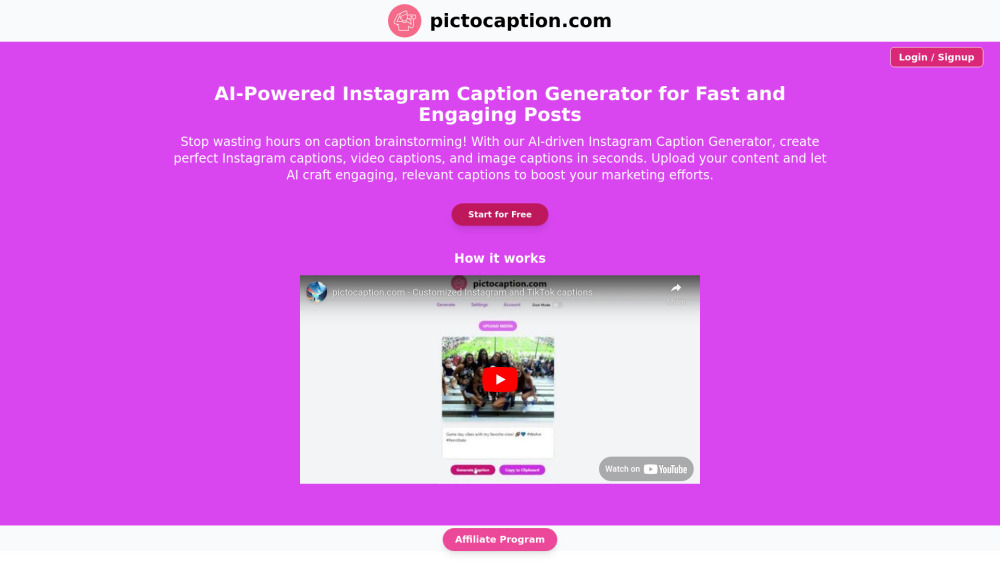
Pictocaption: AI-powered image & video captioning tool—smart, fast, and versatile. Explore use cases, pricing, reviews, features & alternatives.
Explore a specific workflow
Explore video captions tools through the product profiles below. These tools help create, edit or repurpose moving images. Text-to-video, image animation and video editing solve different tasks, so start with the source material you already have.
Compare text prompts, reference frames, source footage and audio support. Check duration, aspect ratio and whether the tool lets you keep a subject consistent between shots.
Watch the entire clip for motion errors, distorted objects, changing identities, lip-sync problems and abrupt transitions. Inspect the downloaded file as well as the preview.
Pictocaption: AI-powered image & video captioning tool—smart, fast, and versatile. Explore use cases, pricing, reviews, features & alternatives.
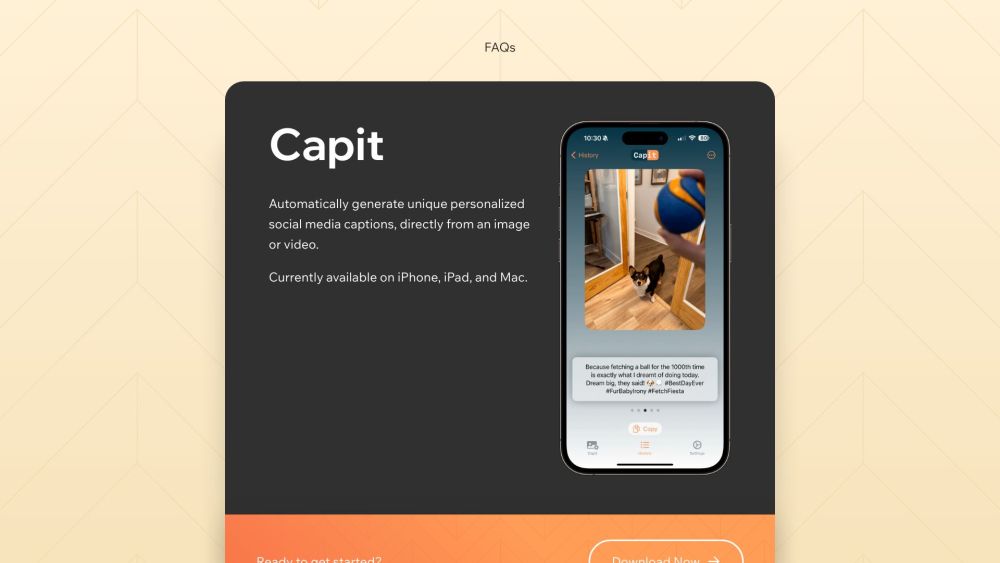
Boost your social media with Capit! This iOS app uses GPT-4 Vision to craft perfect captions for images & videos, with hashtags & emojis. Try it now!
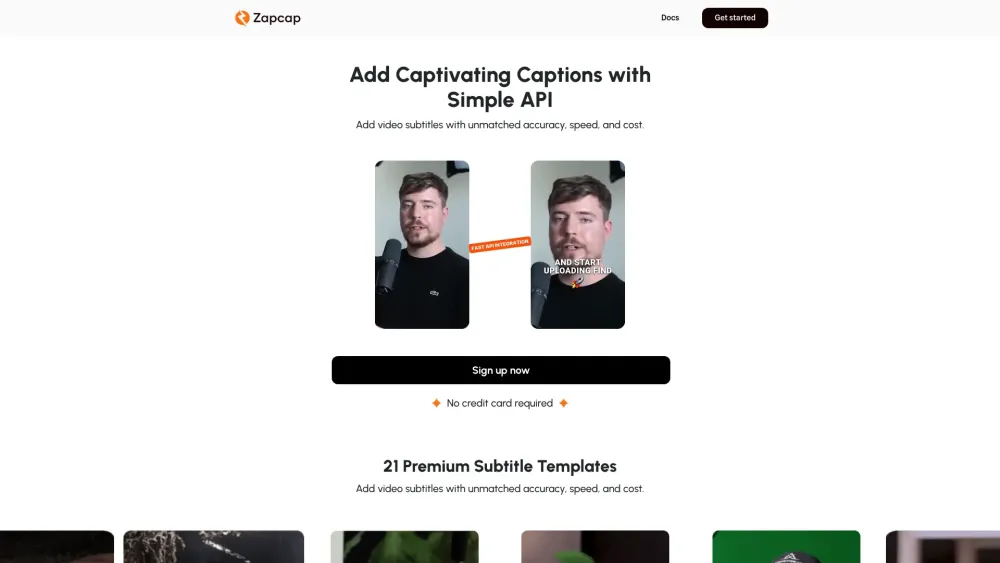
Discover the ultimate accessory: Sleek, versatile, and durable. Perfect for any occasion, enhancing your style with timeless elegance and unmatched quality.

FastCut: Generate engaging captions for reels, shorts, and TikToks in 1 click. Auto-transcribes and styles like top creators Alex Hormozi, Ali Abdaal, and MrBeast.
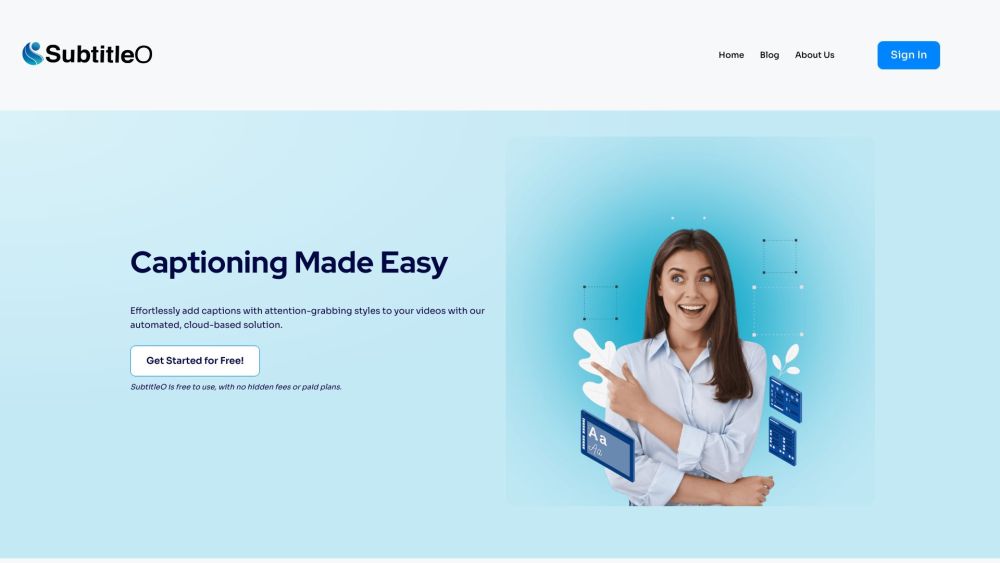
SubtitleO: Effortlessly add auto subtitles to videos. Boost engagement, accessibility, and SEO with our customizable, easy-to-use SaaS solution.
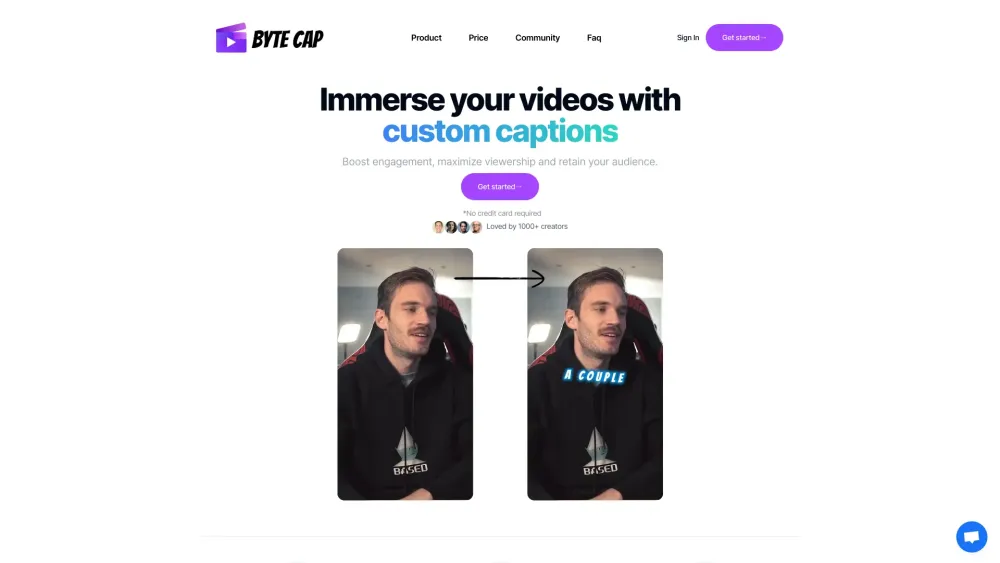
Effortlessly generate subtitles for your videos with ByteCap: the ultimate tool for precise and subtitle creation.
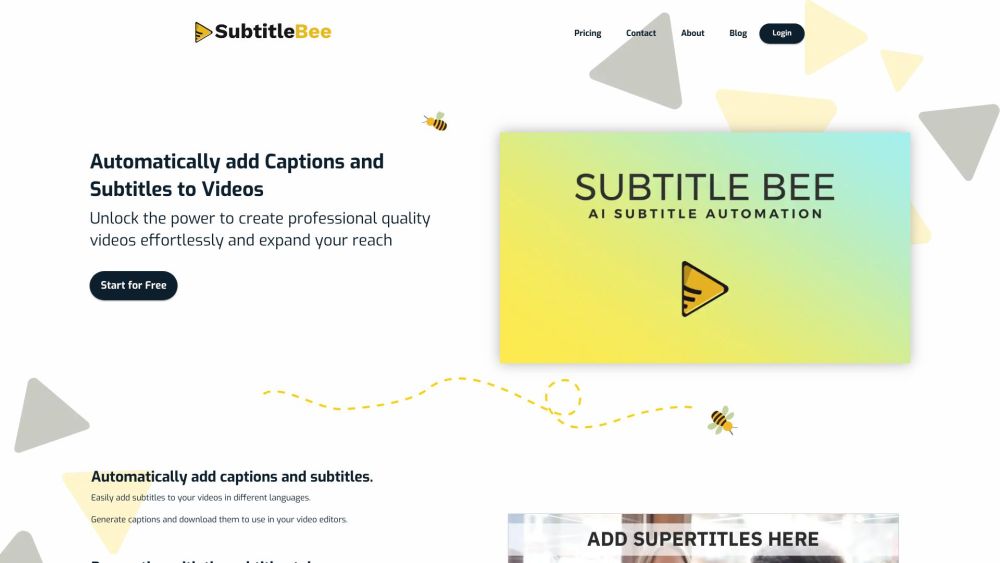
SubtitleBee: Effortlessly auto-caption and subtitle your videos in minutes. Enhance accessibility and engagement with ease!
FAQ
Practical answers to help you take the next step.
These tools help create, edit or repurpose moving images. Text-to-video, image animation and video editing solve different tasks, so start with the source material you already have.
Compare text prompts, reference frames, source footage and audio support. Check duration, aspect ratio and whether the tool lets you keep a subject consistent between shots.
Watch the entire clip for motion errors, distorted objects, changing identities, lip-sync problems and abrupt transitions. Inspect the downloaded file as well as the preview.
Use a short shot with one subject and one camera movement. Keep the prompt and duration constant, then compare usable seconds and the number of regenerations.
Pictocaption: AI-powered image & video captioning tool—smart, fast, and versatile. Explore use cases, pricing, reviews, features & alternatives.
Read about PictocaptionBoost your social media with Capit! This iOS app uses GPT-4 Vision to craft perfect captions for images & videos, with hashtags & emojis. Try it now!
Read about CapitDiscover the ultimate accessory: Sleek, versatile, and durable. Perfect for any occasion, enhancing your style with timeless elegance and unmatched quality.
Read about Revolutionary WidgetFastCut: Generate engaging captions for reels, shorts, and TikToks in 1 click. Auto-transcribes and styles like top creators Alex Hormozi, Ali Abdaal, and MrBeast.
Read about FastCutSubtitleO: Effortlessly add auto subtitles to videos. Boost engagement, accessibility, and SEO with our customizable, easy-to-use SaaS solution.
Read about SubtitleOEffortlessly generate subtitles for your videos with ByteCap: the ultimate tool for precise and subtitle creation.
Read about ByteCap