AI Content Generator

SubtitleO

SubtitleO: Effortlessly add auto subtitles to videos. Boost engagement, accessibility, and SEO with our customizable, easy-to-use SaaS solution.

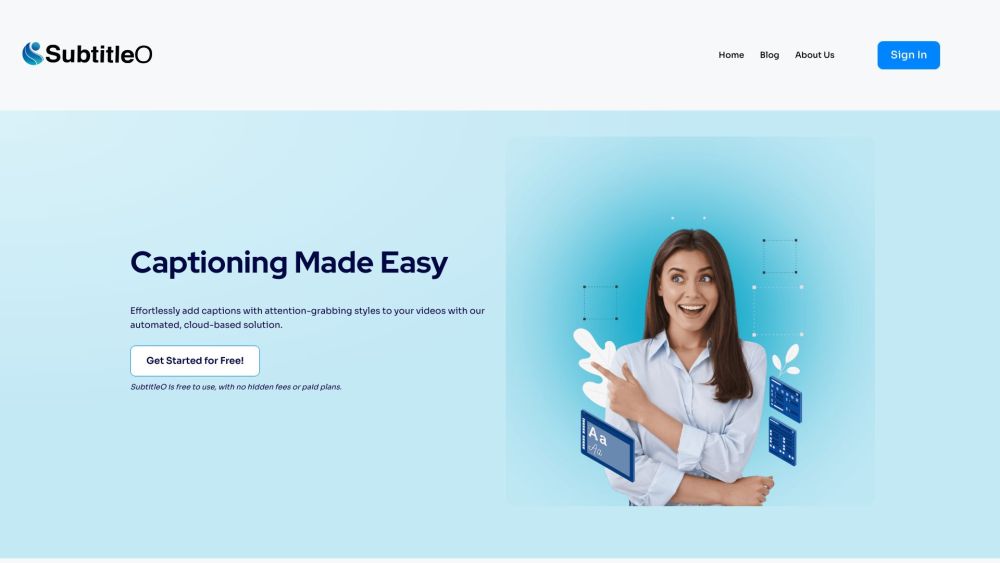
SubtitleO website preview

SubtitleO Website screenshot

What is SubtitleO?

SubtitleO is an innovative SaaS web application designed to offer content creators an effortless solution for adding customizable auto subtitles to their videos. It enhances viewer engagement, accessibility, and search engine optimization (SEO).

How to use SubtitleO?

1. Upload your video to the SubtitleO platform
2. Customize subtitle appearance with various font, size, color, and background options
3. Utilize SubtitleO’s AI to automatically generate accurate and well-timed captions
4. Manually refine and adjust subtitles for precision
5. Export and share your videos with captions to reach a broader audience and improve SEO.

SubtitleO's Core Features

Automated subtitle creation

Customizable subtitle styles and settings

Support for multiple languages and dialects

User-friendly editing tools

Simple export and sharing options

SubtitleO's Use Cases

Content creators aiming to enhance their videos with captivating subtitles

Influencers and brands seeking to increase engagement and viewer retention

Creators targeting global audiences by offering multilingual captions

Anyone looking to boost SEO by incorporating subtitles into their videos

  • SubtitleO Discord

    Join the SubtitleO Discord community here: https://discord.com/invite/WfbCYu3juC. For more details, visit this page.

  • SubtitleO Support Email & Customer Service

    Contact SubtitleO support at: [email protected] for any inquiries or assistance.

  • About SubtitleO

    Learn more about SubtitleO on our About Us page.

  • Sign Up for SubtitleO

    Get started with SubtitleO by signing up here: Sign Up

  • SubtitleO Pricing

    Check out our pricing plans: Pricing

Product source: SubtitleO official website. Check the provider for current plans, limits and availability.

FAQ

SubtitleO questions and answers

Product context and practical checks for evaluating SubtitleO.

What is SubtitleO used for?

SubtitleO: Effortlessly add auto subtitles to videos. Boost engagement, accessibility, and SEO with our customizable, easy-to-use SaaS solution.

How do I get started with SubtitleO?

1. Upload your video to the SubtitleO platform 2. Customize subtitle appearance with various font, size, color, and background options 3. Utilize SubtitleO’s AI to automatically generate accurate and well-timed captions 4. Manually refine and adjust subtitles for precision 5. Export and share your videos with captions to reach a broader audience and improve SEO.

Which capabilities are described for SubtitleO?

Automated subtitle creationCustomizable subtitle styles and settingsSupport for multiple languages and dialectsUser-friendly editing toolsSimple export and sharing options

What projects can I evaluate SubtitleO for?

Content creators aiming to enhance their videos with captivating subtitlesInfluencers and brands seeking to increase engagement and viewer retentionCreators targeting global audiences by offering multilingual captionsAnyone looking to boost SEO by incorporating subtitles into their videos SubtitleO Discord Join the SubtitleO Discord community here: https://discord.com/invite/WfbCYu3juC. For more details, visit this page. SubtitleO Support Email & Customer Service Contact SubtitleO support at: [email protected] for any inquiries or assistance. About SubtitleO Learn more about SubtitleO on our About Us page. Sign Up for SubtitleO Get started with SubtitleO by signing up here: Sign Up SubtitleO Pricing Check out our pricing plans: Pricing

What should I compare before choosing a SubtitleO plan?

Check out our pricing plans: Pricing Confirm current prices and allowances on the provider’s website before purchasing.

What inputs should I prepare for a SubtitleO trial?

Compare text prompts, reference frames, source footage and audio support. Check duration, aspect ratio and whether the tool lets you keep a subject consistent between shots.

How can I check the quality of a SubtitleO result?

Watch the entire clip for motion errors, distorted objects, changing identities, lip-sync problems and abrupt transitions. Inspect the downloaded file as well as the preview.

Which export options should I check in SubtitleO?

Check export resolution, frame rate, aspect ratio, audio tracks and watermark rules. A good preview is not a substitute for an export that fits your publishing channel.

What is a practical way to test SubtitleO against alternatives?

Use a short shot with one subject and one camera movement. Keep the prompt and duration constant, then compare usable seconds and the number of regenerations.

Where is the official SubtitleO website?

The website linked from this profile is https://subtitleo.com. Use the provider’s own documentation, account area and support channels to confirm current product details.

Visit SubtitleO