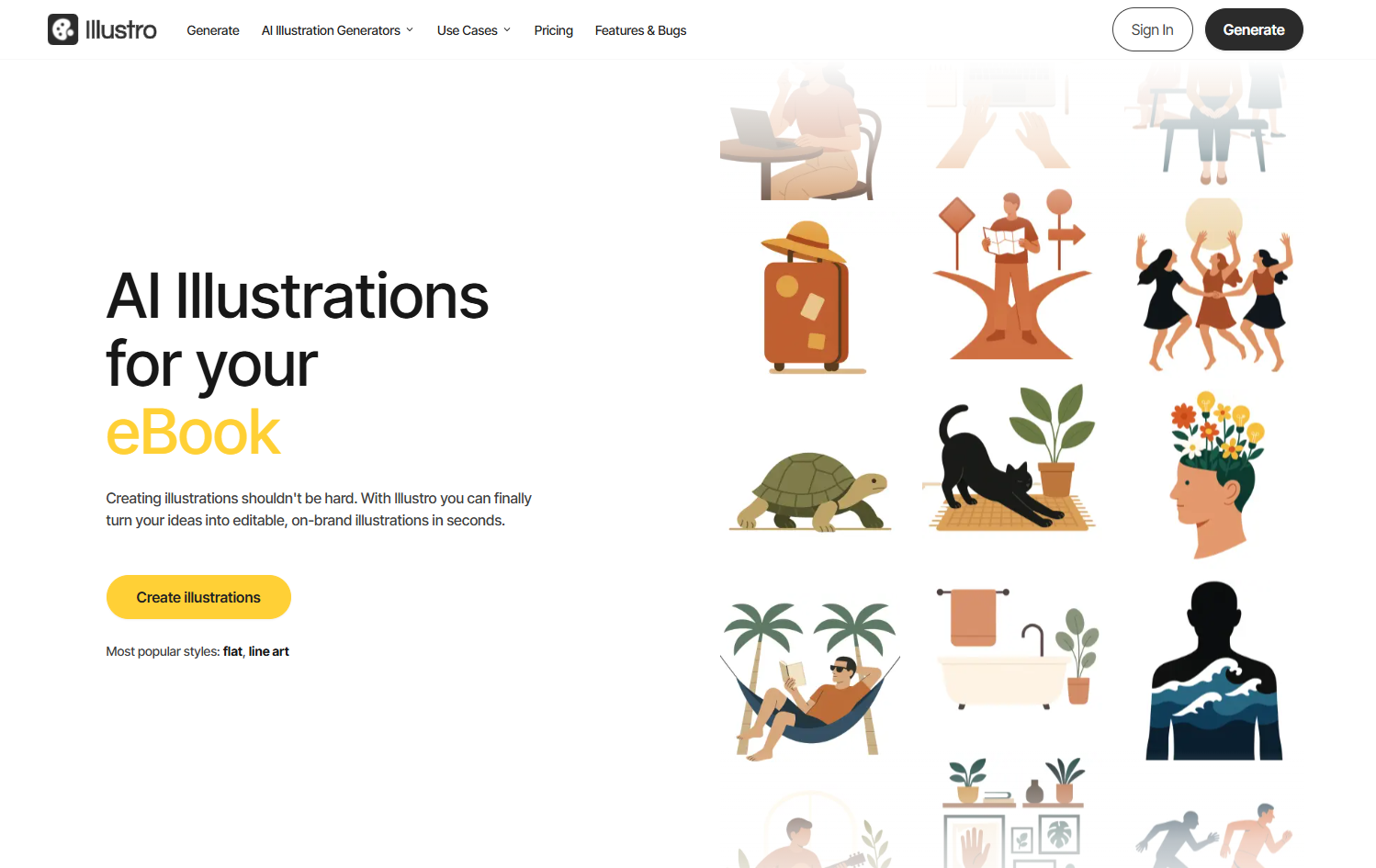
Create editable, on-brand illustrations in seconds with Illustro AI. Choose flat or line art, customize colors, and export SVG, PNG or JPG
Explore a specific workflow
Explore vector graphics tools through the product profiles below. The collection groups applications around a shared task. Product scope can overlap, so compare the specific workflow each tool describes rather than the category name alone.
Identify the files, text or account connections your task needs. Confirm that the product accepts those inputs and offers controls for reviewing its work.
Test one representative task and inspect the result for accuracy and completeness. Record where manual corrections or extra tools are needed.
Create editable, on-brand illustrations in seconds with Illustro AI. Choose flat or line art, customize colors, and export SVG, PNG or JPG

Svg.la: Transform text or images into SVG files with AI-powered tools. Explore use cases, pricing, reviews, features, and alternatives—your ultimate vector graphics solution!
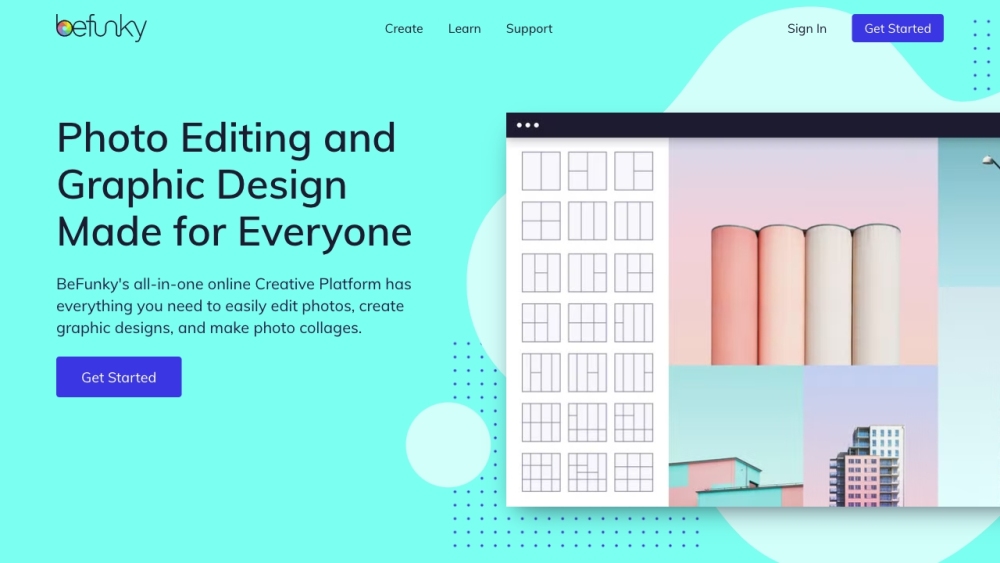
BeFunky is an online creative platform that offers a free photo editor, collage maker, and graphic designer. It allows users to edit photos, apply various photo effects, create collages, and design graphics with ease.

VectorMind AI: Instantly create stunning, high-quality vector graphics with our advanced generative AI. Transform ideas into memorable designs in seconds.

Transform text into SVG vectors effortlessly with neoSVG, the AI-powered tool that converts your prompts into precise, scalable designs.

With PaintPotion, creating and consistent vector illustrations has never been easier or faster. Simply provide a prompt, and our AI will generate four unique vector illustrations that maintain a consistent style.

Create vector art from text prompts with Illustroke. Easily generate, customize, and download beautiful SVG illustrations for websites and social media.

Unleash your creativity with Kittl! AI design tools, text transform, mockup generator, and more make designs easy. Start creating with Kittl now!
FAQ
Practical answers to help you take the next step.
The collection groups applications around a shared task. Product scope can overlap, so compare the specific workflow each tool describes rather than the category name alone.
Identify the files, text or account connections your task needs. Confirm that the product accepts those inputs and offers controls for reviewing its work.
Test one representative task and inspect the result for accuracy and completeness. Record where manual corrections or extra tools are needed.
Choose one task with a clear success condition. Keep the input consistent, record the time spent reviewing and compare the complete workflow cost.
Create editable, on-brand illustrations in seconds with Illustro AI. Choose flat or line art, customize colors, and export SVG, PNG or JPG
Read about IllustroSvg.la: Transform text or images into SVG files with AI-powered tools. Explore use cases, pricing, reviews, features, and alternatives—your ultimate vector graphics solution!
Read about Svg.laBeFunky is an online creative platform that offers a free photo editor, collage maker, and graphic designer. It allows users to edit photos, apply various photo effects, create collages, and design graphics with ease.
Read about BeFunkyVectorMind AI: Instantly create stunning, high-quality vector graphics with our advanced generative AI. Transform ideas into memorable designs in seconds.
Read about VectorMind AITransform text into SVG vectors effortlessly with neoSVG, the AI-powered tool that converts your prompts into precise, scalable designs.
Read about neoSVGWith PaintPotion, creating and consistent vector illustrations has never been easier or faster. Simply provide a prompt, and our AI will generate four unique vector illustrations that maintain a consistent style.
Read about Paint Potion