
EloquentAI: Boost writing skills & create high-quality content effortlessly. Explore use cases, pricing, reviews, core features, and alternatives. Perfect for writers, students, and professionals.
Explore a specific workflow
Explore tone adjustment tools through the product profiles below. The collection groups applications around a shared task. Product scope can overlap, so compare the specific workflow each tool describes rather than the category name alone.
Identify the files, text or account connections your task needs. Confirm that the product accepts those inputs and offers controls for reviewing its work.
Test one representative task and inspect the result for accuracy and completeness. Record where manual corrections or extra tools are needed.
EloquentAI: Boost writing skills & create high-quality content effortlessly. Explore use cases, pricing, reviews, core features, and alternatives. Perfect for writers, students, and professionals.
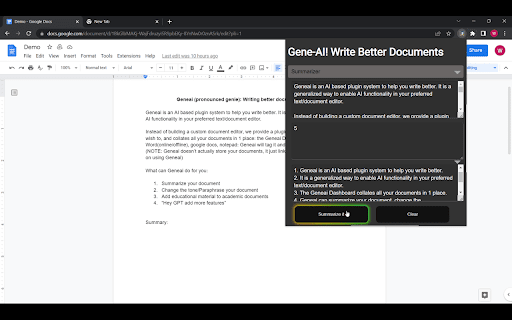
Experience writing with GeneAI - Chrome Extension. Our AI plugin enhances your writing, making it smarter and more efficient.

Boost your writing with Justdone - the Chrome Extension that offers powerful AI assistance for clearer, faster, and more engaging content.

Experience pure comfort with '', a premium quality product designed for ultimate relaxation. Perfect for daily use, enhancing your lifestyle effortlessly.

Boost your email productivity with Quickeee: AI-driven email optimization and streamlined responses. Integrate and manage emails efficiently.
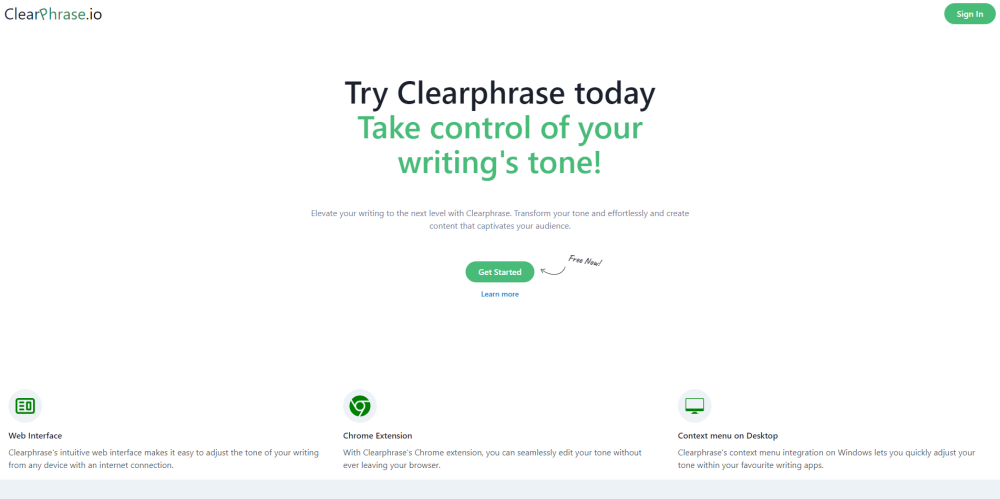
ClearPhrase: Master your writing's tone effortlessly with our intuitive web interface, Chrome extension, and context menu integration.
FAQ
Practical answers to help you take the next step.
The collection groups applications around a shared task. Product scope can overlap, so compare the specific workflow each tool describes rather than the category name alone.
Identify the files, text or account connections your task needs. Confirm that the product accepts those inputs and offers controls for reviewing its work.
Test one representative task and inspect the result for accuracy and completeness. Record where manual corrections or extra tools are needed.
Choose one task with a clear success condition. Keep the input consistent, record the time spent reviewing and compare the complete workflow cost.
EloquentAI: Boost writing skills & create high-quality content effortlessly. Explore use cases, pricing, reviews, core features, and alternatives. Perfect for writers, students, and professionals.
Read about EloquentAIExperience writing with GeneAI - Chrome Extension. Our AI plugin enhances your writing, making it smarter and more efficient.
Read about GeneAI - Chrome ExtensionBoost your writing with Justdone - the Chrome Extension that offers powerful AI assistance for clearer, faster, and more engaging content.
Read about Justdone - Chrome ExtensionExperience pure comfort with '', a premium quality product designed for ultimate relaxation. Perfect for daily use, enhancing your lifestyle effortlessly.
Read about Product NameBoost your email productivity with Quickeee: AI-driven email optimization and streamlined responses. Integrate and manage emails efficiently.
Read about QuickeeeClearPhrase: Master your writing's tone effortlessly with our intuitive web interface, Chrome extension, and context menu integration.
Read about ClearPhrase