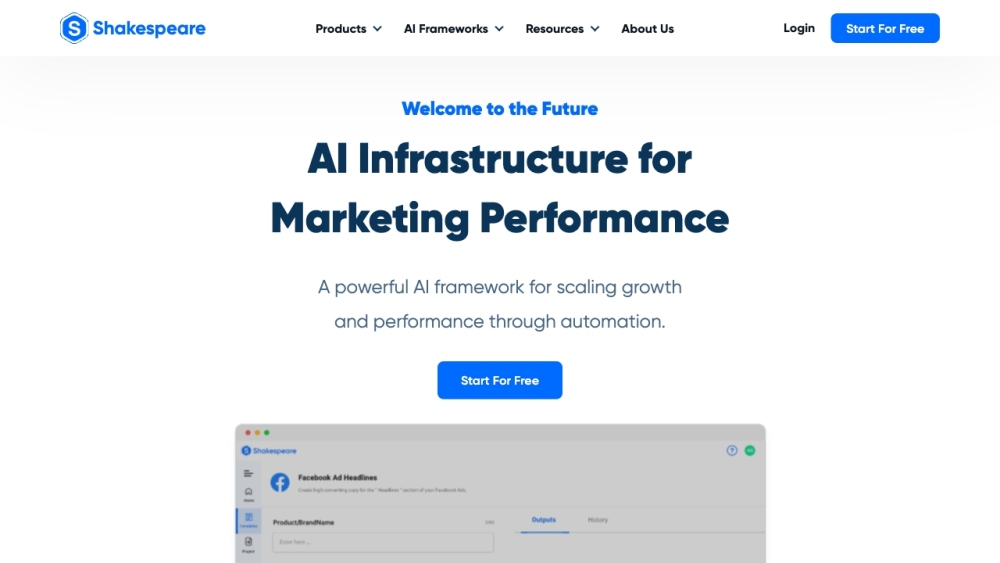
Shakespeare - Your AI Marketing Expert: Master targeting, automate creativity, and optimize performance with real-time, data-driven, hyper-personalized campaigns.
Explore a specific workflow
Explore targeting tools through the product profiles below. The collection groups applications around a shared task. Product scope can overlap, so compare the specific workflow each tool describes rather than the category name alone.
Identify the files, text or account connections your task needs. Confirm that the product accepts those inputs and offers controls for reviewing its work.
Test one representative task and inspect the result for accuracy and completeness. Record where manual corrections or extra tools are needed.
Shakespeare - Your AI Marketing Expert: Master targeting, automate creativity, and optimize performance with real-time, data-driven, hyper-personalized campaigns.
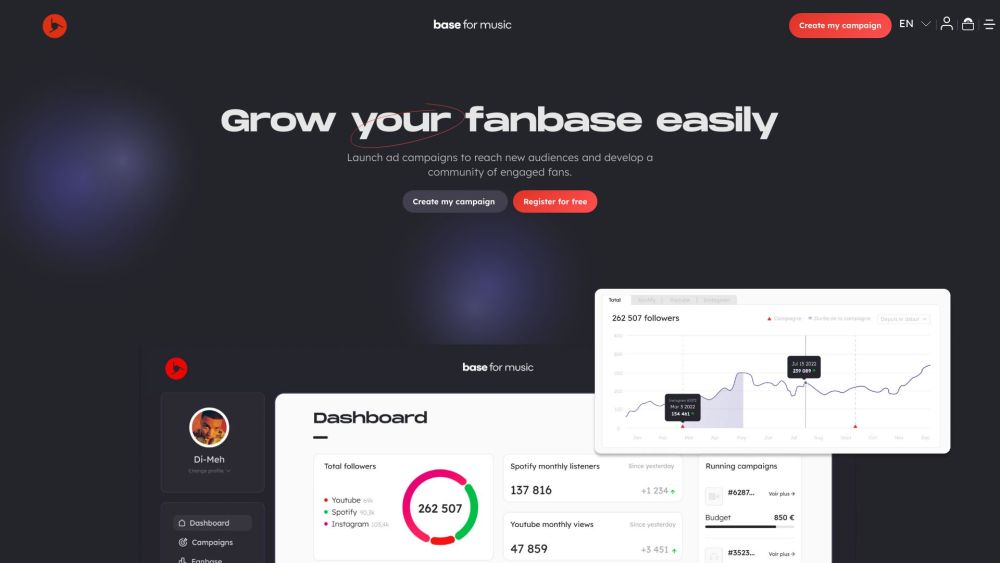
Base for Music: The ultimate tool for music pros to boost fanbase growth and elevate artists' careers. Grow your audience effortlessly!
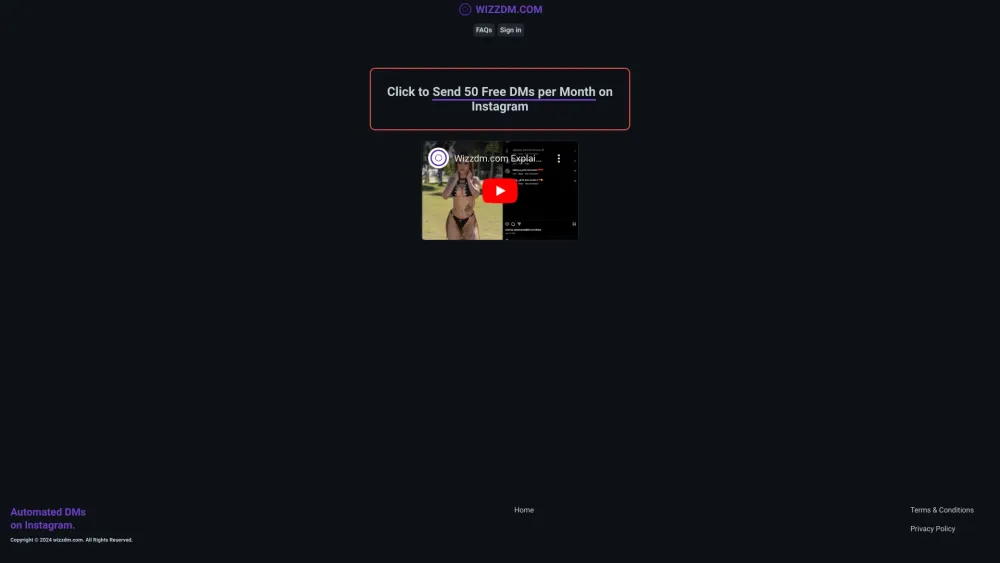
Automate Instagram outreach with 'Automated DMs on Instagram: Streamline Your IG Outreach'. Save time, engage followers, and boost your reach effortlessly!
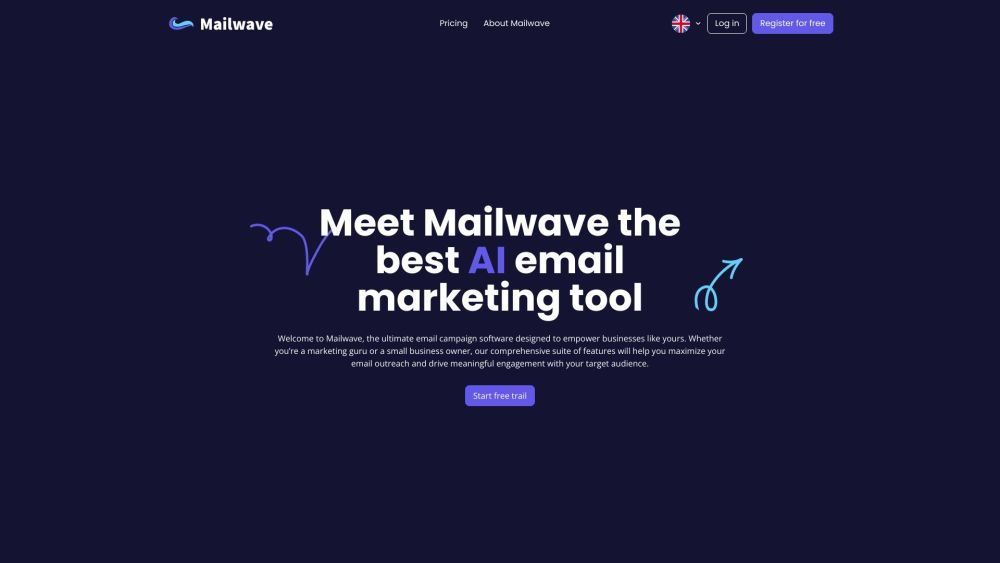
Mailwave AI: Simplify email marketing with AI-driven campaign creation, automated workflows, and detailed analytics for better targeting and conversions.
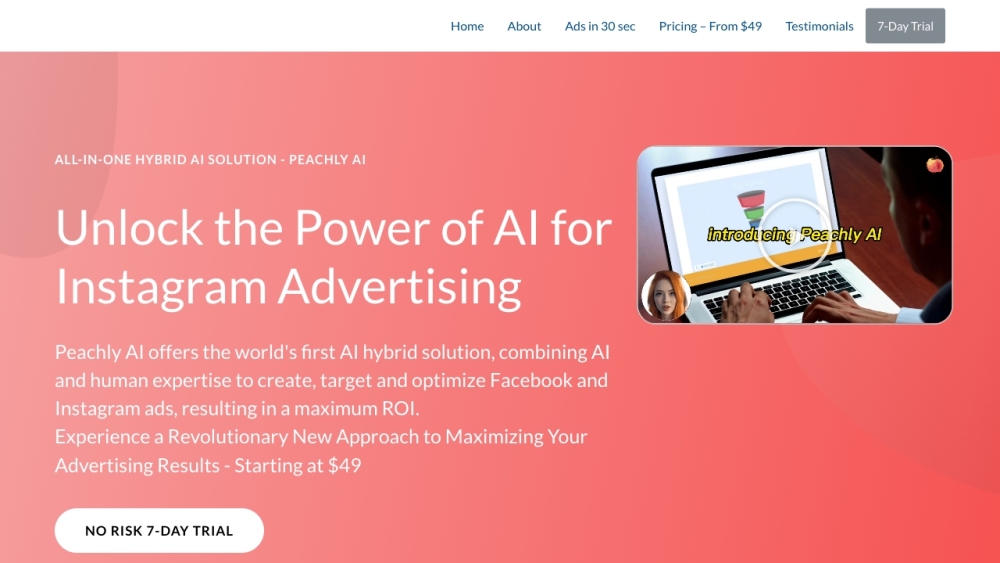
Peachly AI: Optimize ads, target your ideal audience, and boost ROI with top 1% ad experts and AI technology. Maximize your ad performance today!
FAQ
Practical answers to help you take the next step.
The collection groups applications around a shared task. Product scope can overlap, so compare the specific workflow each tool describes rather than the category name alone.
Identify the files, text or account connections your task needs. Confirm that the product accepts those inputs and offers controls for reviewing its work.
Test one representative task and inspect the result for accuracy and completeness. Record where manual corrections or extra tools are needed.
Choose one task with a clear success condition. Keep the input consistent, record the time spent reviewing and compare the complete workflow cost.
Shakespeare - Your AI Marketing Expert: Master targeting, automate creativity, and optimize performance with real-time, data-driven, hyper-personalized campaigns.
Read about ShakespeareBase for Music: The ultimate tool for music pros to boost fanbase growth and elevate artists' careers. Grow your audience effortlessly!
Read about Base for MusicAutomate Instagram outreach with 'Automated DMs on Instagram: Streamline Your IG Outreach'. Save time, engage followers, and boost your reach effortlessly!
Read about Automated DMs on InstagramMailwave AI: Simplify email marketing with AI-driven campaign creation, automated workflows, and detailed analytics for better targeting and conversions.
Read about Mailwave AIPeachly AI: Optimize ads, target your ideal audience, and boost ROI with top 1% ad experts and AI technology. Maximize your ad performance today!
Read about Peachly AICheck export formats, integrations and whether you can keep using your work outside the service. Test a real export before committing to a longer plan.