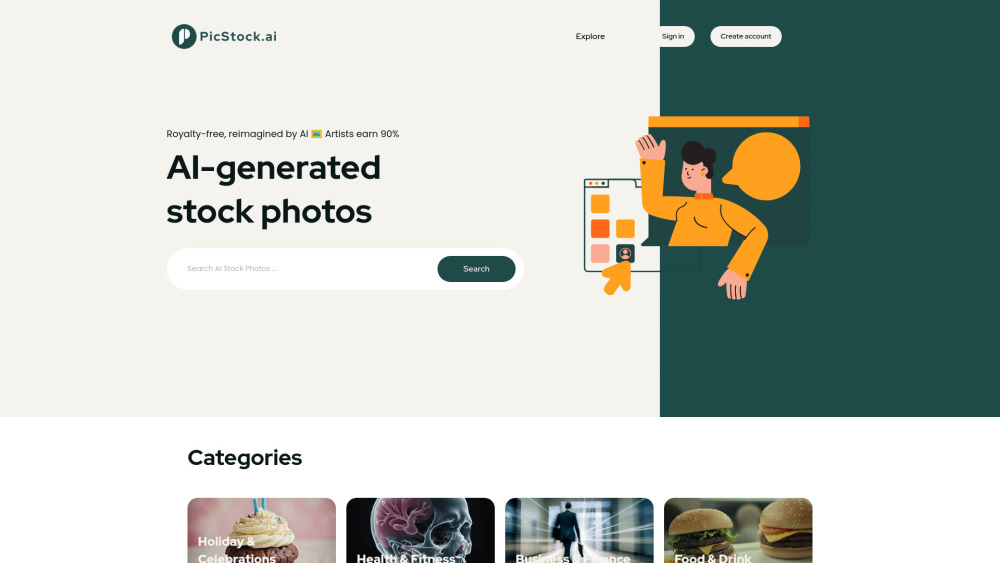
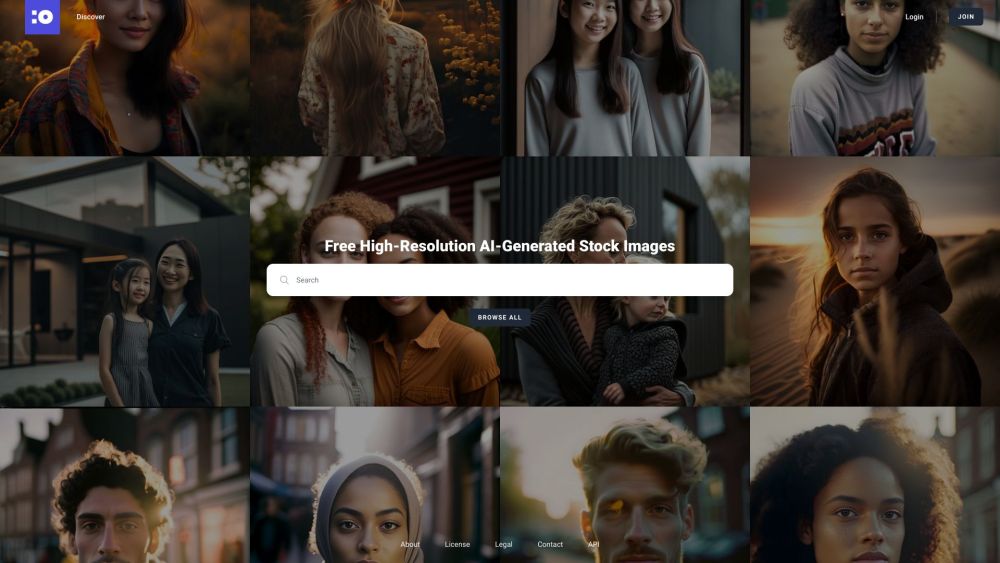
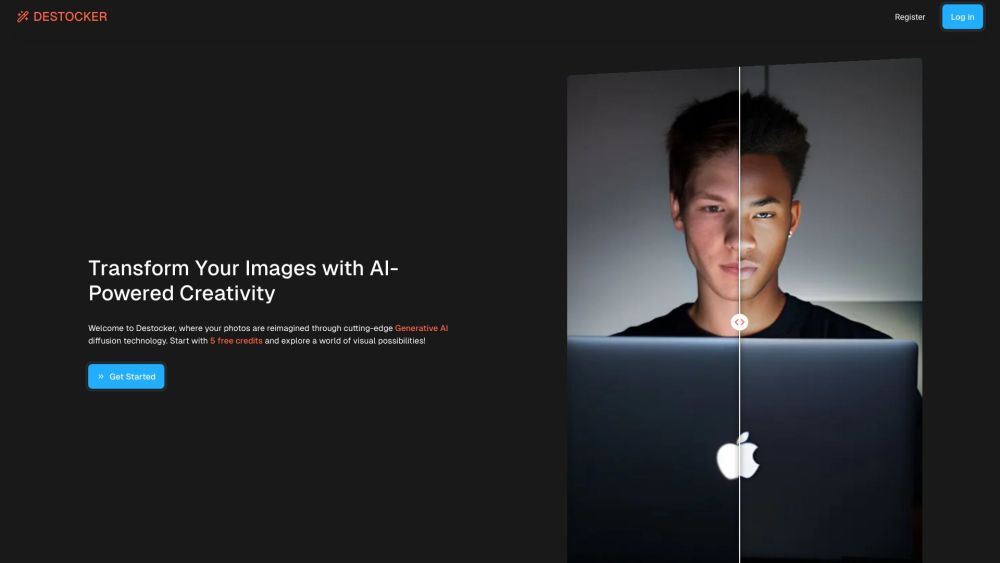
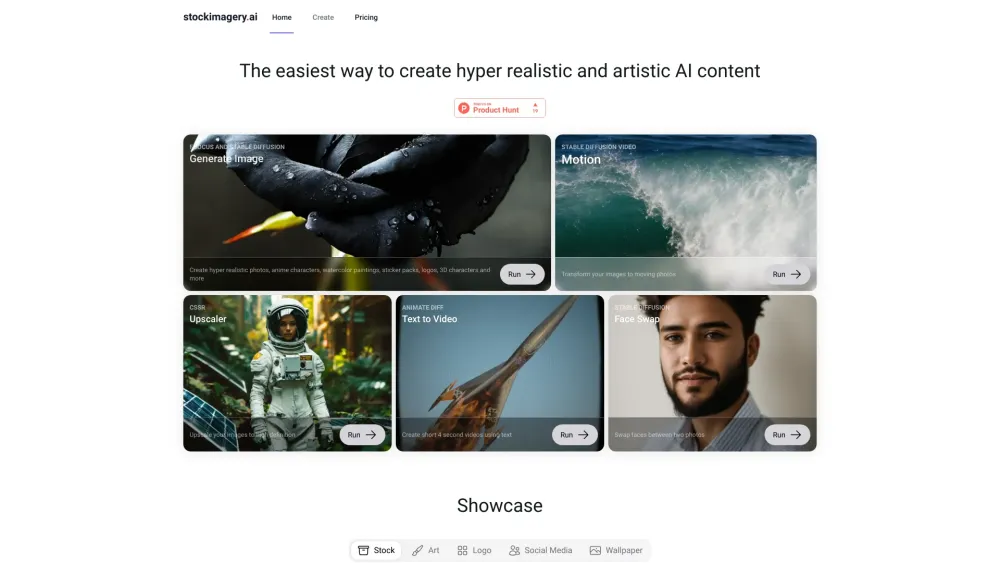
Explore stock photos tools through the product profiles below. Visual AI tools cover image generation, photo editing, enhancement and design tasks. Choose between creating a new image and modifying an existing asset before comparing products.
✳
How to compare stock photos tools
Look for text prompts, image references, masks or sketches as appropriate. Compare composition control, supported upload types and the ability to revise a selected area.
Inspect text, hands, edges, reflections and repeated objects at full size. Check that important product or brand details survive editing.
Animaker is an online do-it-yourself (#DIY) animation video maker that brings studio quality presentations within everyone's reach. It allows users to create animated videos and live-action videos in minutes. With a simple drag and drop builder, powerful character builder, and a vast library of stock videos and photos, Animaker provides a platform for beginners, non-designers, and professionals to create visually videos. It has been trusted by over 18 million people and is used by leading brands worldwide.
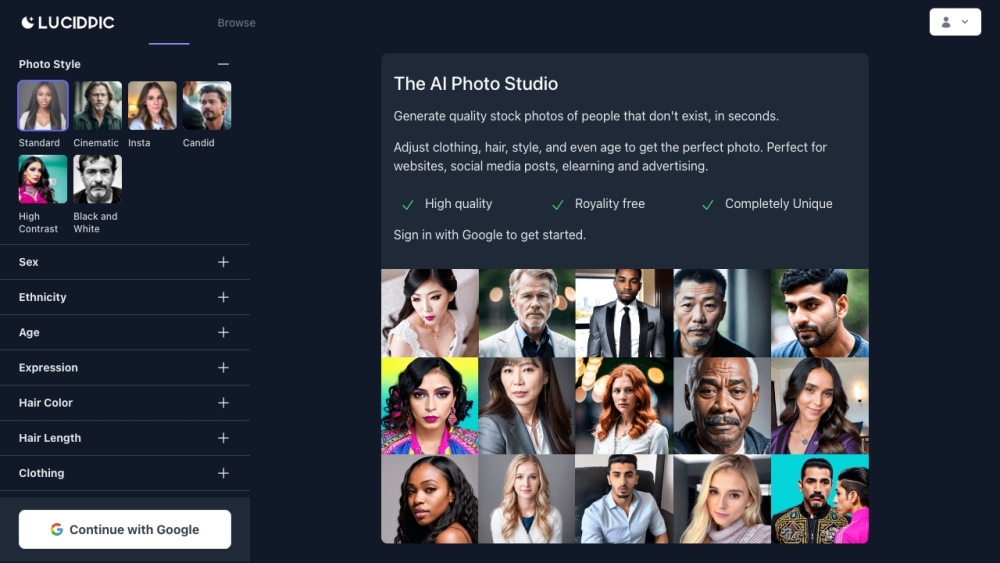
Lucidpic is an AI Person Generator that provides high-quality stock photos of people that don't exist. These photos are royalty-free and can be used for various purposes such as website design, social media posts, e-learning, and advertising.
Pixelied is a free online graphic design tool that offers a wide range of features such as a lightning-fast image editor, versatile online graphics editor, and an extensive library of templates, stock photos, icons, and illustrations. It is perfect for marketing, e-commerce, and social media designs.
WPAutoBlog.com: AI-powered article writer, smart scheduling, and keyword research—automatically post engaging content to your WordPress blog effortlessly.
FAQ
Stock photos questions and answers
Practical answers to help you take the next step.
What does the Stock photos tag cover?
Visual AI tools cover image generation, photo editing, enhancement and design tasks. Choose between creating a new image and modifying an existing asset before comparing products.
Which inputs should I compare in stock photos tools?
Look for text prompts, image references, masks or sketches as appropriate. Compare composition control, supported upload types and the ability to revise a selected area.
How should I review results from a Stock photos tool?
Inspect text, hands, edges, reflections and repeated objects at full size. Check that important product or brand details survive editing.
What is a fair first test for stock photos tools?
Prepare a brief with a subject, composition, lighting and required output size. Test a first generation and a targeted revision to see how much control you retain.
What does Animaker AI offer in this Stock photos collection?
Animaker is an online do-it-yourself (#DIY) animation video maker that brings studio quality presentations within everyone's reach. It allows users to create animated videos and live-action videos in minutes. With a simple drag and drop builder, powerful character builder, and a vast library of stock videos and photos, Animaker provides a platform for beginners, non-designers, and professionals to create visually videos. It has been trusted by over 18 million people and is used by leading brands worldwide.