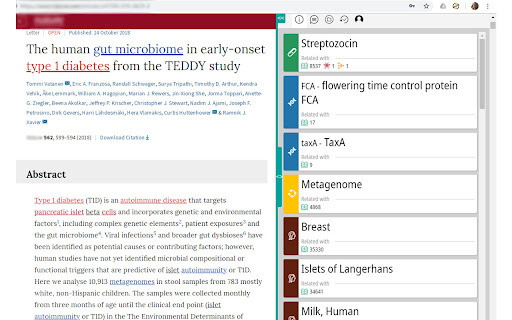
BioSeek Reader - Chrome Extension: Instantly explore and analyze web content with ease. Boost your productivity and discover insights in a single click!
Explore a specific workflow
Explore semantic analysis tools through the product profiles below. The collection groups applications around a shared task. Product scope can overlap, so compare the specific workflow each tool describes rather than the category name alone.
Identify the files, text or account connections your task needs. Confirm that the product accepts those inputs and offers controls for reviewing its work.
Test one representative task and inspect the result for accuracy and completeness. Record where manual corrections or extra tools are needed.
BioSeek Reader - Chrome Extension: Instantly explore and analyze web content with ease. Boost your productivity and discover insights in a single click!
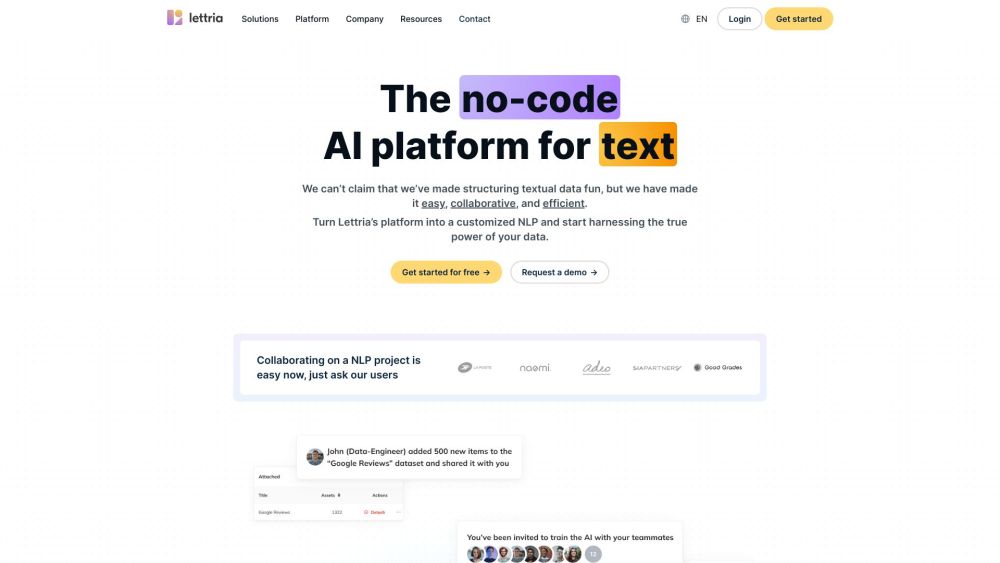
Lettria: The no-code AI platform to easily structure text, collaborate, and build custom NLP models and chatbots. Transform your data into actionable insights today!
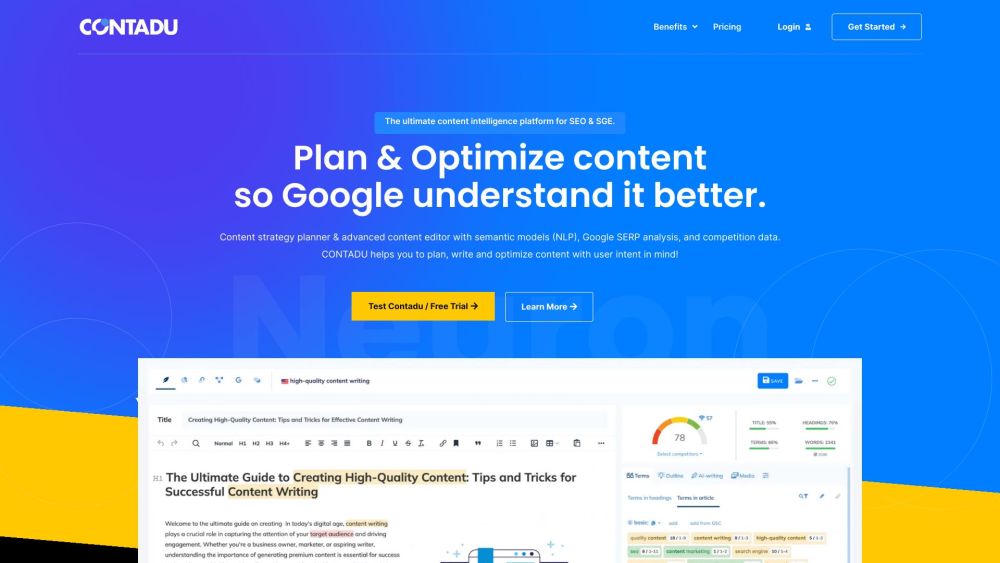
CONTADU: AI-driven content planning with semantic analysis, competitive research, and an advanced editor to boost your content strategy and SEO.
Chadix: Revolutionize your SEO strategy with AI-powered automation & high-quality content generation for improved rankings.
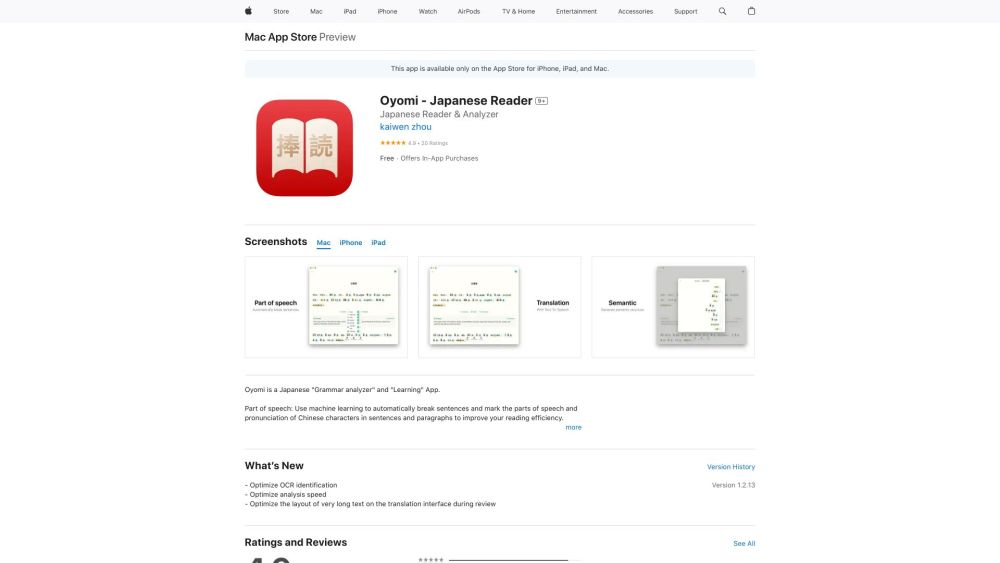
Oyomi: Enhance your language skills with AI-powered grammar analysis, semantic understanding, and translation for effective learning.
FAQ
Practical answers to help you take the next step.
The collection groups applications around a shared task. Product scope can overlap, so compare the specific workflow each tool describes rather than the category name alone.
Identify the files, text or account connections your task needs. Confirm that the product accepts those inputs and offers controls for reviewing its work.
Test one representative task and inspect the result for accuracy and completeness. Record where manual corrections or extra tools are needed.
Choose one task with a clear success condition. Keep the input consistent, record the time spent reviewing and compare the complete workflow cost.
BioSeek Reader - Chrome Extension: Instantly explore and analyze web content with ease. Boost your productivity and discover insights in a single click!
Read about BioSeek Reader - Chrome ExtensionLettria: The no-code AI platform to easily structure text, collaborate, and build custom NLP models and chatbots. Transform your data into actionable insights today!
Read about LettriaCONTADU: AI-driven content planning with semantic analysis, competitive research, and an advanced editor to boost your content strategy and SEO.
Read about CONTADUChadix: Revolutionize your SEO strategy with AI-powered automation & high-quality content generation for improved rankings.
Read about ChadixOyomi: Enhance your language skills with AI-powered grammar analysis, semantic understanding, and translation for effective learning.
Read about Oyomi AI ToolCheck export formats, integrations and whether you can keep using your work outside the service. Test a real export before committing to a longer plan.