Glider AI Talent Quality Platform: Elevate your hiring with AI-powered precision for top talent across all industries. Quality hires, every time.
Explore a specific workflow
Explore screen sharing tools through the product profiles below. The collection groups applications around a shared task. Product scope can overlap, so compare the specific workflow each tool describes rather than the category name alone.
Identify the files, text or account connections your task needs. Confirm that the product accepts those inputs and offers controls for reviewing its work.
Test one representative task and inspect the result for accuracy and completeness. Record where manual corrections or extra tools are needed.
Glider AI Talent Quality Platform: Elevate your hiring with AI-powered precision for top talent across all industries. Quality hires, every time.

Dialogview: Smart Contact Centre for multi-channel interactions—live chat, calls, bots, screen sharing, group chats, and more, all in one interface!
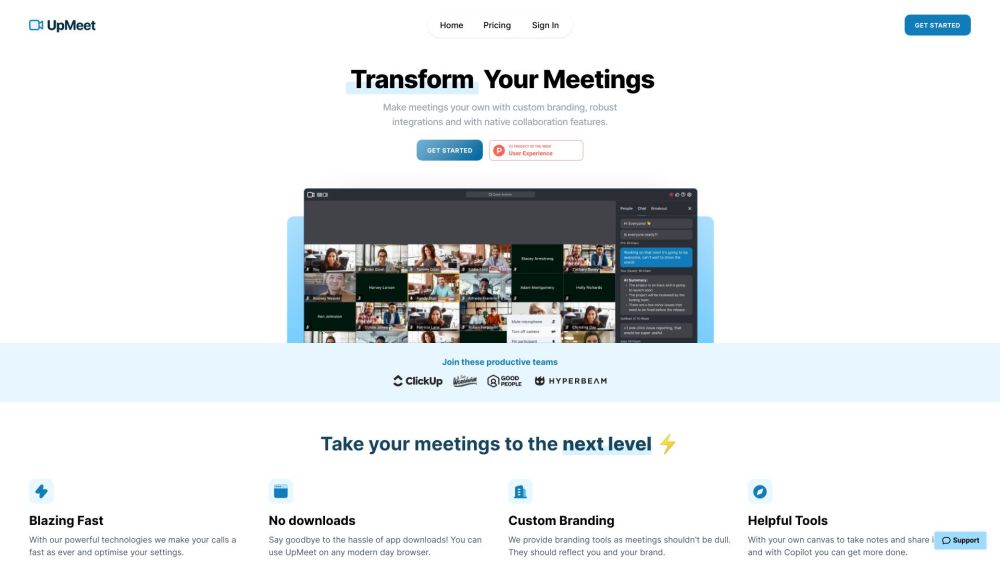
UpMeet: Elevate your meetings with custom branding, integrations, and collaboration tools for enhanced productivity and enjoyment.
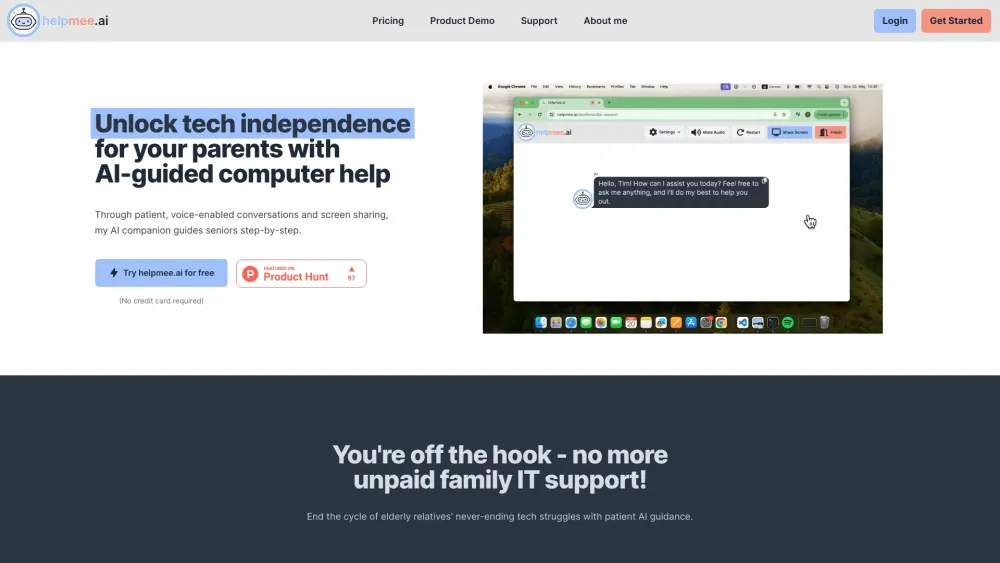
Helpmee.ai: AI-Powered Tech Support & Assistance for Seniors. Simplify tech, get instant help, and stay connected with ease. Perfect for senior tech users!
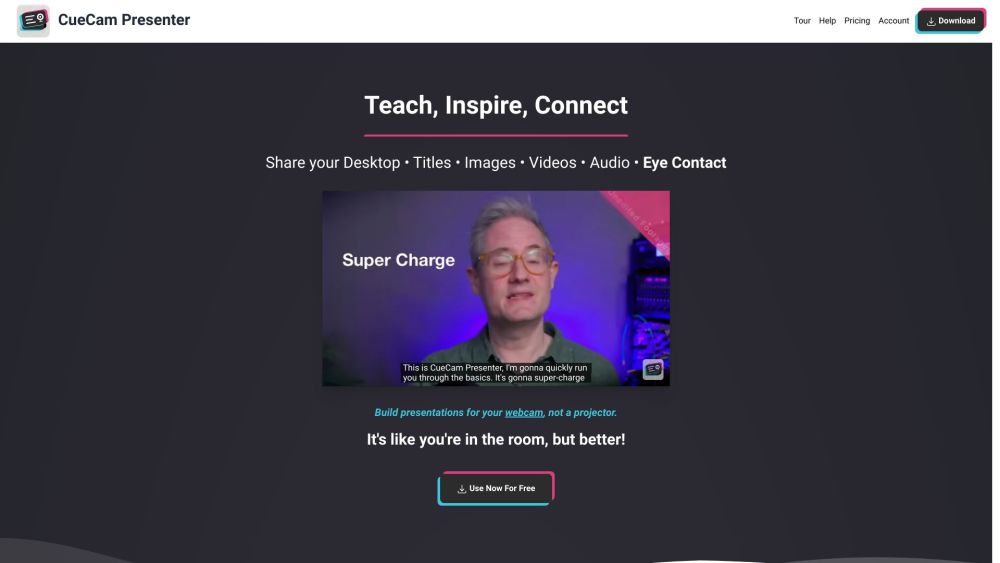
Enhance your video calls with CueCam: Virtual Camera & Mic, Screen Sharing for Mac. Connects iPhone/iPad for added drawing, cameras, and extra screens.
FAQ
Practical answers to help you take the next step.
The collection groups applications around a shared task. Product scope can overlap, so compare the specific workflow each tool describes rather than the category name alone.
Identify the files, text or account connections your task needs. Confirm that the product accepts those inputs and offers controls for reviewing its work.
Test one representative task and inspect the result for accuracy and completeness. Record where manual corrections or extra tools are needed.
Choose one task with a clear success condition. Keep the input consistent, record the time spent reviewing and compare the complete workflow cost.
Glider AI Talent Quality Platform: Elevate your hiring with AI-powered precision for top talent across all industries. Quality hires, every time.
Read about Glider AI Talent Quality PlatformDialogview: Smart Contact Centre for multi-channel interactions—live chat, calls, bots, screen sharing, group chats, and more, all in one interface!
Read about DialogviewUpMeet: Elevate your meetings with custom branding, integrations, and collaboration tools for enhanced productivity and enjoyment.
Read about UpMeetHelpmee.ai: AI-Powered Tech Support & Assistance for Seniors. Simplify tech, get instant help, and stay connected with ease. Perfect for senior tech users!
Read about Helpmee.aiEnhance your video calls with CueCam: Virtual Camera & Mic, Screen Sharing for Mac. Connects iPhone/iPad for added drawing, cameras, and extra screens.
Read about CueCamCheck export formats, integrations and whether you can keep using your work outside the service. Test a real export before committing to a longer plan.