
Create tutorials and demos with Camtasia’s AI screen recorder and video editor. Add auto captions, remove backgrounds, and generate AI voices
Explore a specific workflow
Explore screen recorder tools through the product profiles below. The collection groups applications around a shared task. Product scope can overlap, so compare the specific workflow each tool describes rather than the category name alone.
Identify the files, text or account connections your task needs. Confirm that the product accepts those inputs and offers controls for reviewing its work.
Test one representative task and inspect the result for accuracy and completeness. Record where manual corrections or extra tools are needed.
Create tutorials and demos with Camtasia’s AI screen recorder and video editor. Add auto captions, remove backgrounds, and generate AI voices
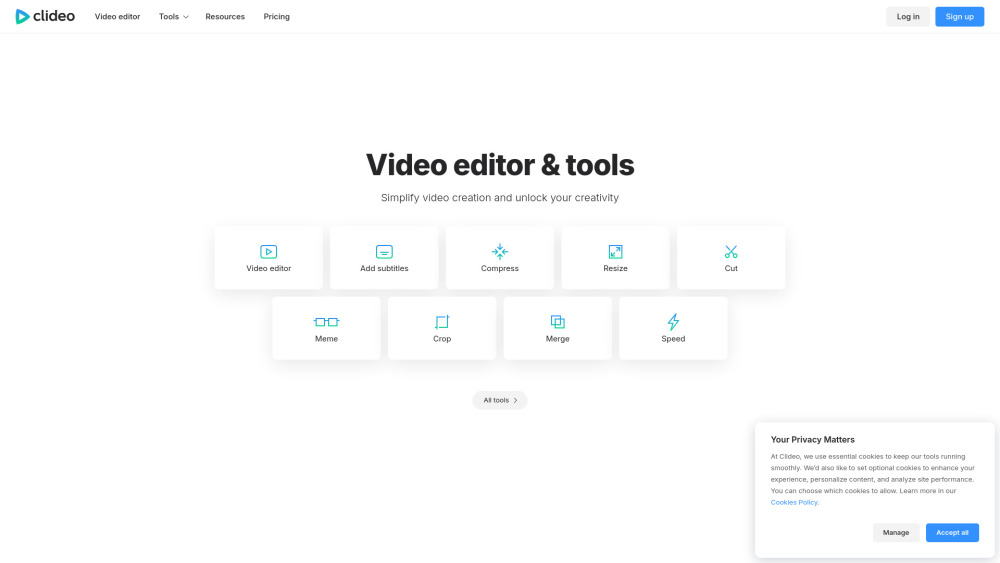
Clideo: Effortlessly edit videos, images & GIFs online—no downloads, no skills needed. Fast, free, and ready in seconds!

Boost sales with Vidyard's Chrome Extension! Record and share screens for enhanced communication and sales success. Try it now!
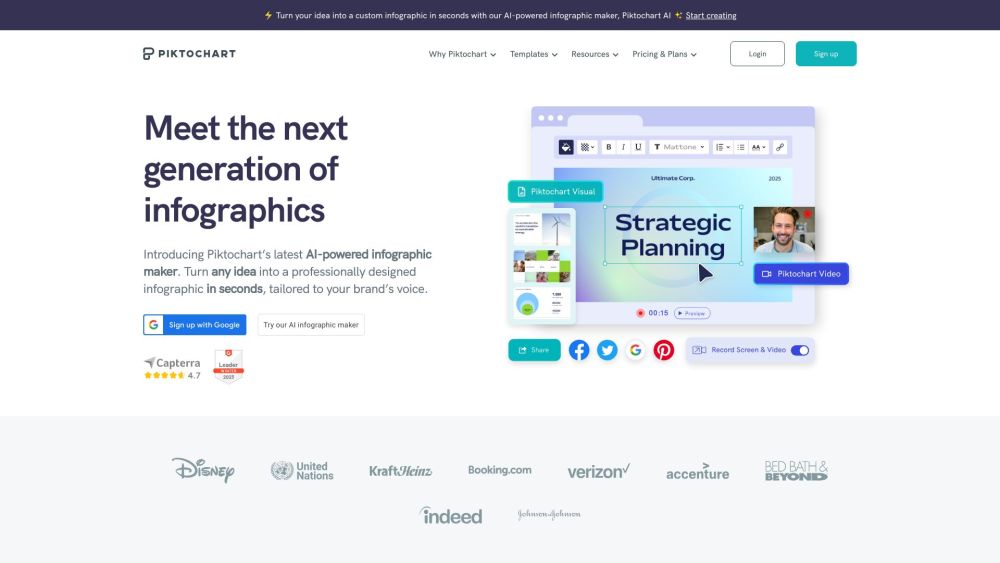
Piktochart is an infographic maker that allows you to create professional-looking infographics, flyers, posters, reports, newsletters, and charts. No design experience is needed.

Vizard.ai: AI Video Editor, Screen Recorder. Instantly create and repurpose viral social media clips with powerful, text-based editing tools.
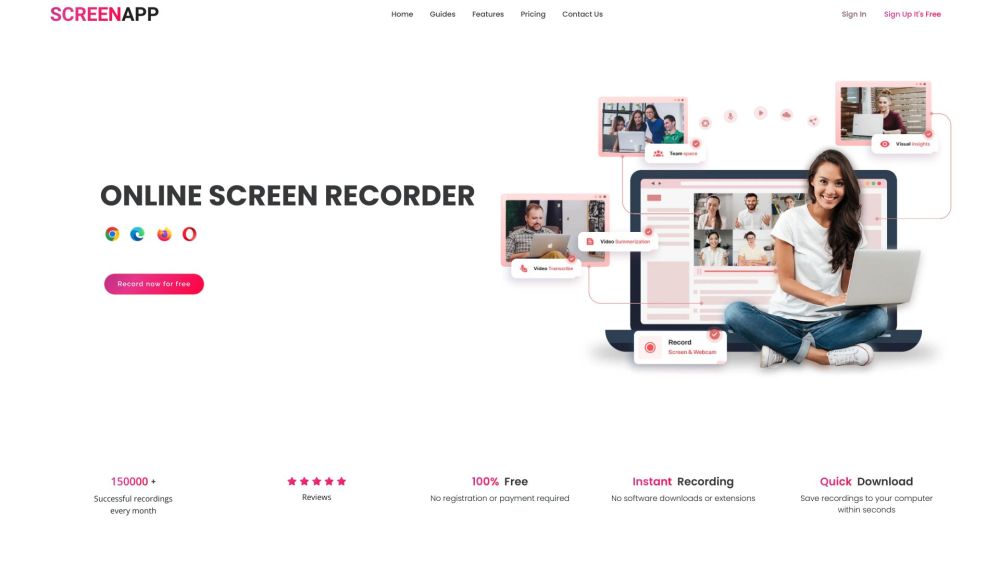
ScreenApp is a free online screen recorder that allows users to effortlessly capture their screen recordings and leverage AI to transcribe and condense meetings and workflows. It is designed to simplify the sharing of insights with teams, clients, and prospects.
FAQ
Practical answers to help you take the next step.
The collection groups applications around a shared task. Product scope can overlap, so compare the specific workflow each tool describes rather than the category name alone.
Identify the files, text or account connections your task needs. Confirm that the product accepts those inputs and offers controls for reviewing its work.
Test one representative task and inspect the result for accuracy and completeness. Record where manual corrections or extra tools are needed.
Choose one task with a clear success condition. Keep the input consistent, record the time spent reviewing and compare the complete workflow cost.
Create tutorials and demos with Camtasia’s AI screen recorder and video editor. Add auto captions, remove backgrounds, and generate AI voices
Read about CamtasiaClideo: Effortlessly edit videos, images & GIFs online—no downloads, no skills needed. Fast, free, and ready in seconds!
Read about ClideoBoost sales with Vidyard's Chrome Extension! Record and share screens for enhanced communication and sales success. Try it now!
Read about Vidyard Chrome ExtensionPiktochart is an infographic maker that allows you to create professional-looking infographics, flyers, posters, reports, newsletters, and charts. No design experience is needed.
Read about PiktochartVizard.ai: AI Video Editor, Screen Recorder. Instantly create and repurpose viral social media clips with powerful, text-based editing tools.
Read about Vizard.aiScreenApp is a free online screen recorder that allows users to effortlessly capture their screen recordings and leverage AI to transcribe and condense meetings and workflows. It is designed to simplify the sharing of insights with teams, clients, and prospects.
Read about ScreenApp