Explore rpa tools through the product profiles below. The collection groups applications around a shared task. Product scope can overlap, so compare the specific workflow each tool describes rather than the category name alone.
✳
How to compare rpa tools
Identify the files, text or account connections your task needs. Confirm that the product accepts those inputs and offers controls for reviewing its work.
Test one representative task and inspect the result for accuracy and completeness. Record where manual corrections or extra tools are needed.
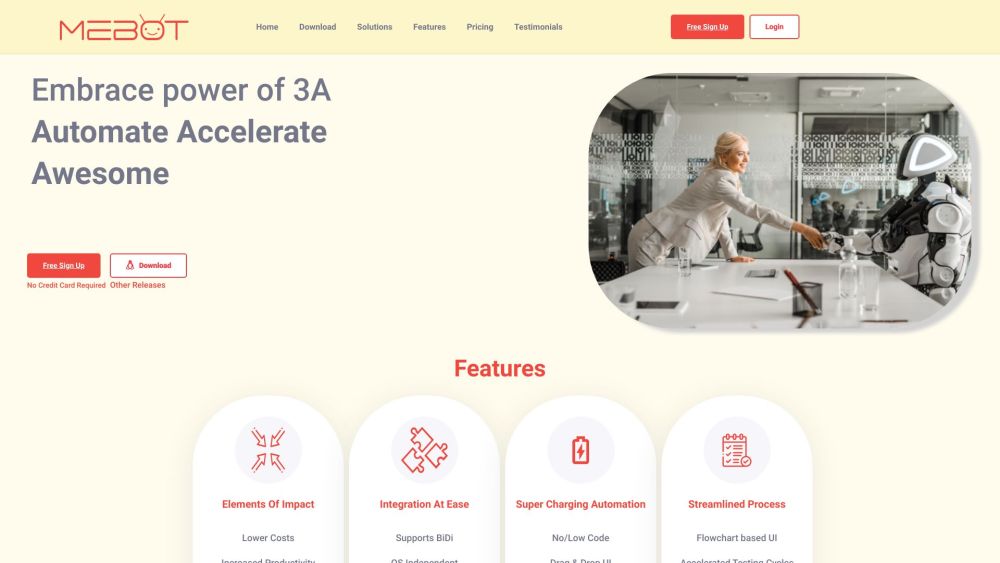
TakeMeBot is an advanced Robotic Process Automation (RPA) tool that enables businesses to automate repetitive tasks and streamline their workflows. By utilizing rule-based bots, TakeMeBot eliminates manual interventions and provides high accuracy and greater productivity. With its integration capabilities, TakeMeBot can integrate with various applications, databases, and systems, making end-to-end automation possible. The tool also prioritizes security with on-premise installation and local process execution, ensuring data isolation and reducing the risk of security breaches.
Introducing '', the ultimate solution for [product feature]! Experience unparalleled [benefit] with our innovative [unique selling point]. Try it today!
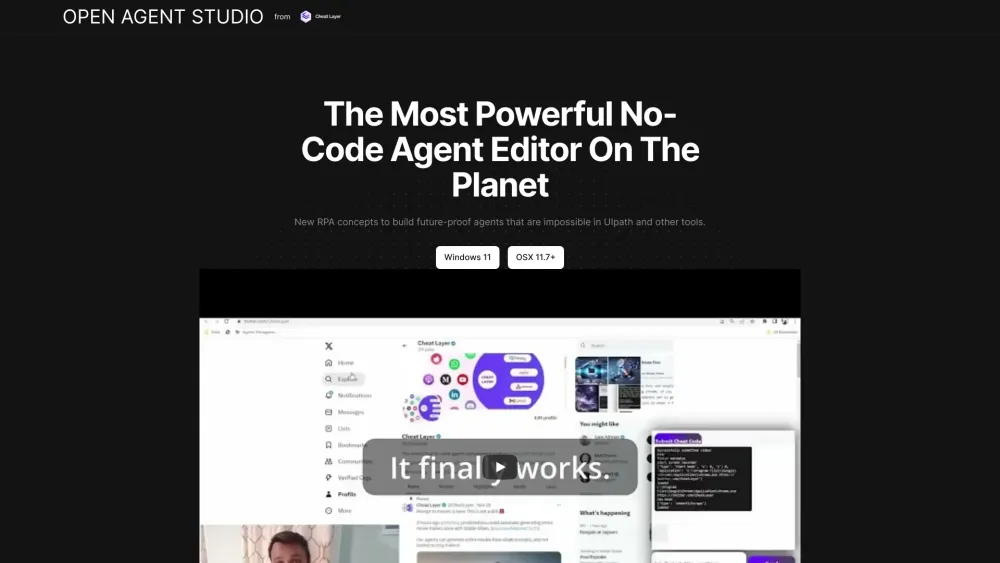
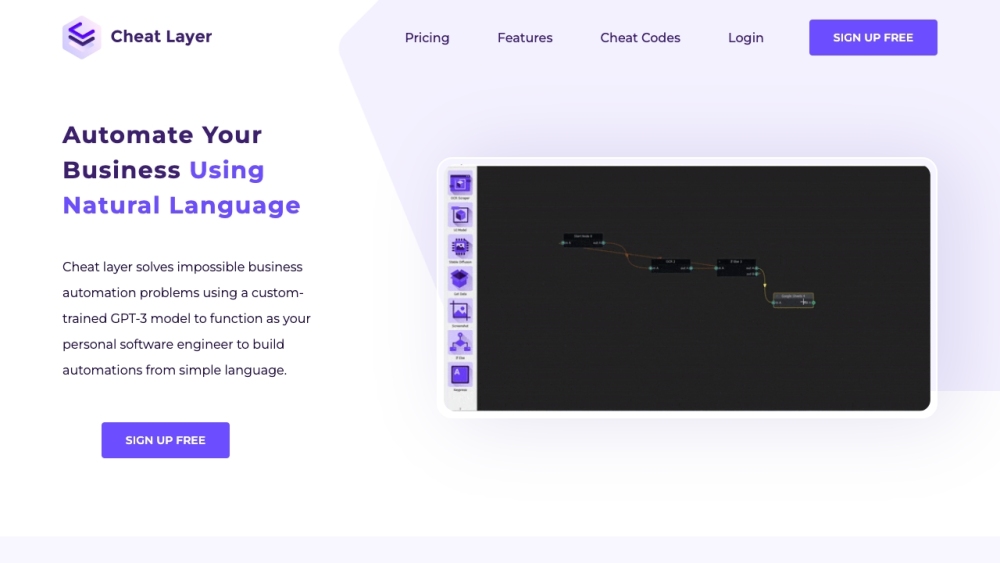
Cheat Layer: Your business automation platform using GPT-3 to act as a personal software engineer, solving complex tasks with ease. See use cases, pricing, reviews!
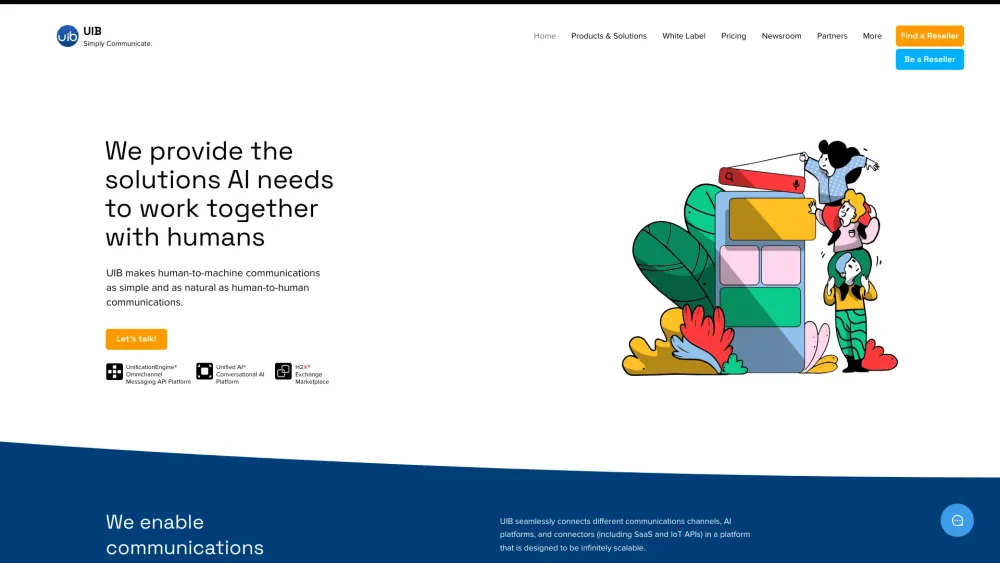
UIB created the world’s first and only multi-channel conversational AI platform that serves as a universal translator and enables communications with any device or person independent of the language and underlying platform.
U-xer: Automate web & desktop apps with our computer vision-based test automation and RPA tool. Automate any on-screen task efficiently!
FAQ
RPA questions and answers
Practical answers to help you take the next step.
What does the RPA tag cover?
The collection groups applications around a shared task. Product scope can overlap, so compare the specific workflow each tool describes rather than the category name alone.
Which inputs should I compare in rpa tools?
Identify the files, text or account connections your task needs. Confirm that the product accepts those inputs and offers controls for reviewing its work.
How should I review results from a RPA tool?
Test one representative task and inspect the result for accuracy and completeness. Record where manual corrections or extra tools are needed.
What is a fair first test for rpa tools?
Choose one task with a clear success condition. Keep the input consistent, record the time spent reviewing and compare the complete workflow cost.
What does TakeMeBot offer in this RPA collection?
TakeMeBot is an advanced Robotic Process Automation (RPA) tool that enables businesses to automate repetitive tasks and streamline their workflows. By utilizing rule-based bots, TakeMeBot eliminates manual interventions and provides high accuracy and greater productivity. With its integration capabilities, TakeMeBot can integrate with various applications, databases, and systems, making end-to-end automation possible. The tool also prioritizes security with on-premise installation and local process execution, ensuring data isolation and reducing the risk of security breaches.
What does EcoSmart LED Bulb offer in this RPA collection?
Introducing '', the ultimate solution for [product feature]! Experience unparalleled [benefit] with our innovative [unique selling point]. Try it today!
What does Cheat Layer offer in this RPA collection?
Cheat Layer: Your business automation platform using GPT-3 to act as a personal software engineer, solving complex tasks with ease. See use cases, pricing, reviews!
What does UIB Omnichannel MSP & AI Platforms offer in this RPA collection?
UIB created the world’s first and only multi-channel conversational AI platform that serves as a universal translator and enables communications with any device or person independent of the language and underlying platform.