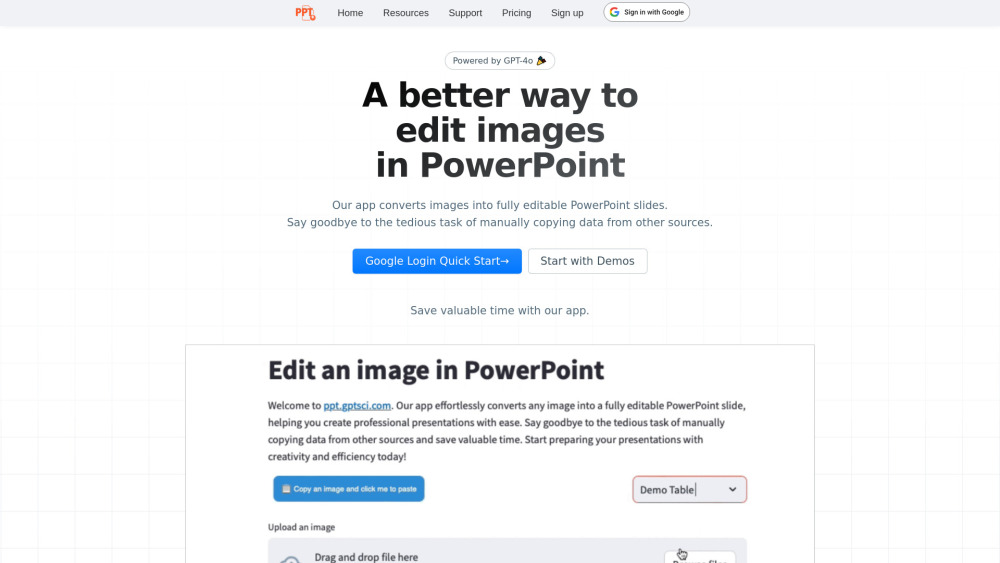
Convert Image to PowerPoint fast with our easy-to-use tool! Instantly transform images into PowerPoint slides in just a few clicks.
Explore a specific workflow
Explore professional presentations tools through the product profiles below. The collection groups applications around a shared task. Product scope can overlap, so compare the specific workflow each tool describes rather than the category name alone.
Identify the files, text or account connections your task needs. Confirm that the product accepts those inputs and offers controls for reviewing its work.
Test one representative task and inspect the result for accuracy and completeness. Record where manual corrections or extra tools are needed.
Convert Image to PowerPoint fast with our easy-to-use tool! Instantly transform images into PowerPoint slides in just a few clicks.
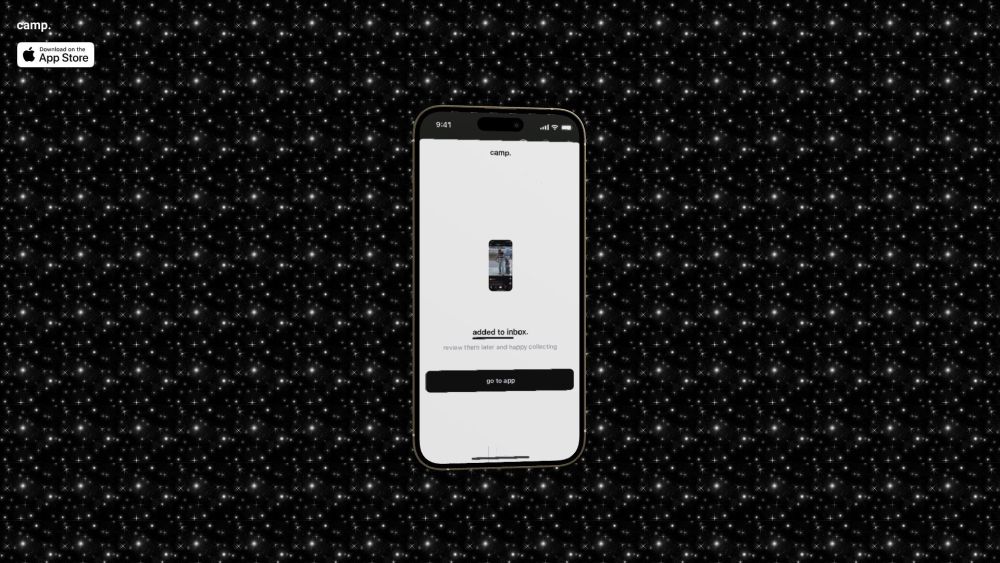
Camp.: Capture smarter screenshots effortlessly for all your needs. Perfect for work, play, and everything in between.
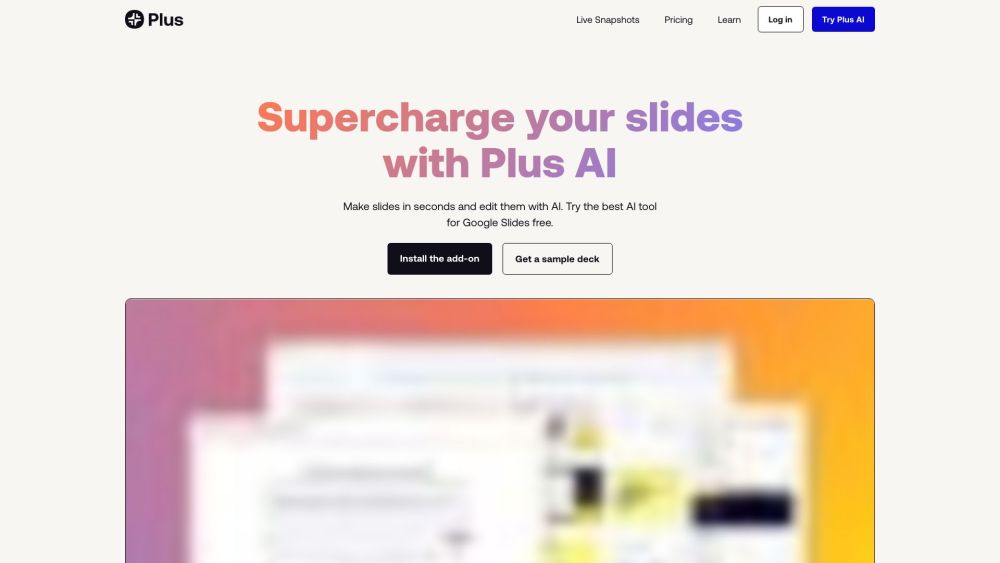
Create, edit, and design professional Google Slides presentations in minutes with Plus AI: the ultimate AI-powered presentation maker.
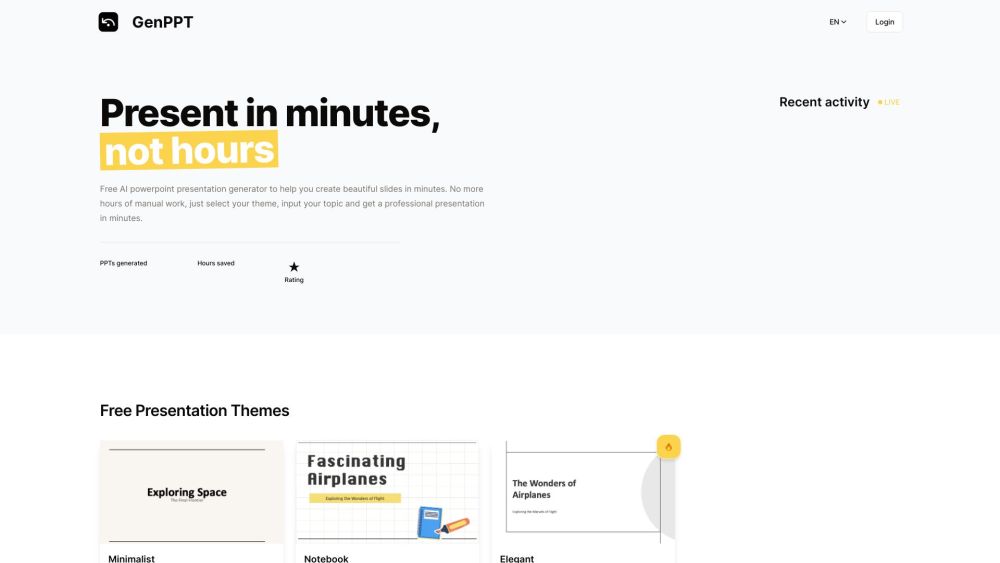
Create presentations in minutes with GenPPT, the free AI PowerPoint generator. Choose from various themes and impress effortlessly!
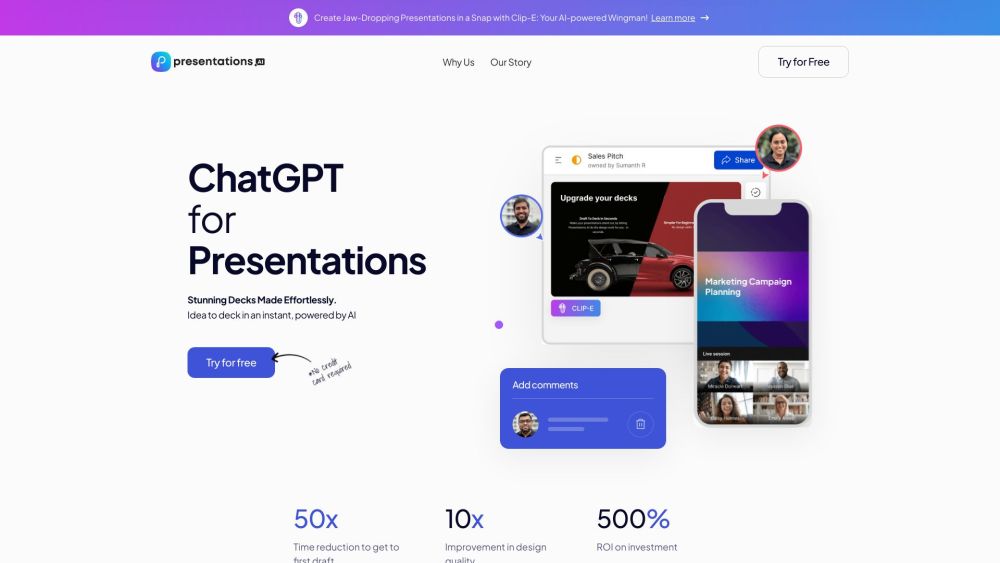
Create PPTs in seconds with Presentations.AI! Just type a prompt and let AI build your presentation effortlessly. Get Presentations.AI now!
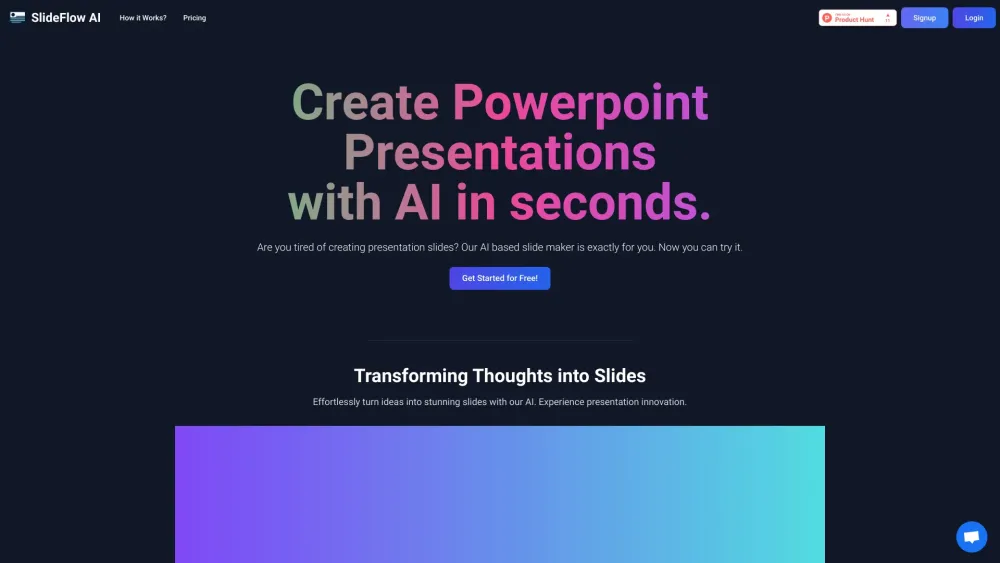
SlideFlow AI transforms ideas into slides with AI magic. Experience rapid, smart design and customizable backgrounds. Revolutionize presentations today! #SlideFlowAI 🚀✨
FAQ
Practical answers to help you take the next step.
The collection groups applications around a shared task. Product scope can overlap, so compare the specific workflow each tool describes rather than the category name alone.
Identify the files, text or account connections your task needs. Confirm that the product accepts those inputs and offers controls for reviewing its work.
Test one representative task and inspect the result for accuracy and completeness. Record where manual corrections or extra tools are needed.
Choose one task with a clear success condition. Keep the input consistent, record the time spent reviewing and compare the complete workflow cost.
Convert Image to PowerPoint fast with our easy-to-use tool! Instantly transform images into PowerPoint slides in just a few clicks.
Read about Convert Image to PowerPointCamp.: Capture smarter screenshots effortlessly for all your needs. Perfect for work, play, and everything in between.
Read about Camp.Create, edit, and design professional Google Slides presentations in minutes with Plus AI: the ultimate AI-powered presentation maker.
Read about Plus AICreate presentations in minutes with GenPPT, the free AI PowerPoint generator. Choose from various themes and impress effortlessly!
Read about GenPPTCreate PPTs in seconds with Presentations.AI! Just type a prompt and let AI build your presentation effortlessly. Get Presentations.AI now!
Read about Presentations.AISlideFlow AI transforms ideas into slides with AI magic. Experience rapid, smart design and customizable backgrounds. Revolutionize presentations today! #SlideFlowAI 🚀✨
Read about SlideFlow AI