
GPT Finder: Discover popular GPTs, check chat counts, and preview their functionality for smarter AI experiences—all in one place!
Explore a specific workflow
Explore preview tools through the product profiles below. The collection groups applications around a shared task. Product scope can overlap, so compare the specific workflow each tool describes rather than the category name alone.
Identify the files, text or account connections your task needs. Confirm that the product accepts those inputs and offers controls for reviewing its work.
Test one representative task and inspect the result for accuracy and completeness. Record where manual corrections or extra tools are needed.
GPT Finder: Discover popular GPTs, check chat counts, and preview their functionality for smarter AI experiences—all in one place!

Boost productivity with Znote! Turn notes into micro apps, automate tasks, secure with passwords, and code efficiently. Link, prototype, and organize effortlessly.

HueHive: Effortlessly create and explore color palettes with ChatGPT's intelligent guidance. Transform your designs with vibrant, harmonious colors!
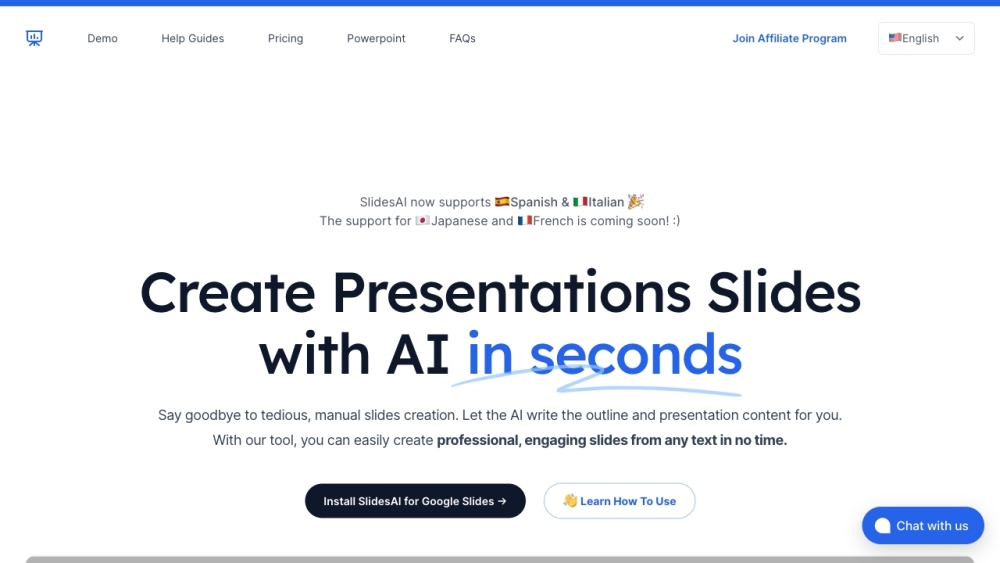
Create presentation slides from any text in seconds with SlidesAI: the AI-powered tool for effortless text-to-slide conversion.

CoverLetterGPT: Create professional cover letters effortlessly with our intuitive online platform. Boost your job applications with ease.

Boost productivity with RenderFit: Automate video editing and captions using AI for seamless, professional results effortlessly.
FAQ
Practical answers to help you take the next step.
The collection groups applications around a shared task. Product scope can overlap, so compare the specific workflow each tool describes rather than the category name alone.
Identify the files, text or account connections your task needs. Confirm that the product accepts those inputs and offers controls for reviewing its work.
Test one representative task and inspect the result for accuracy and completeness. Record where manual corrections or extra tools are needed.
Choose one task with a clear success condition. Keep the input consistent, record the time spent reviewing and compare the complete workflow cost.
GPT Finder: Discover popular GPTs, check chat counts, and preview their functionality for smarter AI experiences—all in one place!
Read about GPT FinderBoost productivity with Znote! Turn notes into micro apps, automate tasks, secure with passwords, and code efficiently. Link, prototype, and organize effortlessly.
Read about ZnoteHueHive: Effortlessly create and explore color palettes with ChatGPT's intelligent guidance. Transform your designs with vibrant, harmonious colors!
Read about HueHiveCreate presentation slides from any text in seconds with SlidesAI: the AI-powered tool for effortless text-to-slide conversion.
Read about SlidesAICoverLetterGPT: Create professional cover letters effortlessly with our intuitive online platform. Boost your job applications with ease.
Read about CoverLetterGPTBoost productivity with RenderFit: Automate video editing and captions using AI for seamless, professional results effortlessly.
Read about RenderFit