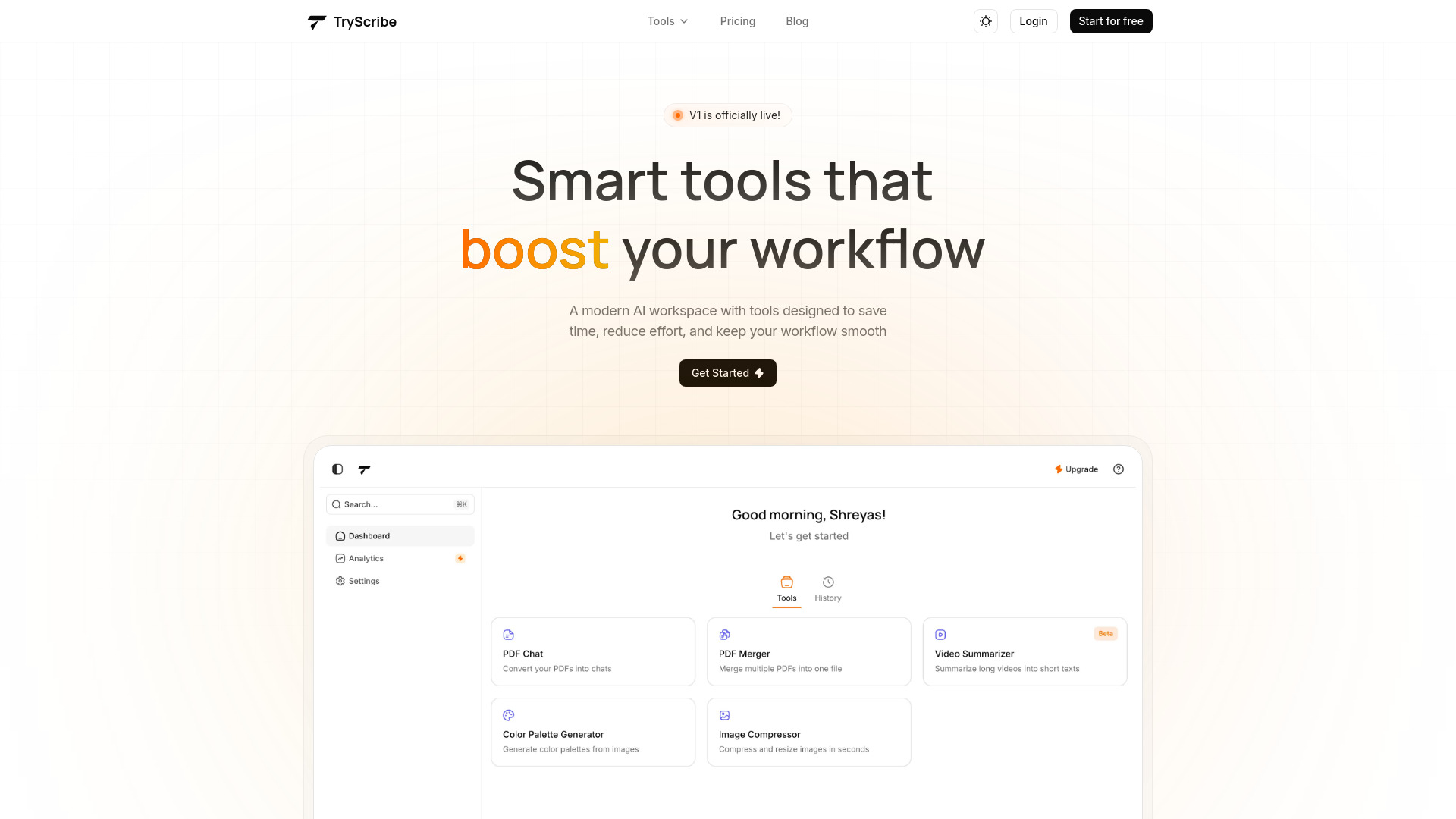
TryScribe: AI-powered PDF Chat, Video Summarizer, Image Compressor, Color Palette Generator & PDF Merger—streamline workflows instantly!
Explore a specific workflow
Explore pdf chat tools through the product profiles below. The collection groups applications around a shared task. Product scope can overlap, so compare the specific workflow each tool describes rather than the category name alone.
Identify the files, text or account connections your task needs. Confirm that the product accepts those inputs and offers controls for reviewing its work.
Test one representative task and inspect the result for accuracy and completeness. Record where manual corrections or extra tools are needed.
TryScribe: AI-powered PDF Chat, Video Summarizer, Image Compressor, Color Palette Generator & PDF Merger—streamline workflows instantly!

StudyFox: Your AI-powered learning assistant—smart study tools, personalized support, and academic excellence, all in one app. 🦊✨

PDF Chat: Secure, offline PDF analysis. Effortlessly analyze and extract insights from PDF documents without internet, ensuring your data stays private.
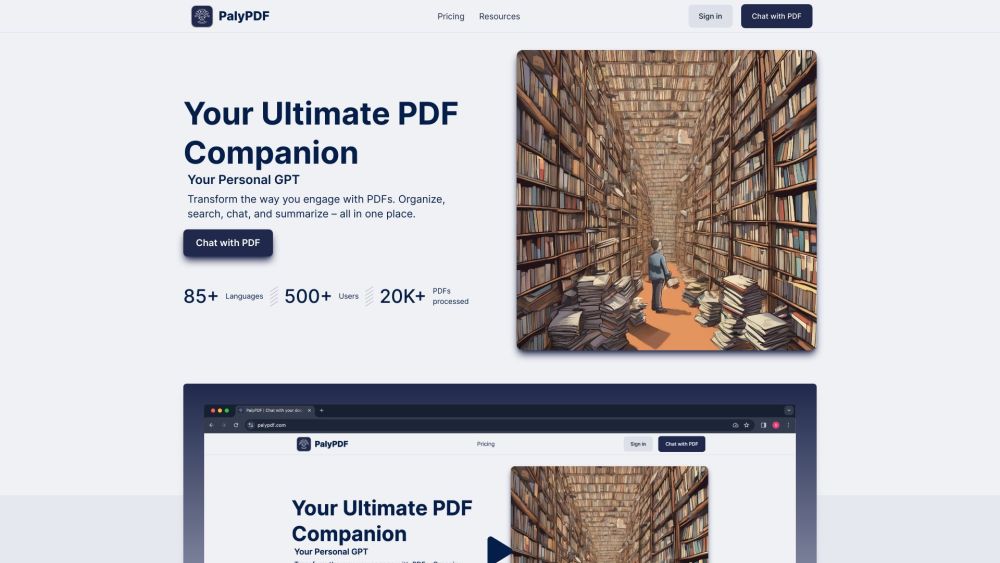
Transform PDF engagement. Organize, search, chat, and summarize in one place.

Discover PDFConvo.com! Revolutionize your PDF experience with dynamic, GPT-4 powered conversations. Say goodbye to boring scrolling. Try it now!

Experience unparalleled comfort and style with "", crafted with premium materials for all-day wear. Perfect for any occasion.

AI Generating: All Content Types, Chatbots, Code & Speech Text. One subscription for all AI content needs—images, chatbots, PDFs, code, and speech to text.
FAQ
Practical answers to help you take the next step.
The collection groups applications around a shared task. Product scope can overlap, so compare the specific workflow each tool describes rather than the category name alone.
Identify the files, text or account connections your task needs. Confirm that the product accepts those inputs and offers controls for reviewing its work.
Test one representative task and inspect the result for accuracy and completeness. Record where manual corrections or extra tools are needed.
Choose one task with a clear success condition. Keep the input consistent, record the time spent reviewing and compare the complete workflow cost.
TryScribe: AI-powered PDF Chat, Video Summarizer, Image Compressor, Color Palette Generator & PDF Merger—streamline workflows instantly!
Read about TryScribeStudyFox: Your AI-powered learning assistant—smart study tools, personalized support, and academic excellence, all in one app. 🦊✨
Read about StudyFoxPDF Chat: Secure, offline PDF analysis. Effortlessly analyze and extract insights from PDF documents without internet, ensuring your data stays private.
Read about PDF ChatTransform PDF engagement. Organize, search, chat, and summarize in one place.
Read about **PalyPDFDiscover PDFConvo.com! Revolutionize your PDF experience with dynamic, GPT-4 powered conversations. Say goodbye to boring scrolling. Try it now!
Read about PDFConvo.comExperience unparalleled comfort and style with "", crafted with premium materials for all-day wear. Perfect for any occasion.
Read about Product Name