Text&ampWriting

OdysseyGPT

Chat with PDFs, DOCX, and TXT files using OdysseyGPT. Extract data and get instant AI answers with citations

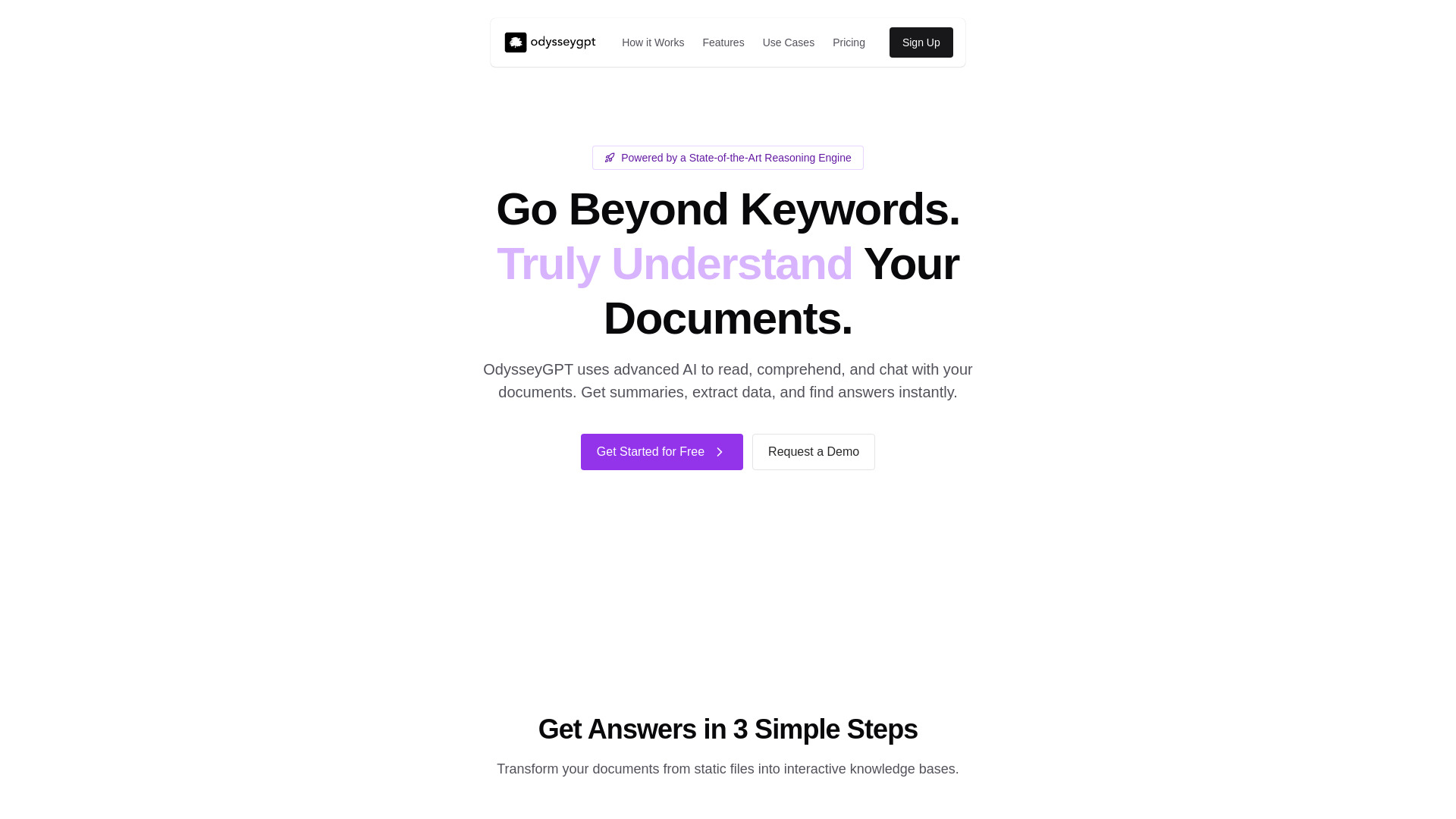
OdysseyGPT website preview

What is OdysseyGPT?

OdysseyGPT is an AI document assistant that lets you chat with PDF, DOCX, and TXT files. Instead of searching through pages to locate a detail, you can ask a question about an uploaded document and receive an answer grounded in its contents. Source citations help you trace responses back to the relevant text, making it easier to review the evidence behind a summary or explanation. From academic papers and business reports to contracts and course materials, OdysseyGPT offers a conversational way to explore written information, understand difficult passages, and bring important findings into focus.

How to Use OdysseyGPT

Begin by uploading a supported PDF, DOCX, or TXT file. Once the document is available for analysis, enter a question in everyday language. You might ask for an overview of the main argument, an explanation of a technical term, or a list of the obligations described in a contract. OdysseyGPT uses the document as the basis for its response and provides citations so you can inspect the supporting material. For the most useful results, make your questions specific: identify the topic, section, or type of information you want to explore.

Continue the conversation with follow-up questions to refine your understanding. After requesting a summary, for example, ask which passages support the conclusions or how two sections approach the same issue. You can also request information in a practical format, such as a table of key facts, a brief outline, or a list of terms and definitions. This approach helps turn lengthy reading material into organized notes that you can review and develop further. OdysseyGPT is featured on aitop-tools.com as an option for people seeking AI assistance with document analysis.

Key Features of OdysseyGPT

  • Natural Language Document Chat: Ask questions about your files using ordinary language. The conversational interface makes it easier to find relevant information, clarify unfamiliar concepts, and investigate details without repeatedly searching through the document manually.
  • Contextual Analysis and Reasoning: Explore connections between ideas, examine differences in arguments, and ask for explanations that draw on the surrounding text. These capabilities support a more detailed reading of documents than isolated keyword searches can provide.
  • PDF, DOCX, and TXT Support: Work with three widely used document formats in one place. Upload research papers, written reports, text files, and other supported materials to begin asking questions about their contents.
  • Summaries and Structured Information: Request concise overviews, extract selected facts, and organize information into tables or lists. These outputs can provide a useful starting point for study notes, report preparation, and further analysis.
  • Answers with Source Citations: Review references to the text behind an answer. Citations help you check whether a response accurately reflects the document and return to the original passage when you need additional context.

Together, these features can reduce repetitive searching and make document review easier to manage. The time saved will depend on the material, the questions you ask, and the level of verification your work requires. Citation checks remain especially useful when a document contains qualifications, exceptions, or complex evidence.

Why Choose OdysseyGPT?

OdysseyGPT brings document reading and conversational AI into a single workflow. Its appeal lies in the ability to move from a broad question to a specific passage without losing sight of the source material. A reader can start with an overview, investigate an unfamiliar concept, and then examine the evidence behind a particular point. This makes the platform useful for tasks that require both quick orientation and closer reading. The interface also gives people without technical expertise a straightforward way to request summaries, explanations, and organized information from their files.

Support for PDF, DOCX, and TXT files makes OdysseyGPT relevant to a range of everyday reading tasks. A student might use it to unpack a difficult article, while an analyst might ask it to locate assumptions in a business report. In each case, the ability to check cited passages supports a more informed review of the output. For readers exploring similar tools, aitop-tools.com features OdysseyGPT alongside other AI applications designed to support research, learning, and productivity.

Use Cases and Applications

Researchers can use OdysseyGPT to identify a paper's central question, summarize its methods, and locate passages discussing results or limitations. Legal professionals may find it helpful for locating clauses, outlining contractual responsibilities, and preparing questions for closer review. Business teams can explore reports, extract figures mentioned in the text, and organize findings for discussion. Students and educators can turn reading assignments into explanations, revision notes, and discussion prompts. Across these applications, the platform provides a starting point for analysis, while the original document remains essential for checking context and making consequential decisions.

Product source: OdysseyGPT official website. Check the provider for current plans, limits and availability.

FAQ

OdysseyGPT questions and answers

Product context and practical checks for evaluating OdysseyGPT.

What is OdysseyGPT used for?

Chat with PDFs, DOCX, and TXT files using OdysseyGPT. Extract data and get instant AI answers with citations

How do I get started with OdysseyGPT?

Begin by uploading a supported PDF, DOCX, or TXT file. Once the document is available for analysis, enter a question in everyday language. You might ask for an overview of the main argument, an explanation of a technical term, or a list of the obligations described in a contract. OdysseyGPT uses the document as the basis for its response and provides citations so you can inspect the supporting material. For the most useful results, make your questions specific: identify the topic, section, or type of information you want to explore.Continue the conversation with follow-up questions to refine your understanding. After requesting a summary, for example, ask which passages support the conclusions or how two sections approach the same issue. You can also request information in a practical format, such as a table of key facts, a brief outline, or a list of terms and definitions. This approach helps turn lengthy reading material into organized notes that you can review and develop further. OdysseyGPT is featured on aitop-tools.com as an option for people seeking AI assistance with document analysis.

Which capabilities are described for OdysseyGPT?

Natural Language Document Chat: Ask questions about your files using ordinary language. The conversational interface makes it easier to find relevant information, clarify unfamiliar concepts, and investigate details without repeatedly searching through the document manually. Contextual Analysis and Reasoning: Explore connections between ideas, examine differences in arguments, and ask for explanations that draw on the surrounding text. These capabilities support a more detailed reading of documents than isolated keyword searches can provide. PDF, DOCX, and TXT Support: Work with three widely used document formats in one place. Upload research papers, written reports, text files, and other supported materials to begin asking questions about their contents. Summaries and Structured Information: Request concise overviews, extract selected facts, and organize information into tables or lists. These outputs can provide a useful starting point for study notes, report preparation, and further analysis. Answers with Source Citations: Review references to the text behind an answer. Citations help you check whether a response accurately reflects the document and return to the original passage when you need additional context. Together, these features can reduce repetitive searching and make document review easier to manage. The time saved will depend on the material, the questions you ask, and the level of verification your work requires. Citation checks remain especially useful when a document contains qualifications, exceptions, or complex evidence.

What projects can I evaluate OdysseyGPT for?

Researchers can use OdysseyGPT to identify a paper's central question, summarize its methods, and locate passages discussing results or limitations. Legal professionals may find it helpful for locating clauses, outlining contractual responsibilities, and preparing questions for closer review. Business teams can explore reports, extract figures mentioned in the text, and organize findings for discussion. Students and educators can turn reading assignments into explanations, revision notes, and discussion prompts. Across these applications, the platform provides a starting point for analysis, while the original document remains essential for checking context and making consequential decisions.

How does OdysseyGPT handle natural language document chat?

Natural Language Document Chat: Ask questions about your files using ordinary language. The conversational interface makes it easier to find relevant information, clarify unfamiliar concepts, and investigate details without repeatedly searching through the document manually.

How does OdysseyGPT handle contextual analysis and reasoning?

Contextual Analysis and Reasoning: Explore connections between ideas, examine differences in arguments, and ask for explanations that draw on the surrounding text. These capabilities support a more detailed reading of documents than isolated keyword searches can provide.

What should I compare before choosing a OdysseyGPT plan?

Check OdysseyGPT’s current pricing page for included usage, renewal terms and any credit charges. Compare the cost of a usable result, including retries, rather than assuming that account registration includes free usage.

What inputs should I prepare for a OdysseyGPT trial?

Check supported documents, datasets and source access. Establish whether the product can inspect your actual material rather than answer from general knowledge.

How can I check the quality of a OdysseyGPT result?

Follow citations to the original source, recalculate important numbers and check the date and scope of the evidence. Distinguish an explanation from a verified result.

Where is the official OdysseyGPT website?

The website linked from this profile is https://odysseygpt.ai. Use the provider’s own documentation, account area and support channels to confirm current product details.

Visit OdysseyGPT