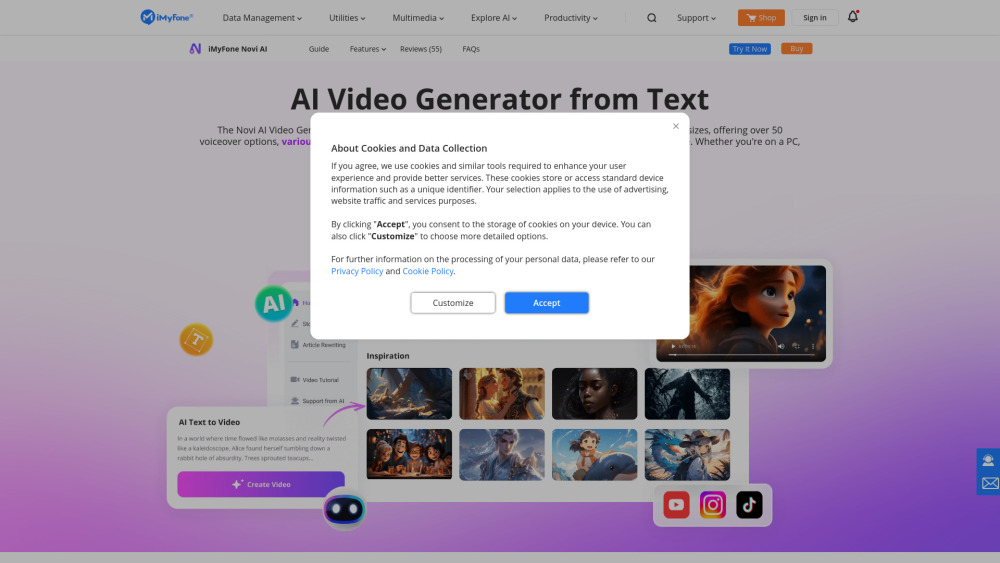
Novi AI transforms text into stunning, high-quality videos—multiple styles, languages & zero hassle. Create in seconds!
Explore a specific workflow
Explore multimedia tools through the product profiles below. The collection groups applications around a shared task. Product scope can overlap, so compare the specific workflow each tool describes rather than the category name alone.
Identify the files, text or account connections your task needs. Confirm that the product accepts those inputs and offers controls for reviewing its work.
Test one representative task and inspect the result for accuracy and completeness. Record where manual corrections or extra tools are needed.
Novi AI transforms text into stunning, high-quality videos—multiple styles, languages & zero hassle. Create in seconds!

Transform your words into melodies with Text to Music, the AI-powered web app that creates music from your descriptions. Experience the future of music creation!

Apowersoft: Free Multimedia & Online Business Solutions. Record, enrich, convert, and deliver content across computers, web, and mobile.
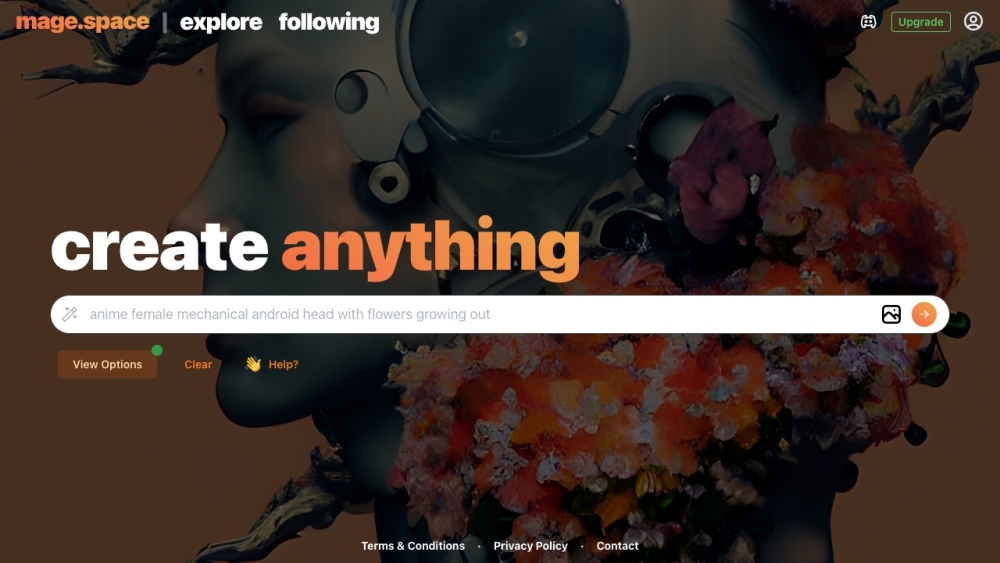
Generate unique images effortlessly with Mage, the free AI-powered platform. Experience fast, unfiltered stable diffusion for all your creative needs.

Tome is a new medium that helps you shape and share ideas by using AI to generate content and images, presentations, landing pages, and more. It's a fluid, multimedia canvas built for modern communication.
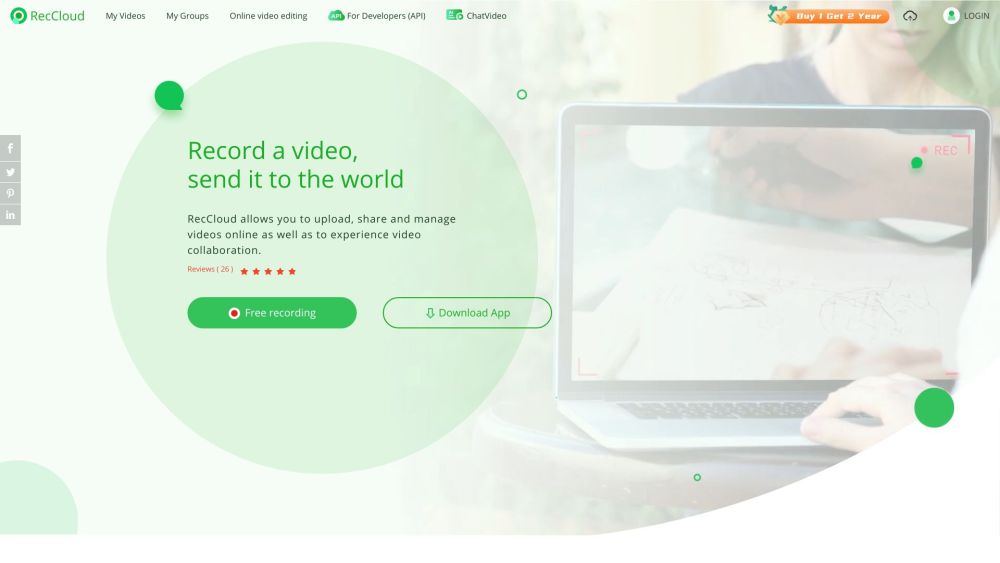
Capture, edit, and enhance videos effortlessly with RecCloud: Free online app with AI-powered Chatvideo, speech-to-text, and subtitles for creation.
FAQ
Practical answers to help you take the next step.
The collection groups applications around a shared task. Product scope can overlap, so compare the specific workflow each tool describes rather than the category name alone.
Identify the files, text or account connections your task needs. Confirm that the product accepts those inputs and offers controls for reviewing its work.
Test one representative task and inspect the result for accuracy and completeness. Record where manual corrections or extra tools are needed.
Choose one task with a clear success condition. Keep the input consistent, record the time spent reviewing and compare the complete workflow cost.
Novi AI transforms text into stunning, high-quality videos—multiple styles, languages & zero hassle. Create in seconds!
Read about Novi AITransform your words into melodies with Text to Music, the AI-powered web app that creates music from your descriptions. Experience the future of music creation!
Read about Text to MusicApowersoft: Free Multimedia & Online Business Solutions. Record, enrich, convert, and deliver content across computers, web, and mobile.
Read about ApowersoftGenerate unique images effortlessly with Mage, the free AI-powered platform. Experience fast, unfiltered stable diffusion for all your creative needs.
Read about MageTome is a new medium that helps you shape and share ideas by using AI to generate content and images, presentations, landing pages, and more. It's a fluid, multimedia canvas built for modern communication.
Read about TomeCapture, edit, and enhance videos effortlessly with RecCloud: Free online app with AI-powered Chatvideo, speech-to-text, and subtitles for creation.
Read about RecCloud