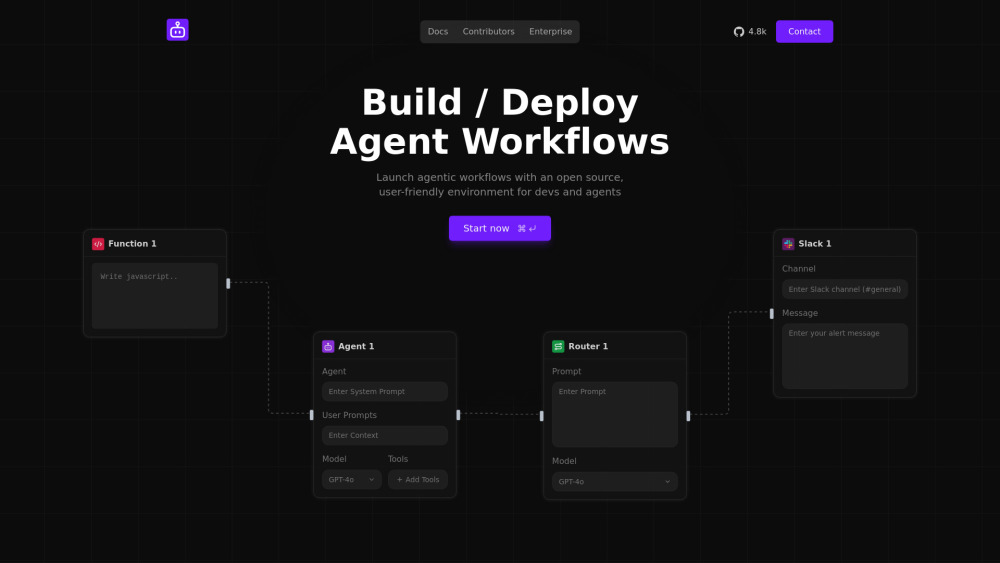
Sim Studio: Drag-and-drop visual platform to build, test, and deploy AI agents & workflows—no code required. Fast, flexible, production-ready.
Explore a specific workflow
Explore low-code ai tools through the product profiles below. Coding tools assist with tasks such as generation, explanation, review and debugging. Match the product to your language, repository and review process.
Compare repository access, context limits, supported languages and tool permissions. Check whether the assistant can read relevant files and run your existing checks.
Review the diff, run tests and inspect error handling and dependency changes. Generated code should meet the same review standard as a human contribution.
Sim Studio: Drag-and-drop visual platform to build, test, and deploy AI agents & workflows—no code required. Fast, flexible, production-ready.
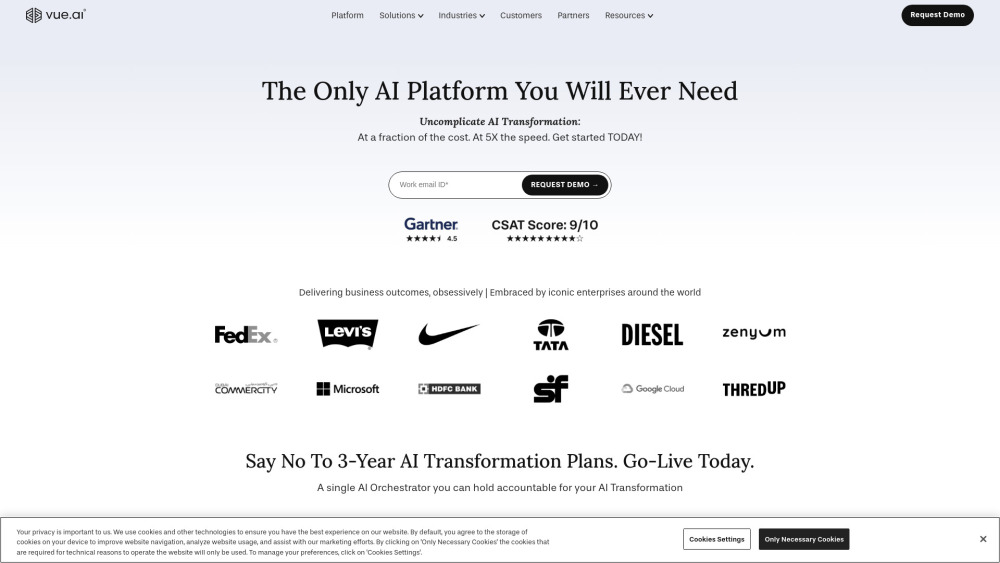
Vue.ai: Enterprise AI orchestration platform that accelerates AI transformation and delivers rapid, measurable business outcomes.
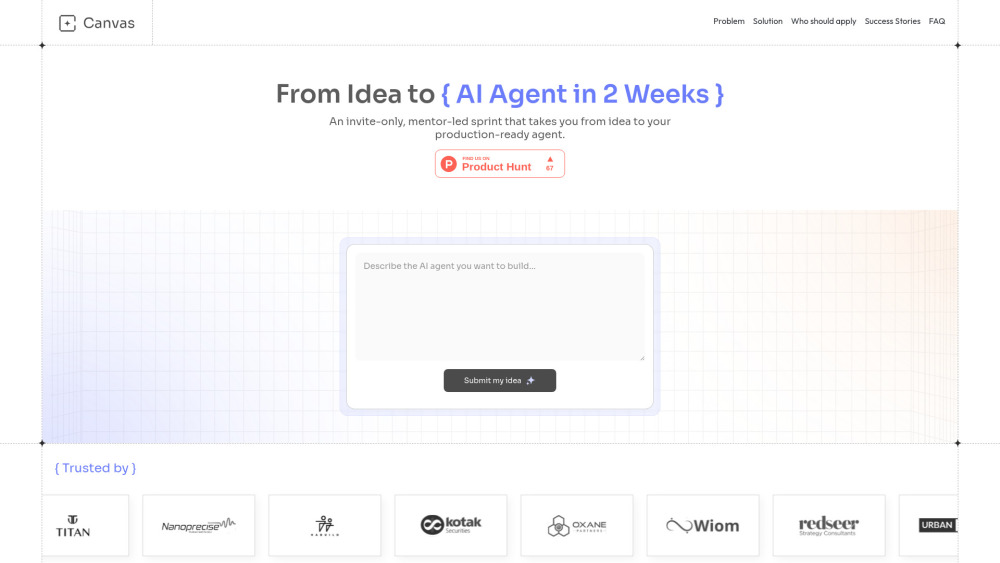
Launch production-ready AI agents in just 2 weeks! The Canvas Builders Program turns your ideas into deployable AI agents—fast, focused, and frictionless.
FAQ
Practical answers to help you take the next step.
Coding tools assist with tasks such as generation, explanation, review and debugging. Match the product to your language, repository and review process.
Compare repository access, context limits, supported languages and tool permissions. Check whether the assistant can read relevant files and run your existing checks.
Review the diff, run tests and inspect error handling and dependency changes. Generated code should meet the same review standard as a human contribution.
Choose a small reproducible bug with an existing failing check. Measure whether the tool fixes the cause, preserves behavior and produces a reviewable change.
Sim Studio: Drag-and-drop visual platform to build, test, and deploy AI agents & workflows—no code required. Fast, flexible, production-ready.
Read about Sim StudioVue.ai: Enterprise AI orchestration platform that accelerates AI transformation and delivers rapid, measurable business outcomes.
Read about Vue.aiLaunch production-ready AI agents in just 2 weeks! The Canvas Builders Program turns your ideas into deployable AI agents—fast, focused, and frictionless.
Read about Canvas Builders ProgramPrefer changes you can inspect and keep in version control. Check whether code, tests and configuration can be exported without depending on a hosted preview.
Run the same small task in each shortlisted product. Compare the price per usable result, usage limits, regeneration costs and time spent correcting the output. Confirm current terms with the provider.
Check who can access uploaded material, how long it is retained and how deletion works. Use a non-confidential test file while evaluating a product.