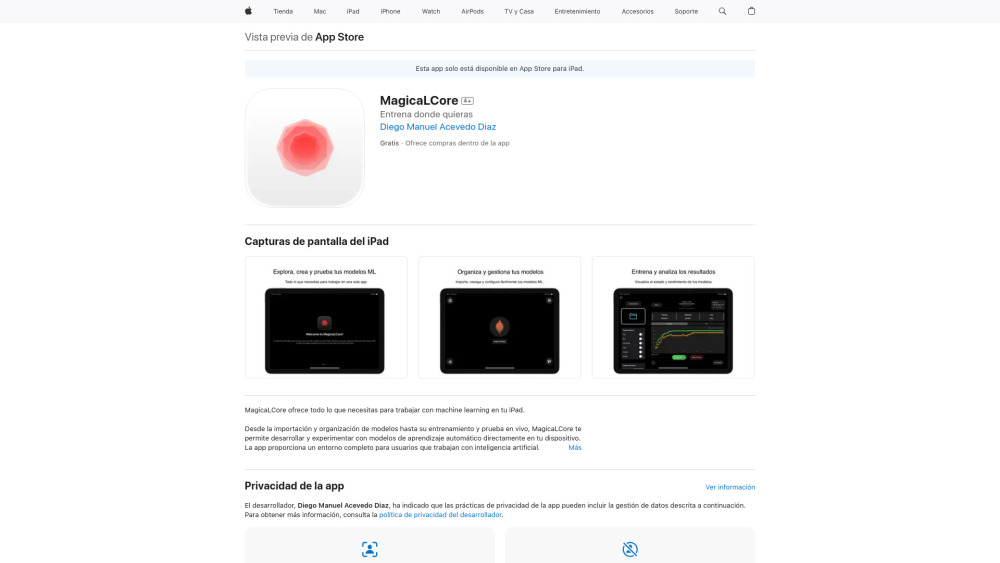
MagicaLCore: Build & train AI image classifiers on iPad—zero coding required. Drag, drop, and deploy in minutes! 🚀
Explore a specific workflow
Explore ipad app tools through the product profiles below. The collection groups applications around a shared task. Product scope can overlap, so compare the specific workflow each tool describes rather than the category name alone.
Identify the files, text or account connections your task needs. Confirm that the product accepts those inputs and offers controls for reviewing its work.
Test one representative task and inspect the result for accuracy and completeness. Record where manual corrections or extra tools are needed.
MagicaLCore: Build & train AI image classifiers on iPad—zero coding required. Drag, drop, and deploy in minutes! 🚀
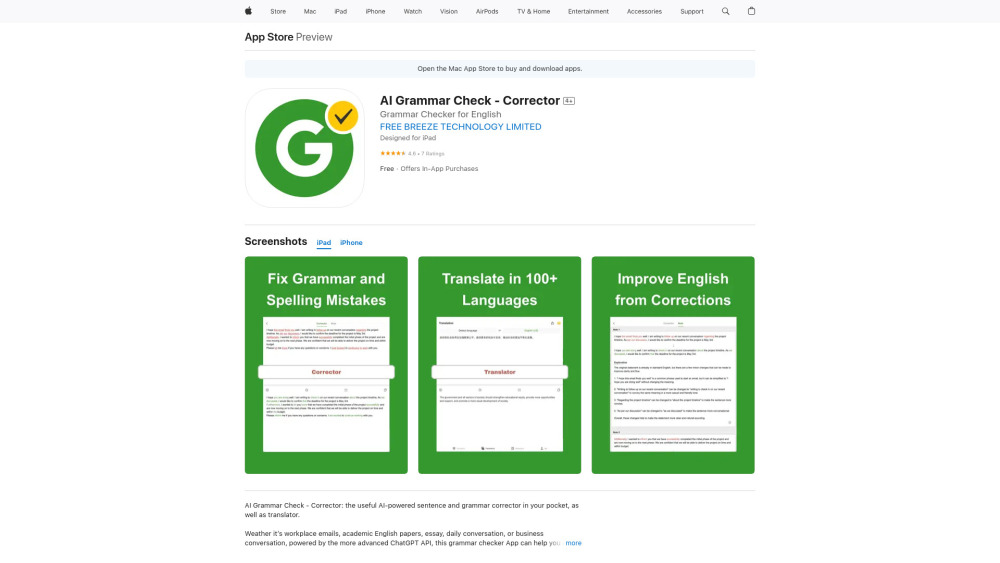
AI Grammar Check: Instant grammar, spelling & writing fixes + translation—powered by AI on iOS. Write with confidence!
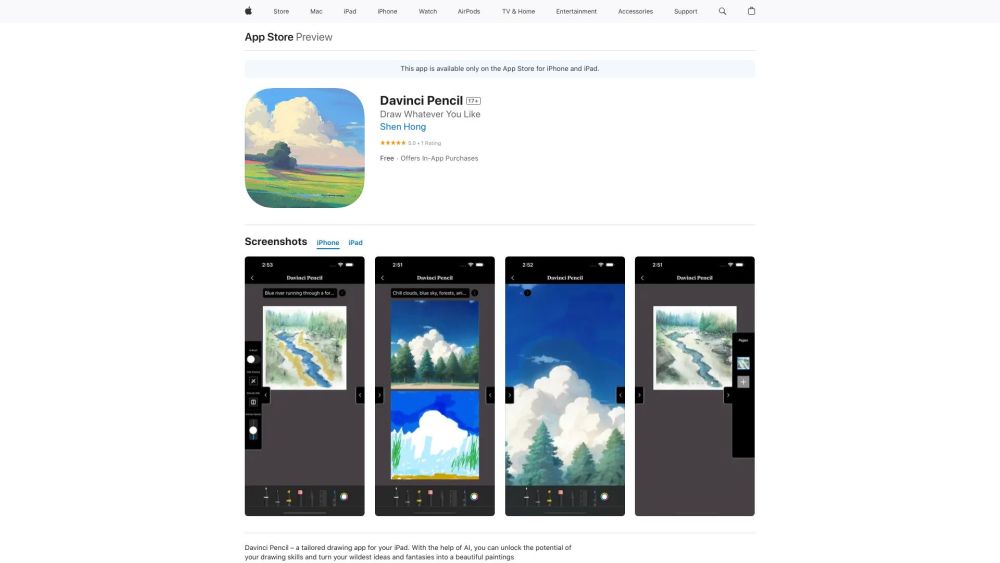
Unleash your creativity with Davinci Pencil, the AI-powered drawing app that turns your ideas into art. Transform imagination into reality today!
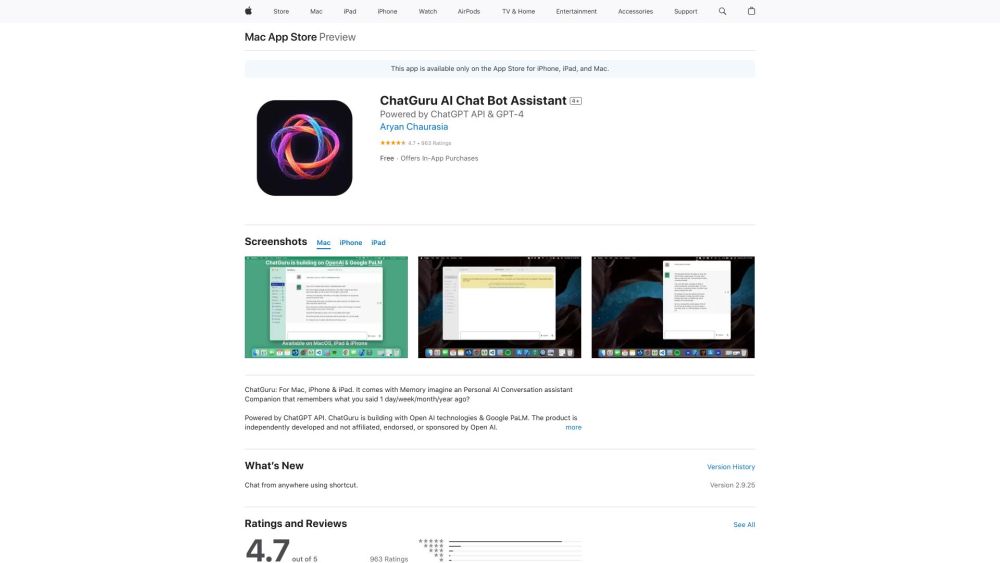
ChatGuru: Your Personal AI Assistant with Advanced Memory – Remember everything, streamline tasks, and enjoy a truly personalized experience!

Transform your walkthrough into precise floor plans effortlessly with OpalAi's ScanTo3D App and advanced cloud-based analysis.
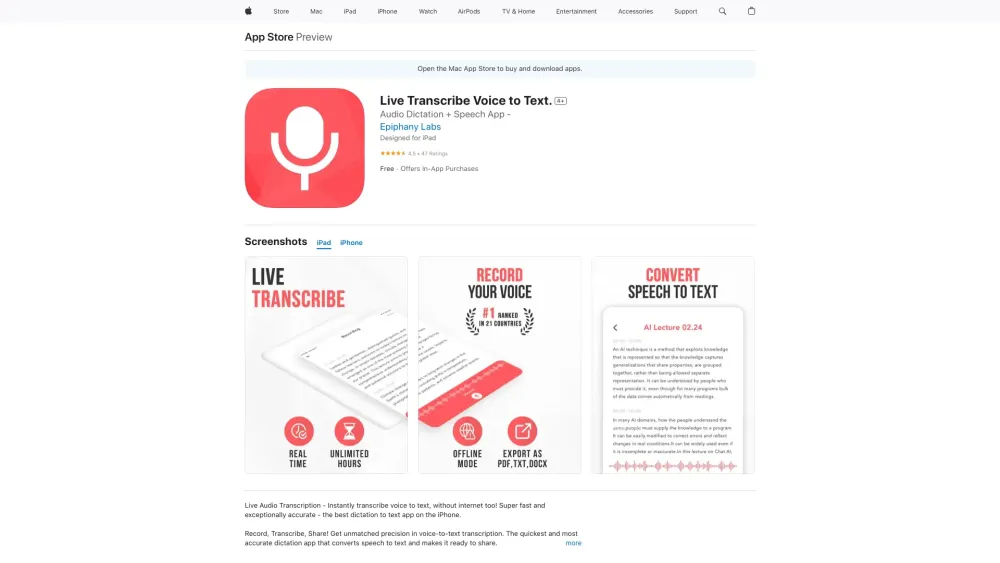
Dictate4Me: Instantly transcribe voice to text on your iPhone, iPad, and Mac. Transform speech into text effortlessly with our Apple device integration.
FAQ
Practical answers to help you take the next step.
The collection groups applications around a shared task. Product scope can overlap, so compare the specific workflow each tool describes rather than the category name alone.
Identify the files, text or account connections your task needs. Confirm that the product accepts those inputs and offers controls for reviewing its work.
Test one representative task and inspect the result for accuracy and completeness. Record where manual corrections or extra tools are needed.
Choose one task with a clear success condition. Keep the input consistent, record the time spent reviewing and compare the complete workflow cost.
MagicaLCore: Build & train AI image classifiers on iPad—zero coding required. Drag, drop, and deploy in minutes! 🚀
Read about MagicaLCoreAI Grammar Check: Instant grammar, spelling & writing fixes + translation—powered by AI on iOS. Write with confidence!
Read about AI Grammar Check - CorrectorUnleash your creativity with Davinci Pencil, the AI-powered drawing app that turns your ideas into art. Transform imagination into reality today!
Read about Davinci PencilChatGuru: Your Personal AI Assistant with Advanced Memory – Remember everything, streamline tasks, and enjoy a truly personalized experience!
Read about ChatGuruTransform your walkthrough into precise floor plans effortlessly with OpalAi's ScanTo3D App and advanced cloud-based analysis.
Read about OpalAiDictate4Me: Instantly transcribe voice to text on your iPhone, iPad, and Mac. Transform speech into text effortlessly with our Apple device integration.
Read about Dictate4Me