Explore internal linking tools through the product profiles below. The collection groups applications around a shared task. Product scope can overlap, so compare the specific workflow each tool describes rather than the category name alone.
✳
How to compare internal linking tools
Identify the files, text or account connections your task needs. Confirm that the product accepts those inputs and offers controls for reviewing its work.
Test one representative task and inspect the result for accuracy and completeness. Record where manual corrections or extra tools are needed.
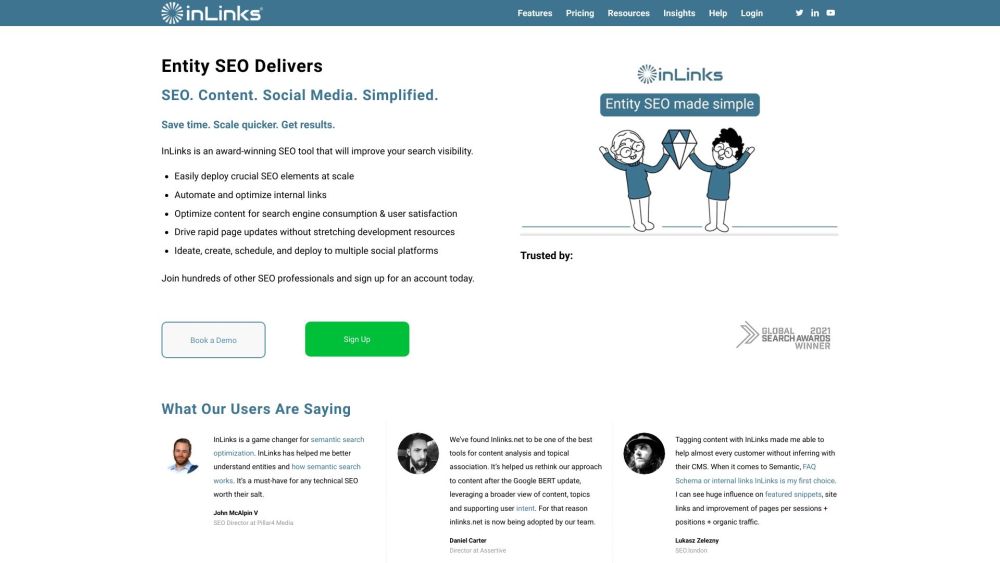
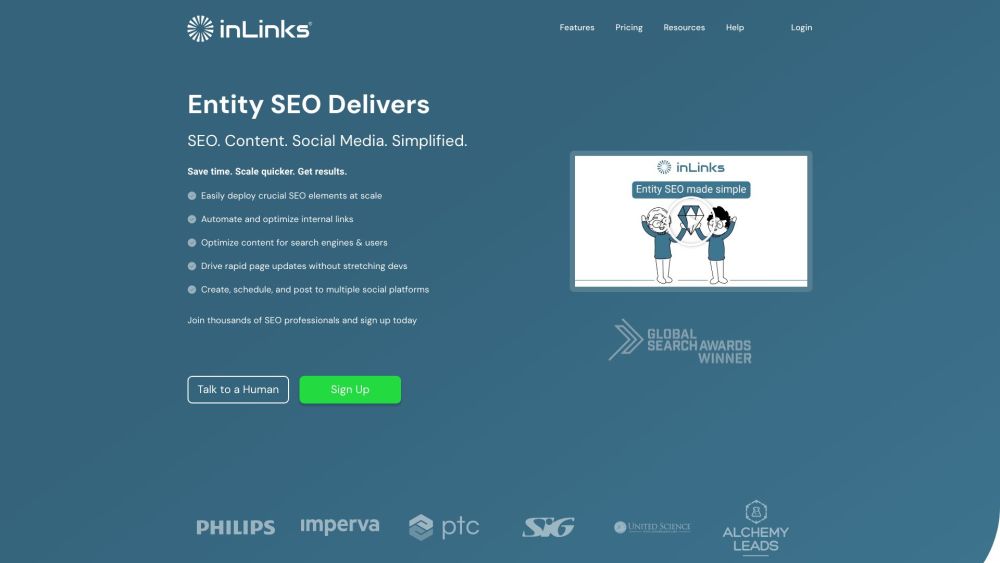
InLinks has built a world-class Knowledge Graph that understands the Entities of your site and communicates them in a way Google understands. Internal linking & schema automation as well as content briefs / audits are the core main features of the tool.
InLinks is an Entity SEO tool that helps businesses optimize their website content and improve their search engine rankings. It offers a range of features including SEO tool, internal linking tool, content optimization, social media management, AI writing tool, schema markup, and keyword research.
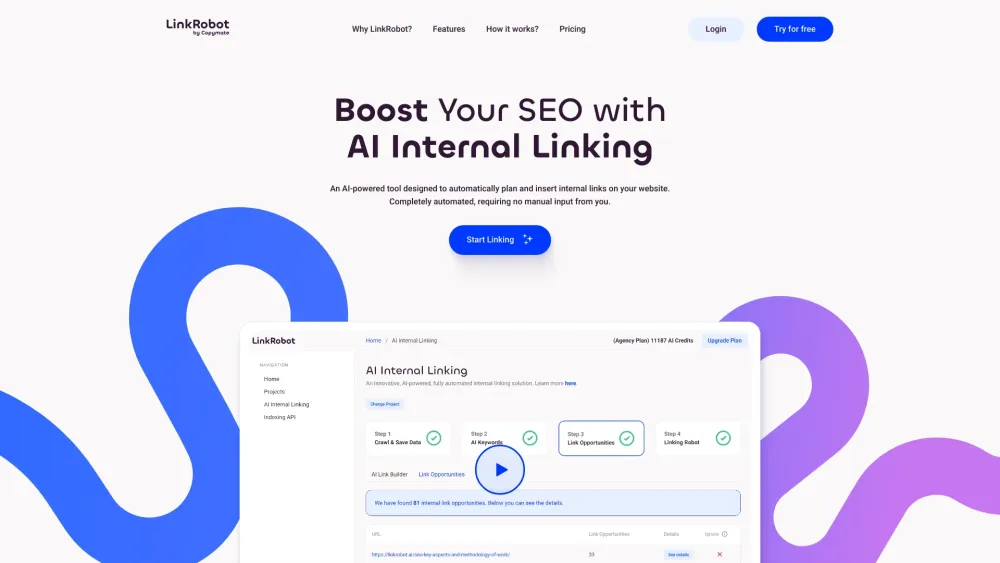
Boost your website's SEO with LinkRobot! This AI-powered tool automates internal linking, enhancing site structure and boosting search rankings effortlessly.
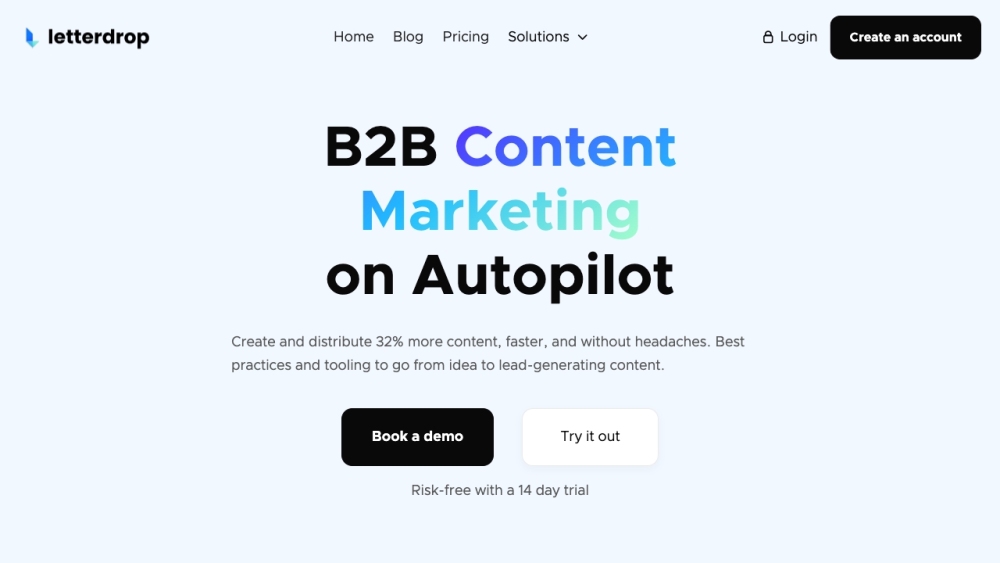
Letterdrop is an SEO content optimization tool that helps drive more traffic and conversions by answering search intent and prioritizing information gain. It is built by ex-Googlers and offers AI-powered features to optimize content for search engines.
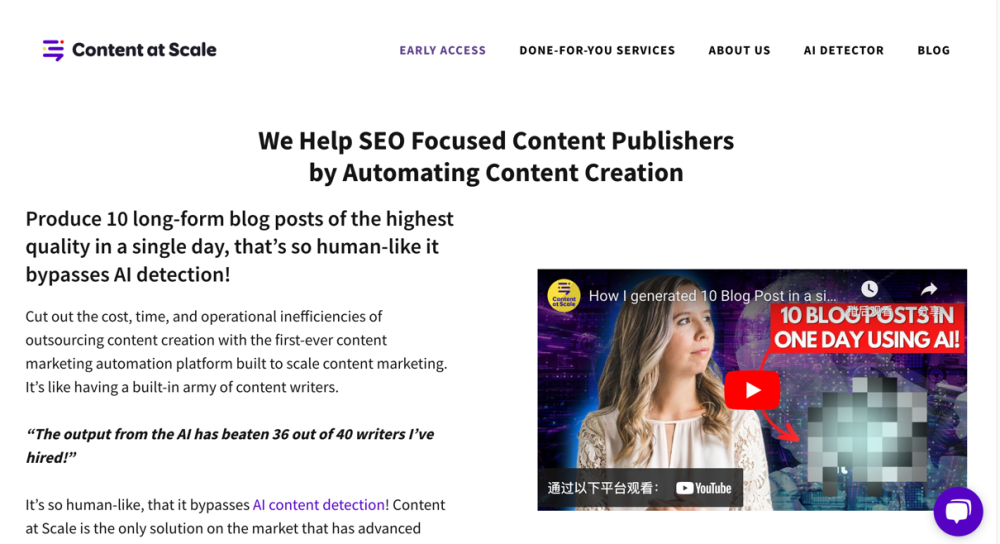
Content at Scale: AI-Powered SEO Blog Post Generator creates SEO-optimized, long-form posts by leveraging top-ranking content for your target keywords. Boost traffic effortlessly!
FAQ
internal linking questions and answers
Practical answers to help you take the next step.
What does the internal linking tag cover?
The collection groups applications around a shared task. Product scope can overlap, so compare the specific workflow each tool describes rather than the category name alone.
Which inputs should I compare in internal linking tools?
Identify the files, text or account connections your task needs. Confirm that the product accepts those inputs and offers controls for reviewing its work.
How should I review results from a internal linking tool?
Test one representative task and inspect the result for accuracy and completeness. Record where manual corrections or extra tools are needed.
What is a fair first test for internal linking tools?
Choose one task with a clear success condition. Keep the input consistent, record the time spent reviewing and compare the complete workflow cost.
What does InLinks offer in this internal linking collection?
InLinks has built a world-class Knowledge Graph that understands the Entities of your site and communicates them in a way Google understands. Internal linking & schema automation as well as content briefs / audits are the core main features of the tool.
What does InLinks® Entity SEO Tool - InLinks offer in this internal linking collection?
InLinks is an Entity SEO tool that helps businesses optimize their website content and improve their search engine rankings. It offers a range of features including SEO tool, internal linking tool, content optimization, social media management, AI writing tool, schema markup, and keyword research.
What does LinkRobot offer in this internal linking collection?
Boost your website's SEO with LinkRobot! This AI-powered tool automates internal linking, enhancing site structure and boosting search rankings effortlessly.