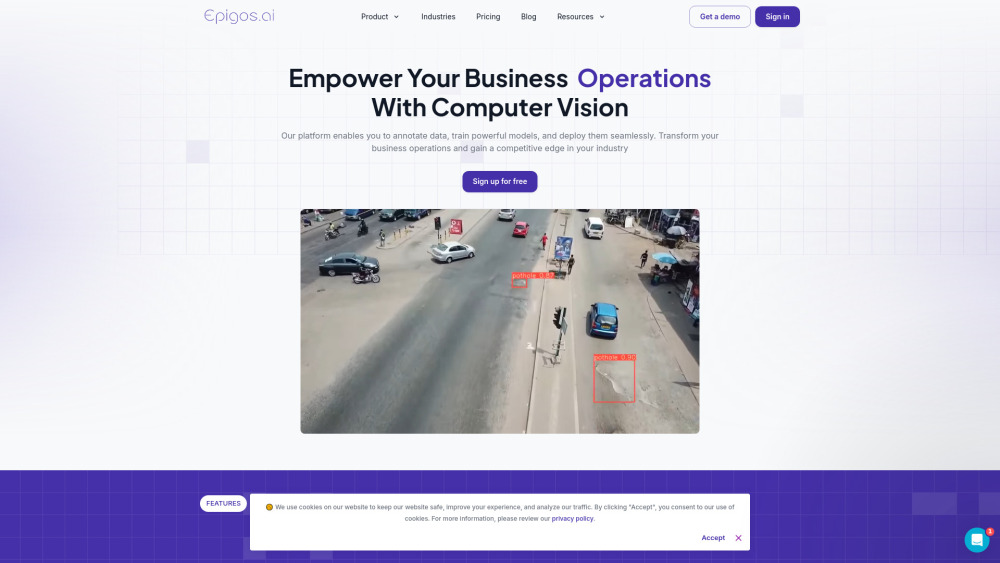
Epigos AI: Build custom computer vision models effortlessly. No coding needed—optimize accuracy and efficiency with our user-friendly platform!
Explore a specific workflow
Explore image annotation tools through the product profiles below. Visual AI tools cover image generation, photo editing, enhancement and design tasks. Choose between creating a new image and modifying an existing asset before comparing products.
Look for text prompts, image references, masks or sketches as appropriate. Compare composition control, supported upload types and the ability to revise a selected area.
Inspect text, hands, edges, reflections and repeated objects at full size. Check that important product or brand details survive editing.
Epigos AI: Build custom computer vision models effortlessly. No coding needed—optimize accuracy and efficiency with our user-friendly platform!

Globose Technology Solutions offers premium AI datasets collection and annotation services, ensuring precision and scalability for your AI projects.

Annotab Studio: The ultimate web-based tool for AI projects, enabling image annotation and object detection for precise data labeling and management.

xDesk: Organize data, protect with Face ID, record and annotate audio, scan to searchable PDFs, annotate photos, and create custom items. Boost productivity!
FAQ
Practical answers to help you take the next step.
Visual AI tools cover image generation, photo editing, enhancement and design tasks. Choose between creating a new image and modifying an existing asset before comparing products.
Look for text prompts, image references, masks or sketches as appropriate. Compare composition control, supported upload types and the ability to revise a selected area.
Inspect text, hands, edges, reflections and repeated objects at full size. Check that important product or brand details survive editing.
Prepare a brief with a subject, composition, lighting and required output size. Test a first generation and a targeted revision to see how much control you retain.
Epigos AI: Build custom computer vision models effortlessly. No coding needed—optimize accuracy and efficiency with our user-friendly platform!
Read about Epigos AIGlobose Technology Solutions offers premium AI datasets collection and annotation services, ensuring precision and scalability for your AI projects.
Read about Globose TechAnnotab Studio: The ultimate web-based tool for AI projects, enabling image annotation and object detection for precise data labeling and management.
Read about Annotab StudioxDesk: Organize data, protect with Face ID, record and annotate audio, scan to searchable PDFs, annotate photos, and create custom items. Boost productivity!
Read about xDeskCompare pixel dimensions, transparency, file formats and any enlargement options. Confirm that the downloaded result works in your design or publishing software.
Run the same small task in each shortlisted product. Compare the price per usable result, usage limits, regeneration costs and time spent correcting the output. Confirm current terms with the provider.