
Boost productivity with Reelay - the AI meeting notes & summaries tool. Take the hassle out of note-taking and never miss important details again.
Explore a specific workflow
Explore email integration tools through the product profiles below. Writing and content tools help draft, revise or condense text. Drafting new material, checking language and summarizing a source require different review steps.
Compare support for source documents, style instructions, outlines and length limits. Check whether citations link to real material rather than merely looking like references.
Verify names, dates, quotations and factual claims against the original sources. Edit tone, remove repetition and make sure the text answers the intended reader’s question.
Boost productivity with Reelay - the AI meeting notes & summaries tool. Take the hassle out of note-taking and never miss important details again.

AI ABSOLUT Chrome Extension: Supercharge productivity with AI tools for smarter workflows. Boost efficiency and harness AI power effortlessly!

Boost efficiency with AI Productivity Tools - Chrome Extension. Streamline tasks, automate workflows, and maximize productivity with AI-powered features.

Karir.AI Apply Button - Chrome Extension: Automate your job applications in one click! Save time and boost efficiency by applying to jobs instantly.
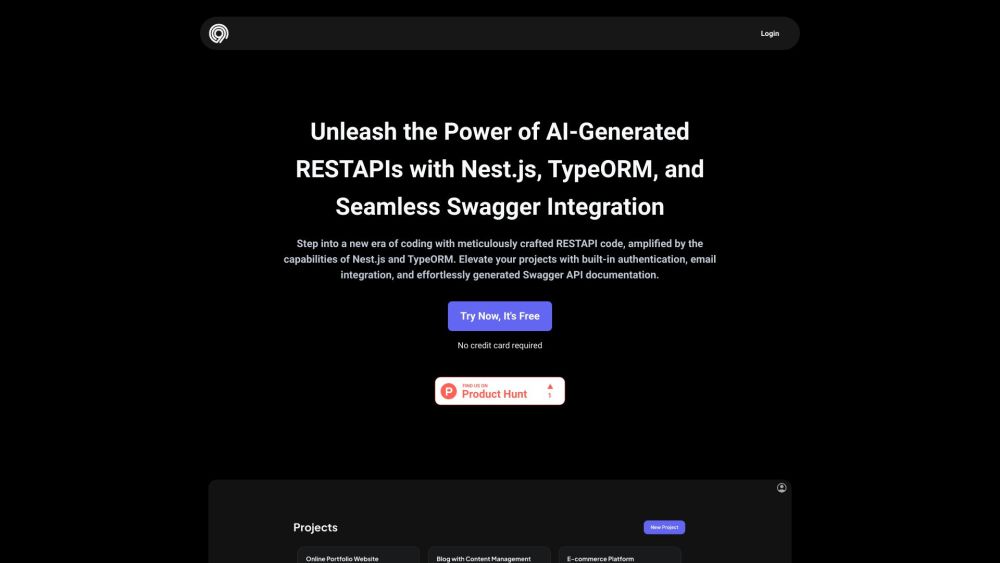
Code99: AI-driven tool for effortless API creation with Nest.js & TypeORM. Features include Swagger, authentication, and email integration for web development.

EmailWebhook: Effortlessly transform emails into webhooks and automate replies, categorization, and data extraction with AI. Simplify your email workflow today!

BeC: AI Email Classifier & Organizer with Personalized Alerts - Automatically sort your emails by priority and get tailored notifications for crucial messages.
FAQ
Practical answers to help you take the next step.
Writing and content tools help draft, revise or condense text. Drafting new material, checking language and summarizing a source require different review steps.
Compare support for source documents, style instructions, outlines and length limits. Check whether citations link to real material rather than merely looking like references.
Verify names, dates, quotations and factual claims against the original sources. Edit tone, remove repetition and make sure the text answers the intended reader’s question.
Use a real brief and a short source document. Compare factual accuracy, structure and editing time rather than accepting the longest or most confident draft.
Boost productivity with Reelay - the AI meeting notes & summaries tool. Take the hassle out of note-taking and never miss important details again.
Read about Reelay - Chrome ExtensionAI ABSOLUT Chrome Extension: Supercharge productivity with AI tools for smarter workflows. Boost efficiency and harness AI power effortlessly!
Read about AI ABSOLUT - Chrome ExtensionBoost efficiency with AI Productivity Tools - Chrome Extension. Streamline tasks, automate workflows, and maximize productivity with AI-powered features.
Read about AI Productivity ToolsKarir.AI Apply Button - Chrome Extension: Automate your job applications in one click! Save time and boost efficiency by applying to jobs instantly.
Read about Karir.AI Apply ButtonCode99: AI-driven tool for effortless API creation with Nest.js & TypeORM. Features include Swagger, authentication, and email integration for web development.
Read about Code99EmailWebhook: Effortlessly transform emails into webhooks and automate replies, categorization, and data extraction with AI. Simplify your email workflow today!
Read about EmailWebhook