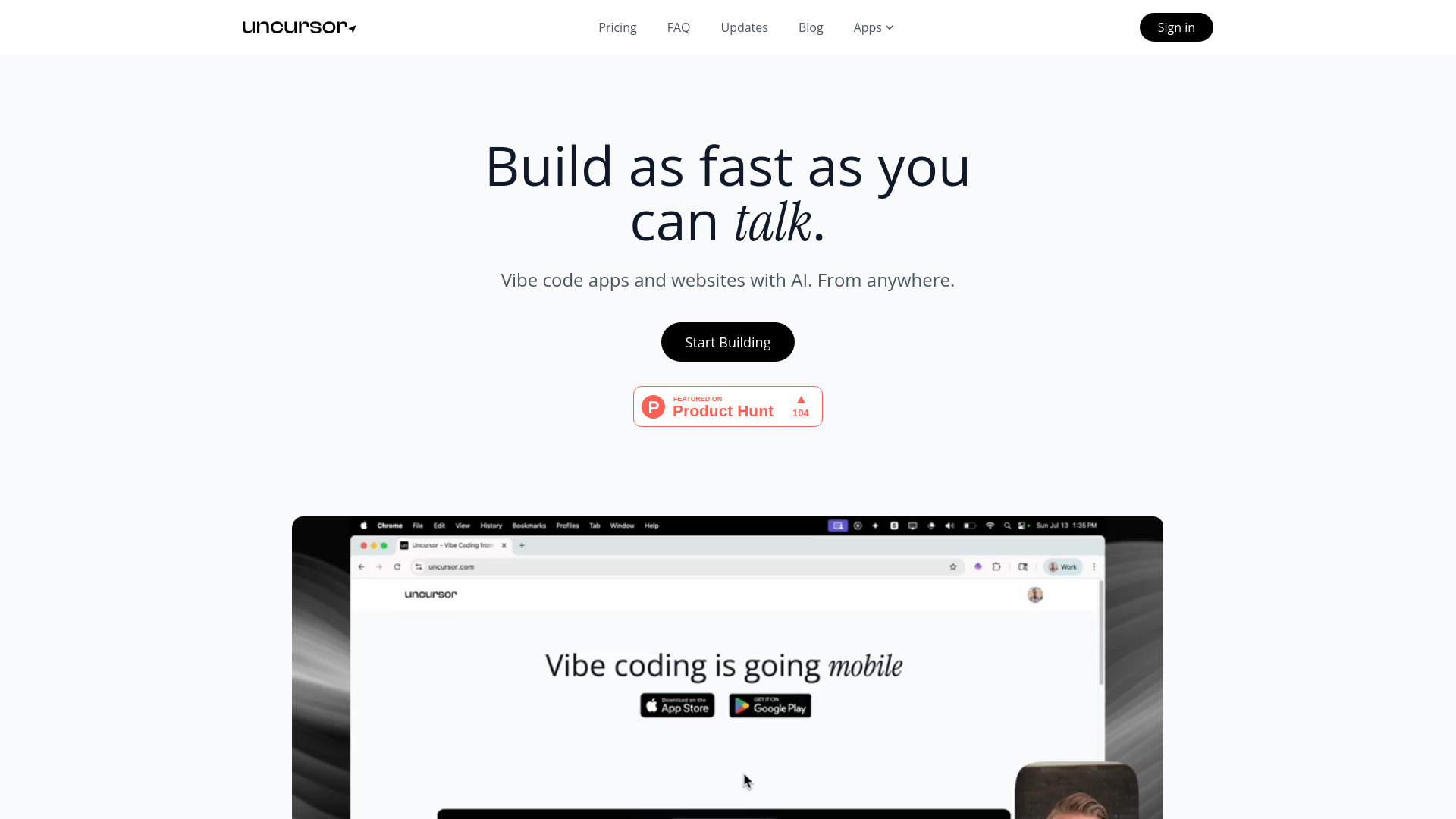
Uncursor AI: Build & deploy stunning, responsive websites in seconds—no code needed! Export full code. Try the intelligent web builder free!
Explore a specific workflow
Explore code export tools through the product profiles below. Coding tools assist with tasks such as generation, explanation, review and debugging. Match the product to your language, repository and review process.
Compare repository access, context limits, supported languages and tool permissions. Check whether the assistant can read relevant files and run your existing checks.
Review the diff, run tests and inspect error handling and dependency changes. Generated code should meet the same review standard as a human contribution.
Uncursor AI: Build & deploy stunning, responsive websites in seconds—no code needed! Export full code. Try the intelligent web builder free!

Readdy: Build websites using plain English—then export clean, customizable code. AI-powered, no coding needed.
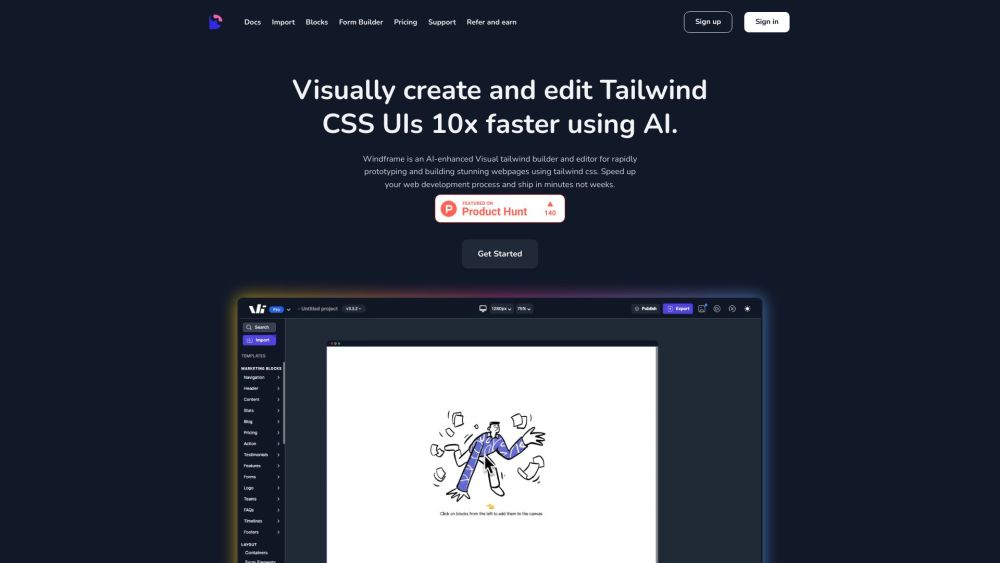
Discover ultimate comfort and style with our all-season hoodie. Crafted from premium, eco-friendly materials, it’s perfect for every adventure. Shop now!
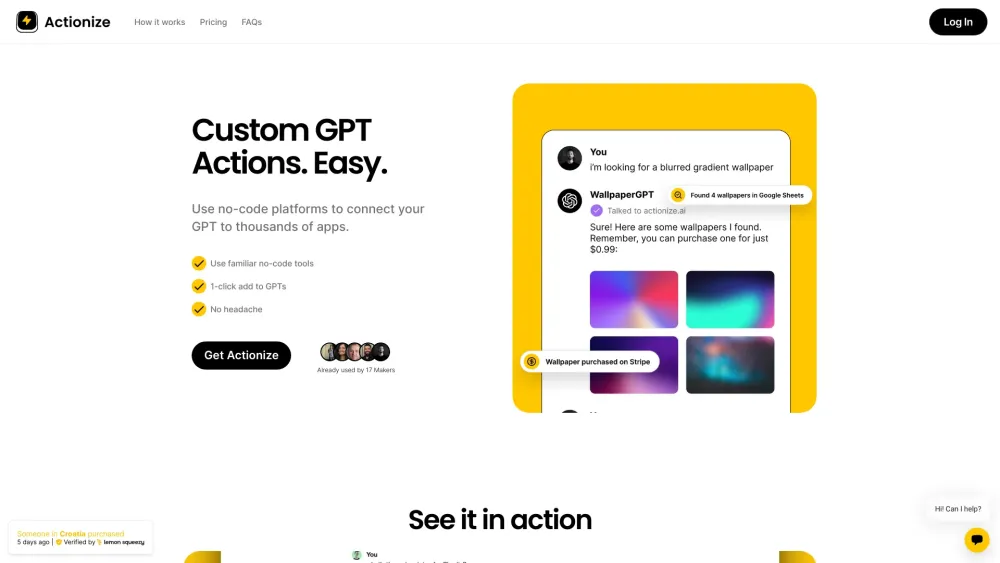
Actionize: Create custom GPT actions with no-code tools. Integrate with apps via Zapier & Make.com. Explore use cases, pricing, reviews, core features, & alternatives.

Create software effortlessly with Glowby Genius! This draw-to-code tool turns your drawings into functional code, making development intuitive and fun.
FAQ
Practical answers to help you take the next step.
Coding tools assist with tasks such as generation, explanation, review and debugging. Match the product to your language, repository and review process.
Compare repository access, context limits, supported languages and tool permissions. Check whether the assistant can read relevant files and run your existing checks.
Review the diff, run tests and inspect error handling and dependency changes. Generated code should meet the same review standard as a human contribution.
Choose a small reproducible bug with an existing failing check. Measure whether the tool fixes the cause, preserves behavior and produces a reviewable change.
Uncursor AI: Build & deploy stunning, responsive websites in seconds—no code needed! Export full code. Try the intelligent web builder free!
Read about Uncursor - AI Website BuilderReaddy: Build websites using plain English—then export clean, customizable code. AI-powered, no coding needed.
Read about ReaddyDiscover ultimate comfort and style with our all-season hoodie. Crafted from premium, eco-friendly materials, it’s perfect for every adventure. Shop now!
Read about Eco-Friendly Bamboo ToothbrushActionize: Create custom GPT actions with no-code tools. Integrate with apps via Zapier & Make.com. Explore use cases, pricing, reviews, core features, & alternatives.
Read about ActionizeCreate software effortlessly with Glowby Genius! This draw-to-code tool turns your drawings into functional code, making development intuitive and fun.
Read about Draw-to-CodePrefer changes you can inspect and keep in version control. Check whether code, tests and configuration can be exported without depending on a hosted preview.