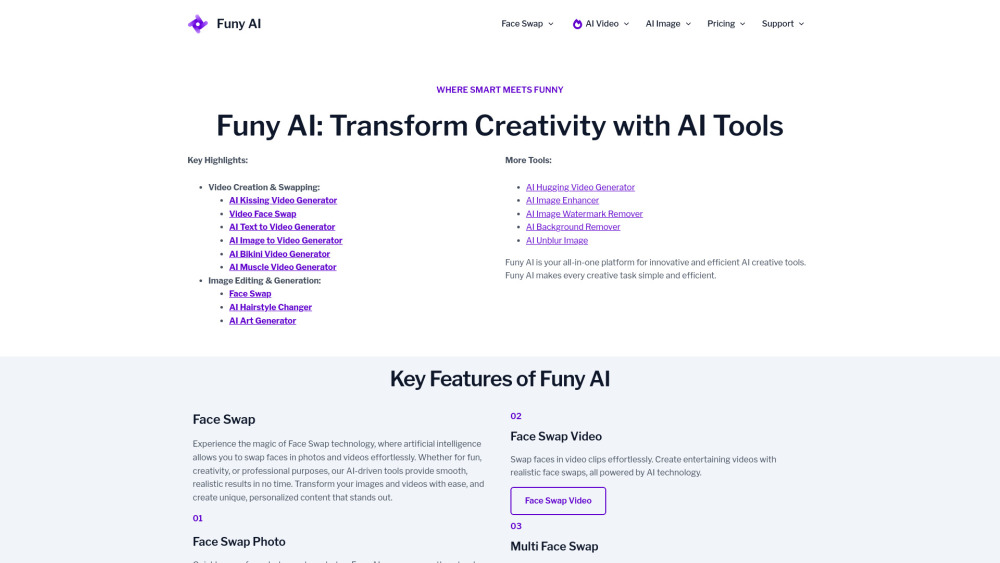
Funy AI: Zero-signup AI magic! Generate kissing videos, swap faces, create art & more—effortlessly. All-in-one creative power, instantly.
Explore a specific workflow
Explore ai filter tools through the product profiles below. The collection groups applications around a shared task. Product scope can overlap, so compare the specific workflow each tool describes rather than the category name alone.
Identify the files, text or account connections your task needs. Confirm that the product accepts those inputs and offers controls for reviewing its work.
Test one representative task and inspect the result for accuracy and completeness. Record where manual corrections or extra tools are needed.
Funy AI: Zero-signup AI magic! Generate kissing videos, swap faces, create art & more—effortlessly. All-in-one creative power, instantly.
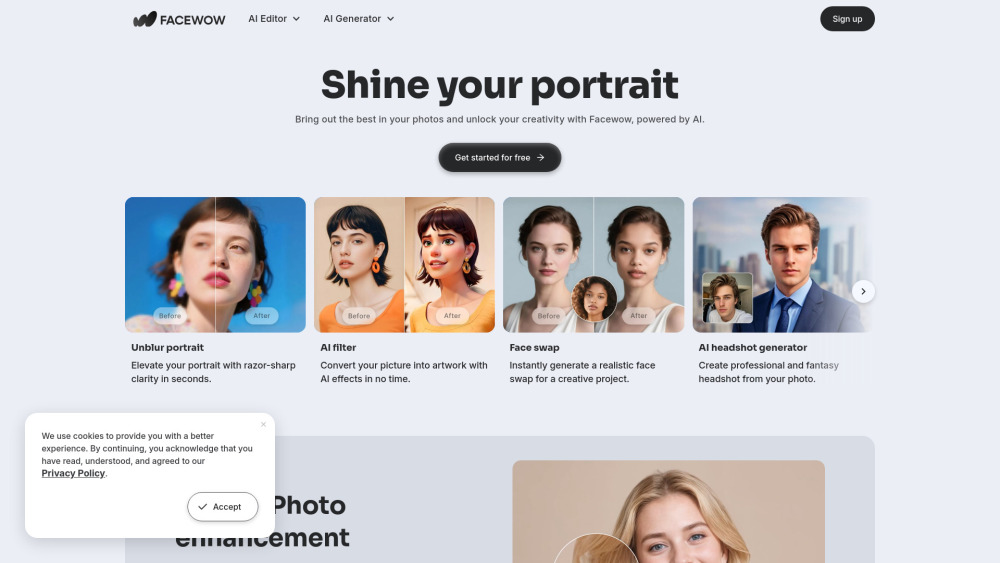
Facewow: AI-powered toolkit for portraits, face swaps & pro-level image enhancement—all in one click!

Zipik: Turn your portraits into enchanting AI fantasy creations with our powerful filter app. Transform your selfies into magical artworks effortlessly.

Enhance your photos with the Barbie Filter Online! Add iconic style and charm instantly. Experience the magic now—try Barbie's touch!

Pseudoface: AI-Generated Realistic Faces for Anonymous Creators. Keep your identity private while promoting yourself and boosting your income with our AI filter app.
FAQ
Practical answers to help you take the next step.
The collection groups applications around a shared task. Product scope can overlap, so compare the specific workflow each tool describes rather than the category name alone.
Identify the files, text or account connections your task needs. Confirm that the product accepts those inputs and offers controls for reviewing its work.
Test one representative task and inspect the result for accuracy and completeness. Record where manual corrections or extra tools are needed.
Choose one task with a clear success condition. Keep the input consistent, record the time spent reviewing and compare the complete workflow cost.
Funy AI: Zero-signup AI magic! Generate kissing videos, swap faces, create art & more—effortlessly. All-in-one creative power, instantly.
Read about Funy AIFacewow: AI-powered toolkit for portraits, face swaps & pro-level image enhancement—all in one click!
Read about FacewowZipik: Turn your portraits into enchanting AI fantasy creations with our powerful filter app. Transform your selfies into magical artworks effortlessly.
Read about ZipikEnhance your photos with the Barbie Filter Online! Add iconic style and charm instantly. Experience the magic now—try Barbie's touch!
Read about Barbie Filter OnlinePseudoface: AI-Generated Realistic Faces for Anonymous Creators. Keep your identity private while promoting yourself and boosting your income with our AI filter app.
Read about PseudofaceCheck export formats, integrations and whether you can keep using your work outside the service. Test a real export before committing to a longer plan.