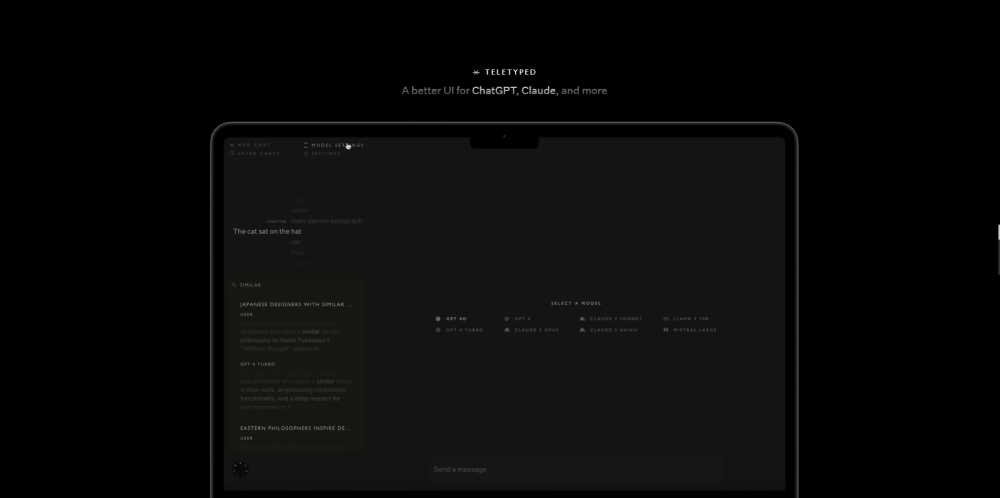
Teletyped: Upgrade your AI experience with an enhanced UI for ChatGPT, Claude, and more. Enjoy advanced features for seamless, productive conversations.
Explore a specific workflow
Explore ai customization tools through the product profiles below. The collection groups applications around a shared task. Product scope can overlap, so compare the specific workflow each tool describes rather than the category name alone.
Identify the files, text or account connections your task needs. Confirm that the product accepts those inputs and offers controls for reviewing its work.
Test one representative task and inspect the result for accuracy and completeness. Record where manual corrections or extra tools are needed.
Teletyped: Upgrade your AI experience with an enhanced UI for ChatGPT, Claude, and more. Enjoy advanced features for seamless, productive conversations.

Create a custom version of ChatGPT or Llama 2 trained on your internal data. Includes web interface, content analytics and private API.

VoiceXD: No-code platform for AI chat & voice assistants. Design advanced use cases, custom actions, & manage content seamlessly. Explore pricing & reviews.

Create your personalized AI assistant effortlessly with TinyAI. No coding needed—just simple chats to build your own smart assistant. Perfect for everyone!

Create wallpapers with AI. Walpium: Your go-to platform for unique, AI-generated wallpapers. Easy to create, simple to download.

LowTech AI: Simple, powerful AI tools for non-techies—ideal for writers, students, managers, and more. Harness AI effortlessly!
FAQ
Practical answers to help you take the next step.
The collection groups applications around a shared task. Product scope can overlap, so compare the specific workflow each tool describes rather than the category name alone.
Identify the files, text or account connections your task needs. Confirm that the product accepts those inputs and offers controls for reviewing its work.
Test one representative task and inspect the result for accuracy and completeness. Record where manual corrections or extra tools are needed.
Choose one task with a clear success condition. Keep the input consistent, record the time spent reviewing and compare the complete workflow cost.
Teletyped: Upgrade your AI experience with an enhanced UI for ChatGPT, Claude, and more. Enjoy advanced features for seamless, productive conversations.
Read about TeletypedCreate a custom version of ChatGPT or Llama 2 trained on your internal data. Includes web interface, content analytics and private API.
Read about TrainMyAIVoiceXD: No-code platform for AI chat & voice assistants. Design advanced use cases, custom actions, & manage content seamlessly. Explore pricing & reviews.
Read about VoiceXDCreate your personalized AI assistant effortlessly with TinyAI. No coding needed—just simple chats to build your own smart assistant. Perfect for everyone!
Read about TinyAICreate wallpapers with AI. Walpium: Your go-to platform for unique, AI-generated wallpapers. Easy to create, simple to download.
Read about WalpiumLowTech AI: Simple, powerful AI tools for non-techies—ideal for writers, students, managers, and more. Harness AI effortlessly!
Read about LowTech AI