General Writing

YouMind AI

YouMind AI: Transform raw materials into inspired creations—powerful use cases, transparent pricing, real reviews, core features & top alternatives. Try it today!

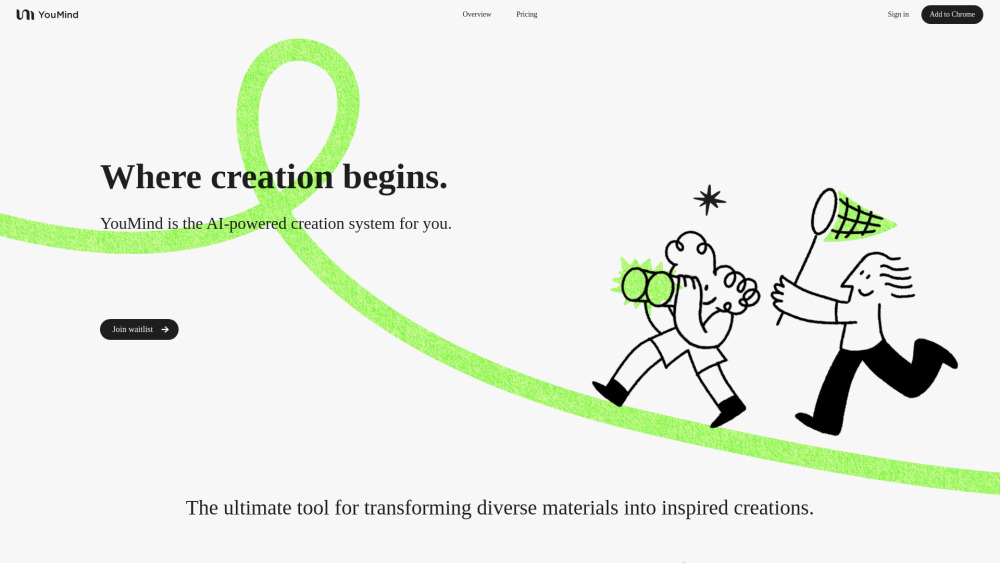
YouMind AI website preview

YouMind AI Website screenshot

What Is YouMind AI?

YouMind AI is an intelligent co-creation platform that helps users capture, contextualize, and reimagine information—from articles and videos to research papers and audio—into original insights, drafts, and creative assets.

How Does YouMind AI Work?

Simply install the browser extension or upload files directly; YouMind intelligently extracts key ideas, summarizes content on-the-fly, and empowers you to remix saved materials into new outputs—no manual note-taking required.

Key Features of YouMind AI

Smart Material Capture & Auto-Summarization

Cross-Format Knowledge Library (Web, PDF, Video, Audio, Images)

Real-Time AI Collaboration with Low-Latency Responses

End-to-End Encryption & Zero-Data-Retention Policy

Real-World Use Cases for YouMind AI

Accelerate research workflows by saving, annotating, and synthesizing academic sources in seconds.

Turn podcast interviews or YouTube tutorials into structured outlines, blog posts, or presentation decks.

Support content creators, educators, and developers with AI-assisted ideation, drafting, and iteration.

YouMind AI: Pricing Overview

YouMind offers a free tier with core capture and summarization features. Pro plans unlock advanced editing, multi-source synthesis, API access, and priority support. Transparent, subscription-free billing—cancel anytime. View full pricing details →

What Users Are Saying: YouMind AI Reviews

“A game-changer for researchers—I went from hours of annotation to actionable summaries in under a minute.” — Dr. Lena T., Academic Researcher “Finally, an AI tool that respects my privacy *and* delivers precision. My creative process feels lighter.” — Marco R., UX Writer Rated 4.8/5 on G2 (based on 127 verified reviews as of Q3 2025)

Top Alternatives to YouMind AI

  • Notion AI — Strong for internal documentation but limited external content ingestion and weaker privacy controls.
  • Mem.ai — Excellent for personal knowledge management, yet lacks deep multimodal analysis (e.g., video/audio understanding).
  • Perplexity Pro — Great for real-time search + reasoning, but doesn’t offer persistent, user-owned material libraries or creative remixing.

Product source: YouMind AI official website. Check the provider for current plans, limits and availability.

FAQ

YouMind AI questions and answers

Product context and practical checks for evaluating YouMind AI.

What is YouMind AI used for?

YouMind AI: Transform raw materials into inspired creations—powerful use cases, transparent pricing, real reviews, core features & top alternatives. Try it today!

How do I get started with YouMind AI?

Simply install the browser extension or upload files directly; YouMind intelligently extracts key ideas, summarizes content on-the-fly, and empowers you to remix saved materials into new outputs—no manual note-taking required.

Which capabilities are described for YouMind AI?

Smart Material Capture & Auto-SummarizationCross-Format Knowledge Library (Web, PDF, Video, Audio, Images)Real-Time AI Collaboration with Low-Latency ResponsesEnd-to-End Encryption & Zero-Data-Retention Policy

What projects can I evaluate YouMind AI for?

Accelerate research workflows by saving, annotating, and synthesizing academic sources in seconds.Turn podcast interviews or YouTube tutorials into structured outlines, blog posts, or presentation decks.Support content creators, educators, and developers with AI-assisted ideation, drafting, and iteration.

How does YouMind AI handle notion ai?

Notion AI — Strong for internal documentation but limited external content ingestion and weaker privacy controls.

How does YouMind AI handle mem.ai?

Mem.ai — Excellent for personal knowledge management, yet lacks deep multimodal analysis (e.g., video/audio understanding).

What should I compare before choosing a YouMind AI plan?

YouMind offers a free tier with core capture and summarization features. Pro plans unlock advanced editing, multi-source synthesis, API access, and priority support. Transparent, subscription-free billing—cancel anytime. View full pricing details → Confirm current prices and allowances on the provider’s website before purchasing.

What inputs should I prepare for a YouMind AI trial?

Identify the files, text or account connections your task needs. Confirm that the product accepts those inputs and offers controls for reviewing its work.

How can I check the quality of a YouMind AI result?

Test one representative task and inspect the result for accuracy and completeness. Record where manual corrections or extra tools are needed.

Where is the official YouMind AI website?

The website linked from this profile is https://youmind.ai. Use the provider’s own documentation, account area and support channels to confirm current product details.

Visit YouMind AI