Writing Assistants

Word WandAI

Word WandAI: Elevate your Zendesk support with AI-driven replies and faster response times. Powered by OpenAI and ChatGPT for top-tier customer service.

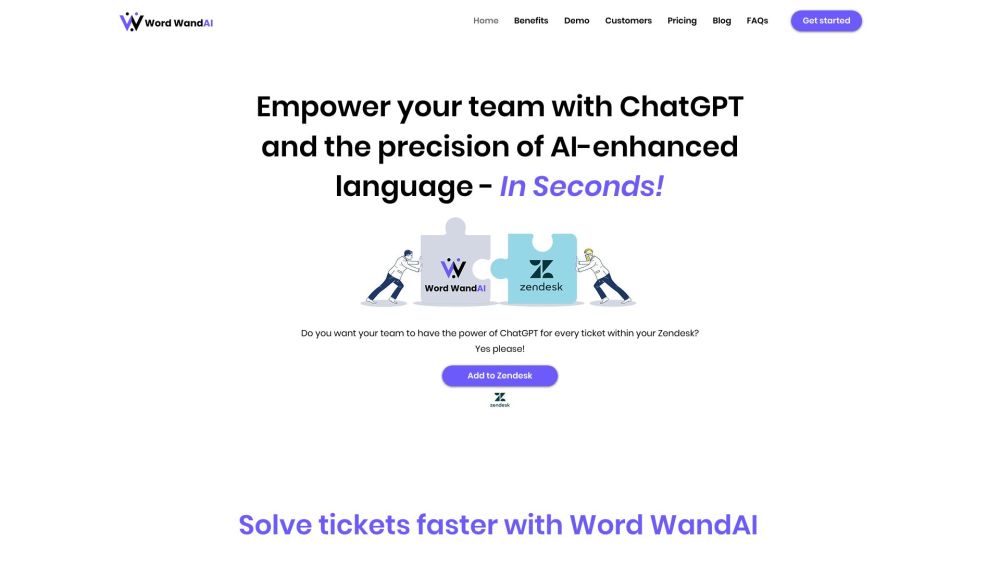
Word WandAI website preview

Word WandAI Website screenshot

What is Word WandAI?

Word WandAI is an innovative AI-driven customer support tool integrated with Zendesk. Leveraging the capabilities of OpenAI and ChatGPT, it enhances the quality of customer service responses and significantly reduces the time needed to address support tickets.

How to use Word WandAI?

Using Word WandAI is straightforward. After installing it in your Zendesk account, agents can input brief instructions, and the AI will generate highly personalized responses by combining the customer's message with the agent's guidance. This tool can also refine less-than-perfect messages, adjust sentiment and tone, generate key questions from customer messages, and craft customized responses for 'Yes' or 'No' queries. Word WandAI helps agents handle customer issues more efficiently, improve the quality of responses, and boost customer satisfaction.

Word WandAI's Core Features

The main features of Word WandAI include: 1. Instruct: Guide the AI for creating personalized responses. 2. Reword: Enhance suboptimal messages written by agents. 3. More Info / Questions: Extract key questions from customer messages. 4. Yes & No: Formulate personalized responses with simple 'Yes' or 'No' answers.

Word WandAI's Use Cases

Word WandAI is versatile and can be used for: 1. Quickly and efficiently addressing customer complaints. 2. Enhancing and personalizing macro templates. 3. Providing guidance for troubleshooting. 4. Elevating professionalism and personalization in customer communications.

Product source: Word WandAI official website. Check the provider for current plans, limits and availability.

FAQ

Word WandAI questions and answers

Product context and practical checks for evaluating Word WandAI.

What is Word WandAI used for?

Word WandAI: Elevate your Zendesk support with AI-driven replies and faster response times. Powered by OpenAI and ChatGPT for top-tier customer service.

How do I get started with Word WandAI?

Using Word WandAI is straightforward. After installing it in your Zendesk account, agents can input brief instructions, and the AI will generate highly personalized responses by combining the customer's message with the agent's guidance. This tool can also refine less-than-perfect messages, adjust sentiment and tone, generate key questions from customer messages, and craft customized responses for 'Yes' or 'No' queries. Word WandAI helps agents handle customer issues more efficiently, improve the quality of responses, and boost customer satisfaction.

Which capabilities are described for Word WandAI?

The main features of Word WandAI include: 1. Instruct: Guide the AI for creating personalized responses. 2. Reword: Enhance suboptimal messages written by agents. 3. More Info / Questions: Extract key questions from customer messages. 4. Yes & No: Formulate personalized responses with simple 'Yes' or 'No' answers.

What projects can I evaluate Word WandAI for?

Word WandAI is versatile and can be used for: 1. Quickly and efficiently addressing customer complaints. 2. Enhancing and personalizing macro templates. 3. Providing guidance for troubleshooting. 4. Elevating professionalism and personalization in customer communications. Word WandAI Support Email & Customer Service Contact & Refund Contact For customer service, contact Word WandAI support at: [email protected]. For more contact details, visit the contact us page(mailto:[email protected]). Word WandAI Company Company name: WordWandAI. Learn more about Word WandAI on the about us page. Word WandAI Pricing For pricing information, visit: https://www.wordwandai.com/pricing Word WandAI YouTube Watch Word WandAI on YouTube: https://www.youtube.com/@WordWandAIWord WandAI LinkedIn Connect with Word WandAI on LinkedIn: https://www.linkedin.com/company/91344731

What should I compare before choosing a Word WandAI plan?

For pricing information, visit: https://www.wordwandai.com/pricing Confirm current prices and allowances on the provider’s website before purchasing.

What inputs should I prepare for a Word WandAI trial?

Identify the files, text or account connections your task needs. Confirm that the product accepts those inputs and offers controls for reviewing its work.

How can I check the quality of a Word WandAI result?

Test one representative task and inspect the result for accuracy and completeness. Record where manual corrections or extra tools are needed.

Which export options should I check in Word WandAI?

Check export formats, integrations and whether you can keep using your work outside the service. Test a real export before committing to a longer plan.

What is a practical way to test Word WandAI against alternatives?

Choose one task with a clear success condition. Keep the input consistent, record the time spent reviewing and compare the complete workflow cost.

Where is the official Word WandAI website?

The website linked from this profile is https://www.wordwandai.com. Use the provider’s own documentation, account area and support channels to confirm current product details.

Visit Word WandAI