What is WonderShare Virbo?
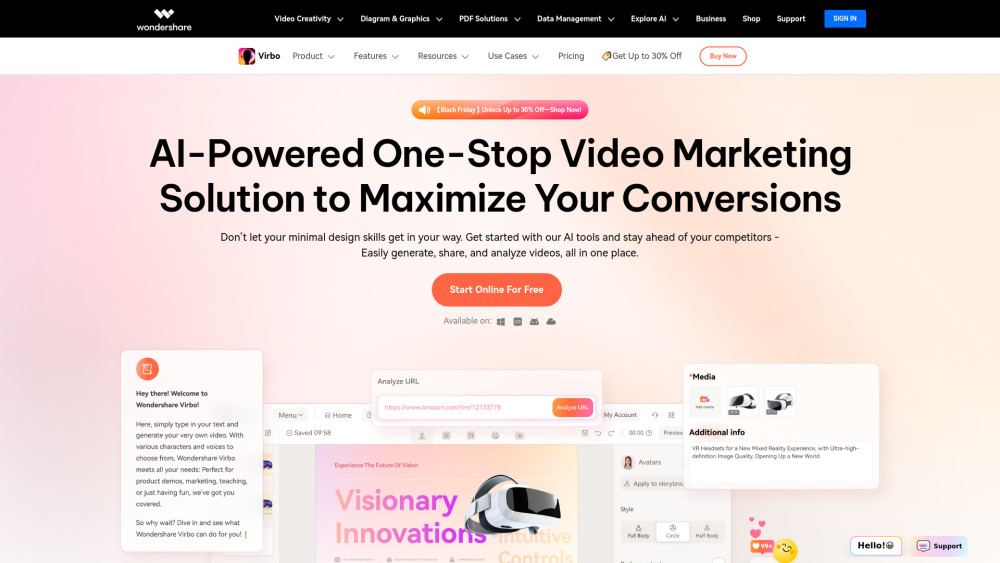
With its cutting-edge AI technology, WonderShare Virbo empowers users to produce highly realistic and personalized AI avatar videos. These avatars can represent a wide array of nationalities and speak in over 120 languages, making them perfect for various scenarios such as marketing campaigns, sales presentations, training modules, and educational content. By simply typing and clicking, you can generate professional-quality AI spokesperson videos without the need for expensive video production teams or actors. Virbo offers an extensive library of 300+ lifelike AI avatars that cater to different accents and linguistic needs. Moreover, it provides a rich selection of customizable templates designed to meet any creative requirement. Whether you're creating promotional material, product showcases, or instructional guides, Virbo ensures your message is delivered engagingly and effectively. It's like having your own personal video studio at your fingertips! Key Features:
- AI Avatars: Over 300 realistic options.
- AI Voices: More than 460 voice choices spanning 90 countries.
- AI Video Translator: Supports more than 40 languages.
- AI Script Generator: Seamlessly integrated with ChatGPT 4.0.
- URL to Video: Convert links into polished advertisements effortlessly.
- AI Talking Photo: Create lifelike talking avatars with precise lip-syncing.
- Custom AI Avatars: Generate your very own digital twin.
- AI Video Templates: Simplify the process of crafting professional-grade videos.
- PPT to Video: Effortlessly transform PowerPoint presentations into dynamic visuals.
- Text to Speech: Instantly convert written content into spoken word.
- AI Image Generator: Produce captivating visuals from text or images.
- AI Voice Cloning: Develop high-quality synthetic voices.
- AI Dubbing: Add subtitles or dub existing videos into multiple languages.
- AI Montage Maker: Assemble stunning storylines using media files.
- AI Clip Maker: Automatically generate viral clips from longer footage.
How to use WonderShare Virbo?
For detailed instructions on how to utilize WonderShare Virbo, refer to this document: User Guide.