AI Advertising Assistant

Wachat Bot

Wachat Bot: Automate and optimize WhatsApp support with AI-driven multi-attendants. Boost productivity, close more tickets, and enhance customer service effortlessly.

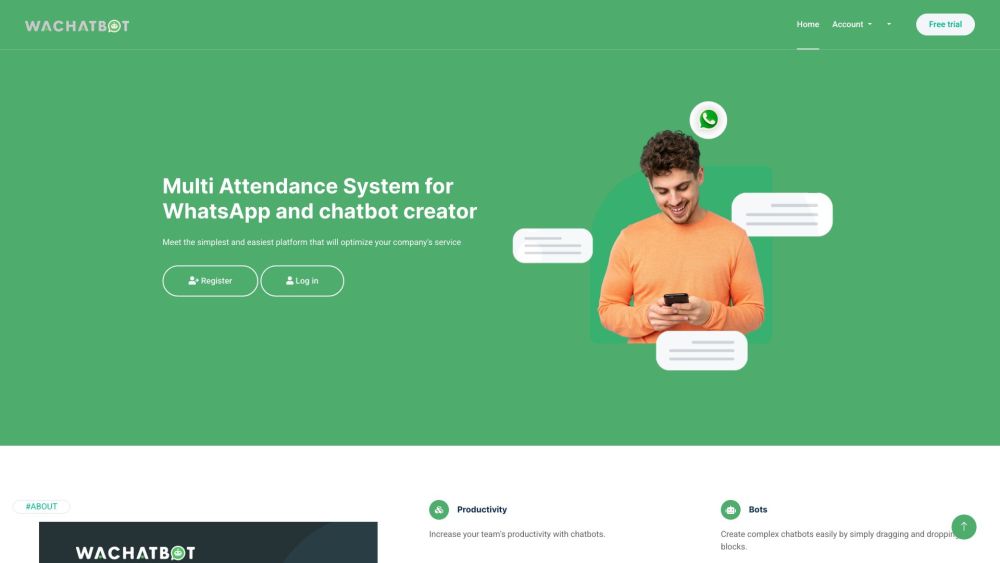
Wachat Bot website preview

Wachat Bot - WhatsApp Multi-Attendant System Website screenshot

Understanding Wachat Bot: The WhatsApp Multi-Attendant System

Wachat Bot is a sophisticated system tailored to enhance customer support on WhatsApp. This platform integrates both standard and AI-powered bots, acting as extensions of your support team to handle more customer inquiries efficiently. With its user-friendly interface and customizable features, Wachat Bot is designed to streamline operations and elevate the quality of customer service.

Getting Started with Wachat Bot

To begin using Wachat Bot, register on the platform and select from either standard or AI bots. The system allows you to configure bot rules through a block-based structure, making it easier to manage customer interactions. These bots assist in responding to inquiries and routing customers to appropriate departments, making them an indispensable tool for businesses seeking to improve efficiency. The platform also supports multiple attendants to handle complex queries and offers round-the-clock service, ensuring customer needs are met even outside business hours.

Key Features of Wachat Bot - WhatsApp Multi-Attendant System

Versatile Bot Options

Customizable Interaction Rules

Intuitive Chat Interface

Multi-Attendant Support for Complex Queries

24/7 Availability

Practical Applications of Wachat Bot

Automating Customer Support on WhatsApp

Boosting Attendants' Productivity

Enhancing Ticket Resolution Rates

Providing Continuous Support Around the Clock

Product source: Wachat Bot official website. Check the provider for current plans, limits and availability.

FAQ

Wachat Bot questions and answers

Product context and practical checks for evaluating Wachat Bot.

What is Wachat Bot used for?

Wachat Bot: Automate and optimize WhatsApp support with AI-driven multi-attendants. Boost productivity, close more tickets, and enhance customer service effortlessly.

How do I get started with Wachat Bot?

To begin using Wachat Bot, register on the platform and select from either standard or AI bots. The system allows you to configure bot rules through a block-based structure, making it easier to manage customer interactions. These bots assist in responding to inquiries and routing customers to appropriate departments, making them an indispensable tool for businesses seeking to improve efficiency. The platform also supports multiple attendants to handle complex queries and offers round-the-clock service, ensuring customer needs are met even outside business hours.

Which capabilities are described for Wachat Bot?

Versatile Bot OptionsCustomizable Interaction RulesIntuitive Chat InterfaceMulti-Attendant Support for Complex Queries24/7 Availability

What projects can I evaluate Wachat Bot for?

Automating Customer Support on WhatsAppBoosting Attendants' ProductivityEnhancing Ticket Resolution RatesProviding Continuous Support Around the Clock Wachat Bot - WhatsApp Multi-Attendant System Login Wachat Bot - WhatsApp Multi-Attendant System Login Link: https://chat.bluchatbot.com/login Wachat Bot - WhatsApp Multi-Attendant System Sign up Wachat Bot - WhatsApp Multi-Attendant System Sign up Link: https://chat.bluchatbot.com/register Wachat Bot - WhatsApp Multi-Attendant System Pricing Wachat Bot - WhatsApp Multi-Attendant System Pricing Link: https://bluchat.bot/#Pricing

What should I compare before choosing a Wachat Bot plan?

Wachat Bot - WhatsApp Multi-Attendant System Pricing Link: https://bluchat.bot/#Pricing Confirm current prices and allowances on the provider’s website before purchasing.

What inputs should I prepare for a Wachat Bot trial?

Identify the files, text or account connections your task needs. Confirm that the product accepts those inputs and offers controls for reviewing its work.

How can I check the quality of a Wachat Bot result?

Test one representative task and inspect the result for accuracy and completeness. Record where manual corrections or extra tools are needed.

Which export options should I check in Wachat Bot?

Check export formats, integrations and whether you can keep using your work outside the service. Test a real export before committing to a longer plan.

What is a practical way to test Wachat Bot against alternatives?

Choose one task with a clear success condition. Keep the input consistent, record the time spent reviewing and compare the complete workflow cost.

Where is the official Wachat Bot website?

The website linked from this profile is . Use the provider’s own documentation, account area and support channels to confirm current product details.