AI Content Generator

Voxpad

Voxpad: AI notetaker for videos & audio. Summarizes content, highlights key points, and saves time. Explore use cases, pricing, reviews, features, and alternatives.

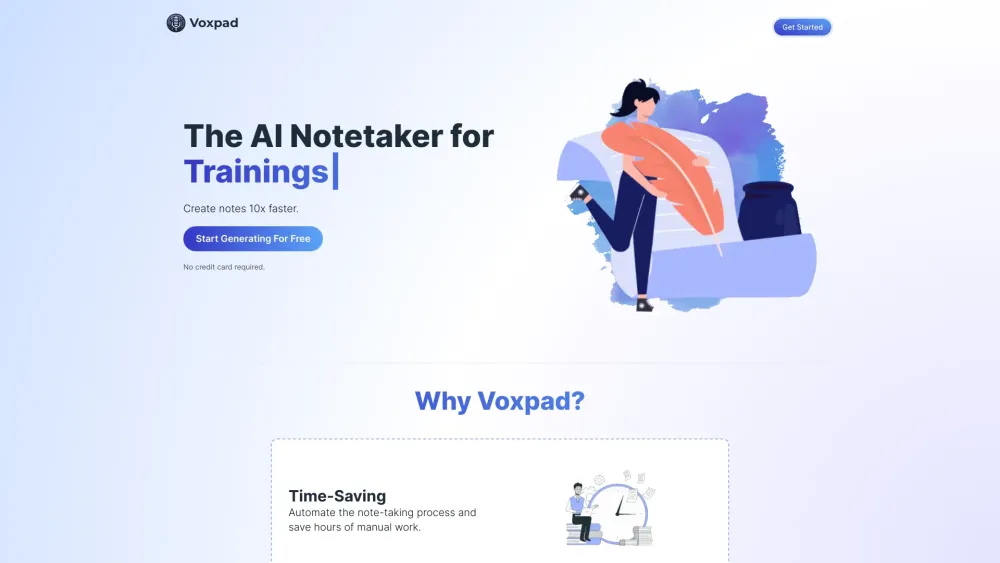
Voxpad website preview

Voxpad Website screenshot

What is Voxpad?

Voxpad is an intelligent AI notetaker designed to transform spoken content from videos and audio recordings into clear, structured, and actionable notes. Leveraging advanced artificial intelligence, it captures key insights automatically, helping users retain critical information without manual effort.

How to use Voxpad?

Simply import your audio or video file, select your preferred note format, let the AI process the content, refine your notes with smart editing tools, and export or save them for future reference—all in just a few clicks.

Voxpad's Core Features

Smart Note Generation

Instantly convert long-form audio and video into concise, well-organized summaries using cutting-edge speech recognition and natural language processing.

Flexible Note Customization

Tailor the structure, tone, and depth of your notes to match your needs—whether for academic review, meeting minutes, or personal knowledge management.

Precise Timestamp Integration

Navigate effortlessly through your media with time-synced notes, allowing you to jump directly to key moments in the original content.

AI-Powered Editing Assistant

Enhance clarity and completeness with real-time autocomplete suggestions and context-aware rephrasing to polish your notes efficiently.

Voxpad's Use Cases

Accelerate Learning from Lectures & Tutorials

Generate comprehensive study notes up to 10x faster than traditional note-taking, improving comprehension and retention.

Centralize Knowledge from Meetings & Interviews

Store, search, and revisit important discussions with organized, searchable transcripts and summaries—all securely saved in one place.

Product source: Voxpad official website. Check the provider for current plans, limits and availability.

FAQ

Voxpad questions and answers

Product context and practical checks for evaluating Voxpad.

What is Voxpad used for?

Voxpad: AI notetaker for videos & audio. Summarizes content, highlights key points, and saves time. Explore use cases, pricing, reviews, features, and alternatives.

How do I get started with Voxpad?

Simply import your audio or video file, select your preferred note format, let the AI process the content, refine your notes with smart editing tools, and export or save them for future reference—all in just a few clicks.

Which capabilities are described for Voxpad?

Smart Note GenerationInstantly convert long-form audio and video into concise, well-organized summaries using cutting-edge speech recognition and natural language processing.Flexible Note CustomizationTailor the structure, tone, and depth of your notes to match your needs—whether for academic review, meeting minutes, or personal knowledge management.Precise Timestamp IntegrationNavigate effortlessly through your media with time-synced notes, allowing you to jump directly to key moments in the original content.AI-Powered Editing AssistantEnhance clarity and completeness with real-time autocomplete suggestions and context-aware rephrasing to polish your notes efficiently.

What projects can I evaluate Voxpad for?

Accelerate Learning from Lectures & TutorialsGenerate comprehensive study notes up to 10x faster than traditional note-taking, improving comprehension and retention.Centralize Knowledge from Meetings & InterviewsStore, search, and revisit important discussions with organized, searchable transcripts and summaries—all securely saved in one place.

What should I compare before choosing a Voxpad plan?

Check Voxpad’s current pricing page for included usage, renewal terms and any credit charges. Compare the cost of a usable result, including retries, rather than assuming that account registration includes free usage.

What inputs should I prepare for a Voxpad trial?

Compare text prompts, reference frames, source footage and audio support. Check duration, aspect ratio and whether the tool lets you keep a subject consistent between shots.

How can I check the quality of a Voxpad result?

Watch the entire clip for motion errors, distorted objects, changing identities, lip-sync problems and abrupt transitions. Inspect the downloaded file as well as the preview.

Which export options should I check in Voxpad?

Check export resolution, frame rate, aspect ratio, audio tracks and watermark rules. A good preview is not a substitute for an export that fits your publishing channel.

What is a practical way to test Voxpad against alternatives?

Use a short shot with one subject and one camera movement. Keep the prompt and duration constant, then compare usable seconds and the number of regenerations.

Where is the official Voxpad website?

The website linked from this profile is https://voxpad.net. Use the provider’s own documentation, account area and support channels to confirm current product details.

Visit Voxpad