What is Userbird?
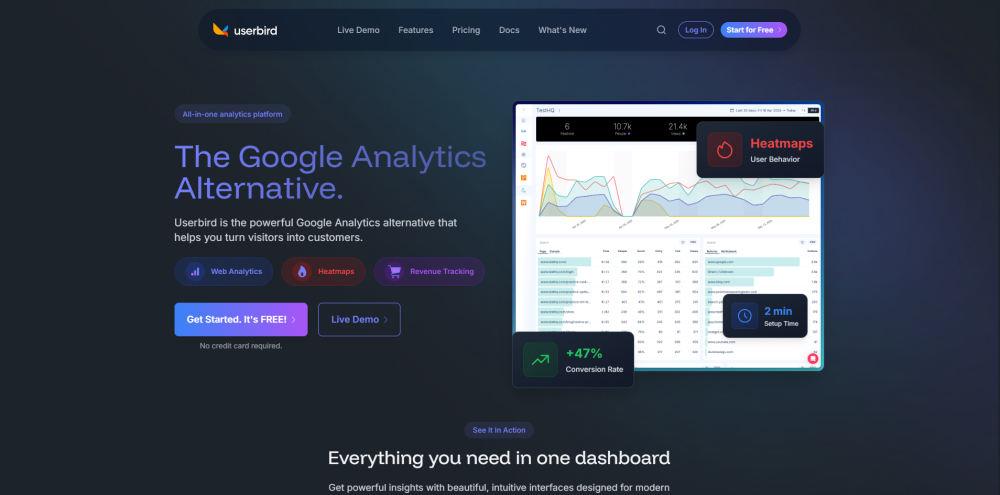
Userbird is an AI-native analytics platform that delivers real-time behavioral insights—no configuration, no delays, no guesswork. Built for modern teams, it replaces legacy tools with intelligent heatmaps, session replays, auto-detected conversion paths, and AI-powered A/B test recommendations—all activated in seconds.
How to use Userbird?
Launch analytics in under 60 seconds: sign up at userbird.com, copy your unique snippet, and paste it into your site’s header. That’s it—zero setup, zero maintenance, instant insights.
Userbird's Core Features
AI-Powered Analytics Engine
Real-Time Behavioral Dashboard
Smart Click & Scroll Heatmaps
High-Fidelity Session Recordings
Auto-Optimizing Split Testing
Frictionless Conversion Tracking
Intelligent Form Interaction Analytics
One-Click Download & Event Tracking
Userbird's Use Cases
Growth & Product Teams
-
Userbird Support & Customer Success
Reach our support team anytime: visit the contact page (https://userbird.com/contact) for fast responses, refunds, or onboarding help.
-
About Userbird
Userbird is developed by Linkly Ltd. — a privacy-first analytics company headquartered in the EU.
Learn more about our mission, values, and technology: explore the About Us page.
-
Userbird Login
Access your dashboard instantly: https://app.userbird.com/sign-in
-
Get Started with Userbird
Start your free trial—no credit card required: https://app.userbird.com/sign-up
-
Transparent Pricing
Simple, scalable plans—built for startups and enterprises alike: view options at https://userbird.com/#pricing
-
Join the Community
Follow us on social for product updates and analytics tips:
Facebook | LinkedIn | X (Twitter) | GitHub