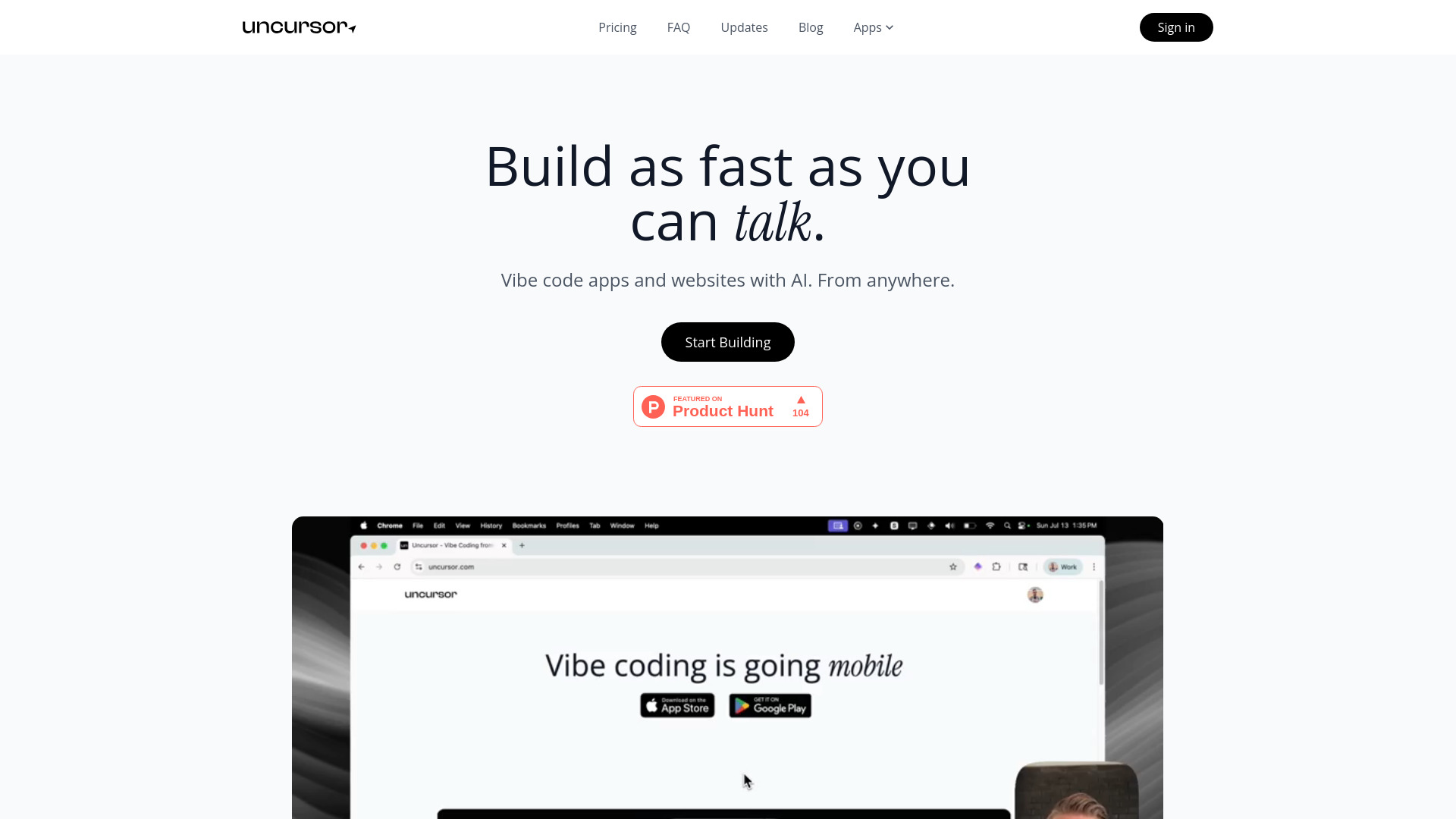
What is Uncursor?
Uncursor is a next-generation AI website builder engineered for speed, ownership, and creative autonomy. It redefines web development by merging intuitive natural language interaction with production-grade output—no coding required, yet full code access guaranteed. Whether you're sketching a startup landing page at 2 a.m., iterating on a client’s design feedback, or scaffolding a React-powered prototype in under a minute, Uncursor delivers intelligent, instant, and exportable results. Think of it not as a drag-and-drop template tool—but as an AI co-pilot that speaks your language, writes clean modern code, and ships it live before you finish your coffee.
How to Use Uncursor
Getting started takes seconds: describe your vision in plain English—“A minimalist portfolio for a photographer, dark mode enabled, with smooth scroll navigation”—and Uncursor generates a responsive, accessible, and visually cohesive site in real time. No syntax, no frameworks, no setup. Need to tweak? Just say, “Swap the hero image with a video background” or “Add a newsletter signup above the footer,” and the AI updates the DOM, styles, and logic—then redeploys instantly. Every iteration preserves semantic HTML, mobile-first CSS, and performant JavaScript. And because Uncursor is built for real-world workflows, you can export your entire project—assets, components, and build configuration—at any stage, with zero lock-in.
Start small: try converting a Figma note into a functional page. Then scale up—integrate APIs, add dynamic sections, or generate multi-route SPAs. The AI learns from context, respects design systems, and adapts to your tone, brand voice, and technical preferences—making every prompt feel like a collaboration, not a command.
Key Features of Uncursor
- No-Code, Not No-Control: Build without writing code—but never sacrifice control. Uncursor’s AI interprets intent, not just keywords, producing semantic, maintainable code that follows modern best practices (like BEM naming, responsive breakpoints, and ARIA-ready markup)—so your site looks great *and* scales cleanly.
- Instant Deploy, Zero DevOps: One click → live URL. Behind the scenes, Uncursor auto-provisions optimized static hosting with global CDN, automatic SSL, and atomic deployments—no CLI, no config files, no waiting for builds. Your changes go live in under 3 seconds, with versioned previews and rollback support.
- Full Code Export—No Strings Attached: Download your complete, well-structured source code anytime: HTML, CSS, JS (ES6+), assets, and optional framework wrappers (e.g., Vite or Next.js-compatible exports). It’s yours—host it anywhere, commit to GitHub, extend with TypeScript, or hand off to your dev team. No watermarks, no obfuscated logic, no proprietary runtime.
- Natural Language Editing, Not Just Generation: Editing isn’t an afterthought—it’s core. Describe structural, stylistic, or behavioral changes conversationally (“Make the CTA button pulse on hover”, “Load testimonials asynchronously”, “Add dark/light toggle in header”) and Uncursor intelligently modifies only what’s needed—preserving your existing logic and design integrity.
Together, these features forge a new paradigm: one where velocity doesn’t compromise craftsmanship, accessibility isn’t bolted on, and “no-code” means liberation—not limitation. From solo founders to enterprise teams, Uncursor bridges the gap between idea and impact—without intermediaries or compromises.
Why Choose Uncursor?
In a landscape crowded with templated builders and black-box AI tools, Uncursor stands apart by honoring two non-negotiable principles: *instant utility* and *full sovereignty*. It doesn’t ask you to learn a new syntax or conform to rigid UI constraints—it meets you where you are, in your own words, and delivers professional-grade output you fully own. Its AI is trained on modern web standards—not legacy patterns—so generated sites are fast, SEO-friendly, WCAG-compliant, and built with tomorrow’s tooling in mind.
This isn’t just about faster launches. It’s about empowering designers to ship pixel-perfect implementations, enabling marketers to A/B test landing pages without dev tickets, and giving developers a turbocharged starting point—complete with exportable, editable, production-ready code. Featured on aitop-tools.com as a top-tier AI dev tool, Uncursor represents the evolution of web creation: intelligent, open, and unapologetically human-centered.
Use Cases and Applications
Uncursor thrives where speed, fidelity, and flexibility converge. Startups validate concepts with shippable MVPs in hours—not weeks. Design agencies turn Figma mockups into interactive, client-ready demos overnight. Educators build course microsites with embedded quizzes and progress tracking—no backend needed. Developers generate boilerplate for complex layouts (dashboards, documentation hubs, e-commerce PDPs) and export to their preferred stack. Even government and nonprofit teams use Uncursor to rapidly deploy compliant, multilingual, accessible public-facing pages—fully auditable and exportable for internal governance. Whether it’s a single-page campaign, a 50-page knowledge base, or a progressive web app with offline support, Uncursor adapts—without abstraction, without trade-offs.