AI Creative Writing

Type

Type is an AI-powered document editor that helps you write remarkably fast. It provides various features like generating drafts, transforming text, and providing writing assistance.

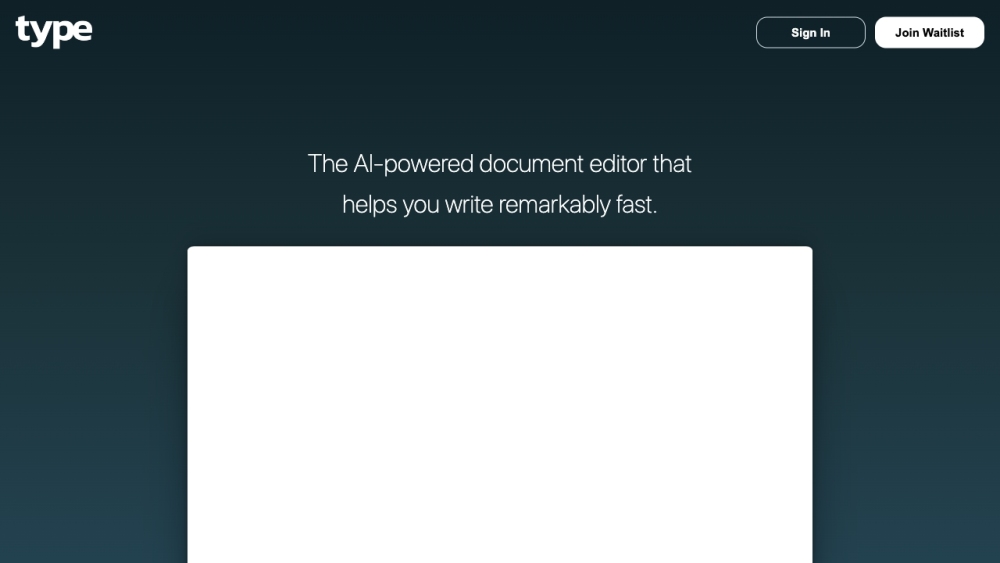
Type website preview

Type Website screenshot

Understanding Type

Type is a cutting-edge AI-driven document editor designed to significantly enhance your writing speed and efficiency. It boasts a suite of features aimed at generating content, modifying text, and offering comprehensive writing support.

Getting Started with Type

To begin using Type, create an account on the platform. Once logged in, you can start crafting and editing documents. The user-friendly interface provides easy access to key features such as draft creation, text modification, and writing support. Additional options like blogs and pricing details are available via the menu.

Key Features of Type

Type offers several core functionalities: 1. Draft Creation: Leveraging AI, Type generates initial drafts for your documents, giving you a solid starting point. 2. Text Modification: Type enables seamless text transformation, making content reshaping effortless. 3. Writing Support: Type offers suggestions for improvements and flags potential errors, enhancing the quality of your documents.

Applications of Type

Type can be applied in numerous scenarios, such as: 1. Content Generation: Assisting creators in drafting and refining their content. 2. Writing Initiatives: Helping both individuals and teams by providing valuable suggestions and streamlining the writing workflow.

Product source: Type official website. Check the provider for current plans, limits and availability.

FAQ

Type questions and answers

Product context and practical checks for evaluating Type.

What is Type used for?

Type is an AI-powered document editor that helps you write remarkably fast. It provides various features like generating drafts, transforming text, and providing writing assistance.

How do I get started with Type?

To begin using Type, create an account on the platform. Once logged in, you can start crafting and editing documents. The user-friendly interface provides easy access to key features such as draft creation, text modification, and writing support. Additional options like blogs and pricing details are available via the menu.

Which capabilities are described for Type?

Type offers several core functionalities: 1. Draft Creation: Leveraging AI, Type generates initial drafts for your documents, giving you a solid starting point. 2. Text Modification: Type enables seamless text transformation, making content reshaping effortless. 3. Writing Support: Type offers suggestions for improvements and flags potential errors, enhancing the quality of your documents.

What projects can I evaluate Type for?

Type can be applied in numerous scenarios, such as: 1. Content Generation: Assisting creators in drafting and refining their content. 2. Writing Initiatives: Helping both individuals and teams by providing valuable suggestions and streamlining the writing workflow. Type Support Contact Information If you need support, you can reach Type's customer service at: [email protected]. Type Login Login to Type here: https://type.ai/login.html Type Sign Up Sign up for Type here: https://type.ai/login.html Type Pricing View Type's pricing plans here: https://type.ai/login.html Type on YouTube Check out Type's YouTube channel here: https://youtu.be/YcYmqtYRXUM?si=vhh-LpU1MJTeWXC3

What should I compare before choosing a Type plan?

View Type's pricing plans here: https://type.ai/login.html Confirm current prices and allowances on the provider’s website before purchasing.

What inputs should I prepare for a Type trial?

Compare support for source documents, style instructions, outlines and length limits. Check whether citations link to real material rather than merely looking like references.

How can I check the quality of a Type result?

Verify names, dates, quotations and factual claims against the original sources. Edit tone, remove repetition and make sure the text answers the intended reader’s question.

Which export options should I check in Type?

Check export to plain text, Markdown, documents or your publishing system. Formatting, headings and working links matter when moving a draft into production.

What is a practical way to test Type against alternatives?

Use a real brief and a short source document. Compare factual accuracy, structure and editing time rather than accepting the longest or most confident draft.

Where is the official Type website?

The website linked from this profile is https://type.ai. Use the provider’s own documentation, account area and support channels to confirm current product details.

Visit Type