Copywriting

Twitti

Boost productivity with Twitti: ChatGPT Extension for Your Browser - AI-Based Tool. Get instant AI assistance and smarter browsing in one click!

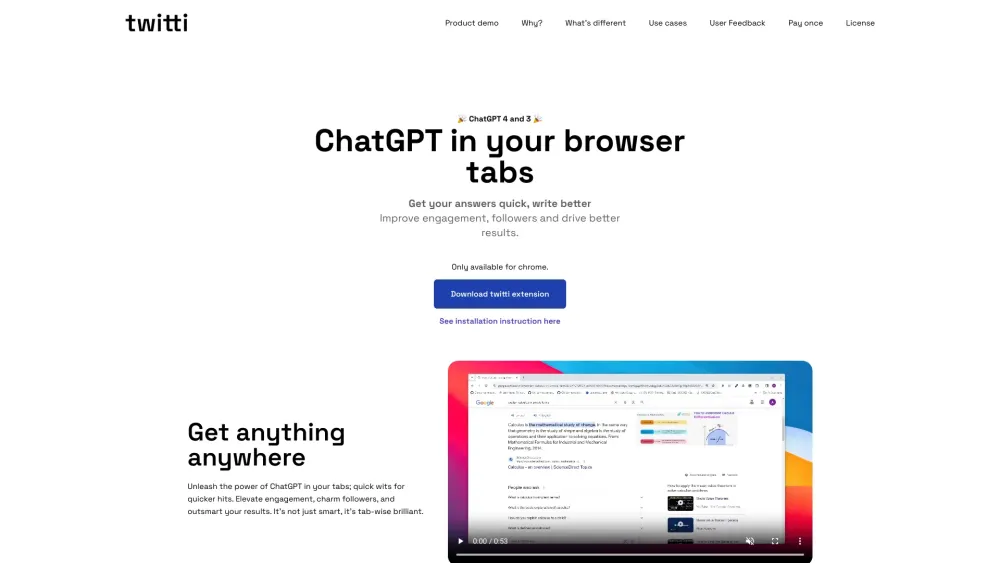
Twitti website preview
html

Twitti Website screenshot

What is Twitti?

Twitti is a ChatGPT-powered browser extension designed to enhance your browsing experience.

How to use Twitti?

Simply add the Twitti extension to your Chrome browser to leverage ChatGPT's capabilities within your browsing tabs. Whether you need quick responses, better engagement, or improved outcomes, Twitti is your go-to tool.

Twitti's Core Features

25+ Adjustable Tones for Various Tasks

Customizable Marketing Copy Guidelines

Engagement with Beta Profanity Mode

Word Generation Limit Control

Specialty Tone: Sarcastic Profanity for Marxism Content

Twitti's Use Cases

Support: Refine Tone for Difficult Customer Interactions

Social Media: Craft Engaging Posts to Boost Followers

Content Writing: Create Humorous, In-depth Blog Posts

Studying: Receive Quick Solutions to Complex Questions

Personal Assistant: Aid in Repetitive Tasks and Fact-Checking

Everyday Tasks: Seamless Browsing with Minimal Distractions

Product source: Twitti official website. Check the provider for current plans, limits and availability.

FAQ

Twitti questions and answers

Product context and practical checks for evaluating Twitti.

What is Twitti used for?

Boost productivity with Twitti: ChatGPT Extension for Your Browser - AI-Based Tool. Get instant AI assistance and smarter browsing in one click!

How do I get started with Twitti?

Simply add the Twitti extension to your Chrome browser to leverage ChatGPT's capabilities within your browsing tabs. Whether you need quick responses, better engagement, or improved outcomes, Twitti is your go-to tool.

Which capabilities are described for Twitti?

25+ Adjustable Tones for Various TasksCustomizable Marketing Copy GuidelinesEngagement with Beta Profanity ModeWord Generation Limit ControlSpecialty Tone: Sarcastic Profanity for Marxism Content

What projects can I evaluate Twitti for?

Support: Refine Tone for Difficult Customer InteractionsSocial Media: Craft Engaging Posts to Boost FollowersContent Writing: Create Humorous, In-depth Blog PostsStudying: Receive Quick Solutions to Complex QuestionsPersonal Assistant: Aid in Repetitive Tasks and Fact-CheckingEveryday Tasks: Seamless Browsing with Minimal Distractions Twitti Pricing Find out more about Twitti's pricing options here: https://www.twitti.app/#pricing Twitti Twitter Stay updated by following Twitti on Twitter: https://twitter.com/iwilldoitson

What should I compare before choosing a Twitti plan?

Find out more about Twitti's pricing options here: https://www.twitti.app/#pricing Confirm current prices and allowances on the provider’s website before purchasing.

What inputs should I prepare for a Twitti trial?

Look for text prompts, image references, masks or sketches as appropriate. Compare composition control, supported upload types and the ability to revise a selected area.

How can I check the quality of a Twitti result?

Inspect text, hands, edges, reflections and repeated objects at full size. Check that important product or brand details survive editing.

Which export options should I check in Twitti?

Compare pixel dimensions, transparency, file formats and any enlargement options. Confirm that the downloaded result works in your design or publishing software.

What is a practical way to test Twitti against alternatives?

Prepare a brief with a subject, composition, lighting and required output size. Test a first generation and a targeted revision to see how much control you retain.

Where is the official Twitti website?

The website linked from this profile is https://www.twitti.app. Use the provider’s own documentation, account area and support channels to confirm current product details.

Visit Twitti