Table of contents
Sourcetable : AI Spreadsheets, Automation, Insights, Pricing, Reviews
Sourcetable: AI-powered spreadsheets for smarter data insights, seamless automation, and peak productivity—explore use cases, pricing, reviews & top alternatives.
Directory : Summarizer, Writing Assistants, AI Content Generator, AI Charting, AI SQL Query Builder, Research Tool, AI Analytics Assistant, AI CRM Assistant, AI Chatbot, AI Spreadsheet, AI Productivity Tools
What is Sourcetable?
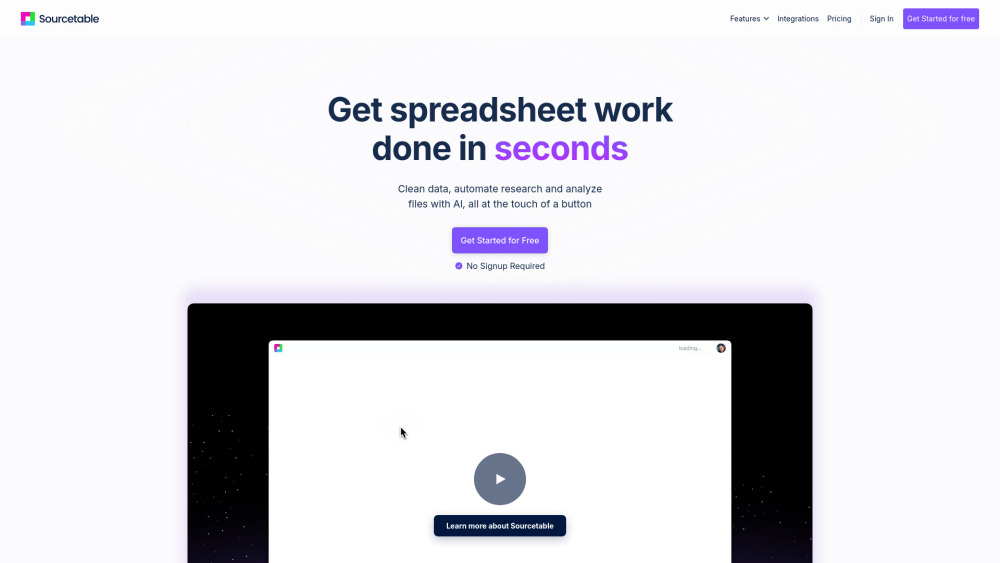
Sourcetable is an intelligent spreadsheet platform powered by artificial intelligence, designed to streamline data workflows. It simplifies complex operations such as formula creation, data visualization, and automated reporting through intuitive AI-driven tools.
How to use Sourcetable?
Getting started with Sourcetable is simple—upload your existing CSV data or create a new spreadsheet from scratch. Leverage AI assistance to explore insights, generate dynamic charts, and automate repetitive tasks in seconds.
Sourcetable's Core Features
AI-Powered Spreadsheet Assistant
Smart Formula Generator
Automated Chart Creation
Advanced Data Insights Engine
Natural Language to SQL Converter
One-Click Report Automation
Sourcetable's Use Cases
Instant analysis of large-scale datasets
Effortless generation of visual reports and dashboards
Automate data preparation, cleaning, and enrichment
FAQ from Sourcetable
-
What kind of tasks can Sourcetable automate?
-
Do I need to sign up to use Sourcetable?
-
Sourcetable Support Email & Customer Service Contact & Refund Information
For support inquiries, reach out via Sourcetable’s customer service email: [email protected]. For additional contact options, visit the contact page(mailto:[email protected]).
-
About Sourcetable Company
Company Name: Sourcetable.
Learn more about the company mission and vision at the about us page(https://sourcetable.com/about).
-
Sourcetable Login
Access your account at the official login portal: https://sourcetable.com/sign-in
-
Sourcetable Sign Up
Start for free—join today at https://sourcetable.com/get-started
-
Sourcetable Pricing
View detailed pricing plans and subscription options at https://sourcetable.com/pricing
FAQ from Sourcetable
What is Sourcetable?
Sourcetable is an AI-enhanced spreadsheet solution that boosts efficiency by automating data analysis, formula writing, and report generation using advanced artificial intelligence.
How to use Sourcetable?
Begin by uploading a CSV file or creating a blank spreadsheet. Use natural language prompts to analyze data, build visualizations, and automate routine processes instantly.
What kind of tasks can Sourcetable automate?
Sourcetable automates a wide range of tasks including formula creation, chart generation, data cleansing, SQL query writing, and recurring report delivery.
Do I need to sign up to use Sourcetable?
No signup is required to get started—you can begin exploring your data right away without creating an account.