Table of contents
SmartEReply: AI-Powered LinkedIn Replies, Use Cases, Pricing, Reviews, Features, Alternatives
SmartEReply: Boost LinkedIn networking with AI-powered replies. Discover use cases, pricing, reviews, core features, and alternatives. Save time and connect smarter!
Directory : Writing Assistants, AI Content Generator, AI Reply Assistant, AI Social Media Assistant, AI Response Generator
What is SmartEReply?
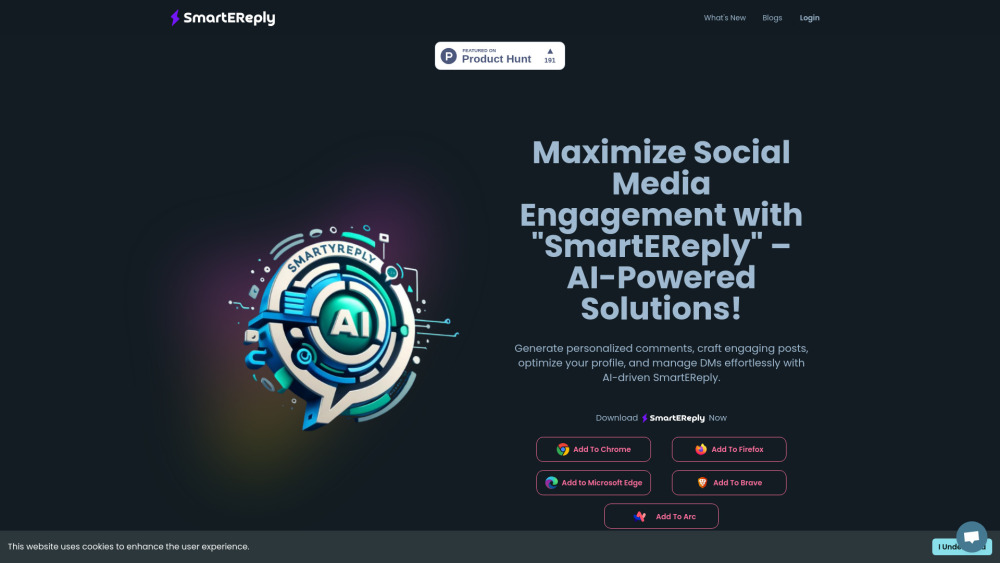
SmartEReply is an AI-driven browser extension designed to streamline and elevate your LinkedIn networking experience. It helps users craft personalized replies, automate content creation, enhance profile visibility, and connect with professionals across the globe through built-in multilingual capabilities.
How to use SmartEReply?
Getting started with SmartEReply is simple. Install the extension on Chrome, Firefox, or Edge, and integrate it directly into your LinkedIn workflow. From there, you can automate replies, schedule posts, and personalize connection requests with minimal effort.
SmartEReply's Core Features
Automated LinkedIn engagement
Personalized responses and messages
Profile visibility optimization
Multilingual communication tools
SmartEReply's Use Cases
Maximize networking efficiency on LinkedIn
Automate high-quality content posting
Reach out to global professionals in their native language
FAQ from SmartEReply
-
How does SmartEReply improve LinkedIn interaction?
-
Is SmartEReply easy to set up and use?
-
Can SmartEReply help grow my LinkedIn network?
-
SmartEReply Company
SmartEReply is developed by DCoder.AI, a company specializing in AI-powered productivity tools.
-
SmartEReply Login
Access your SmartEReply dashboard via the login page: https://smartereply.com/api/auth/signin?callbackUrl=/dashboard
-
SmartEReply YouTube
Watch tutorials and updates on the official YouTube channel: https://www.youtube.com/channel/UCiDNAUwRelqv0PrtjcQAMHg
-
SmartEReply Twitter
Follow SmartEReply on Twitter for the latest updates: https://twitter.com/DCoderAI
-
SmartEReply Instagram
Stay connected via Instagram: https://www.instagram.com/dcoderai
-
SmartEReply GitHub
Explore open-source contributions and updates on GitHub: https://github.com/DCoderAI/
FAQ from SmartEReply
What is SmartEReply?
SmartEReply is an AI-powered browser extension built to optimize LinkedIn interactions. It enables users to generate personalized replies, boost visibility, and engage with a global audience through multilingual support.
How to use SmartEReply?
Install the extension on your preferred browser and start automating replies, scheduling posts, and sending tailored connection invites directly from your LinkedIn feed.
How does SmartEReply improve LinkedIn interaction?
By leveraging AI, SmartEReply streamlines the creation of engaging content, personalizes messages, and enhances your visibility to other professionals, thereby increasing networking opportunities.
Is SmartEReply easy to set up and use?
Yes, SmartEReply features a user-friendly interface that requires minimal setup. Once installed, it integrates seamlessly with your LinkedIn profile for instant use.
Can SmartEReply help grow my LinkedIn network?
Definitely. With SmartEReply, you can craft compelling messages and posts that attract more connections, helping you expand your professional network effectively.