AI Content Generator

Sludge AI

Sludge AI: Download & edit videos from any platform—fast, free, and feature-rich. See pricing, reviews, use cases & top alternatives!

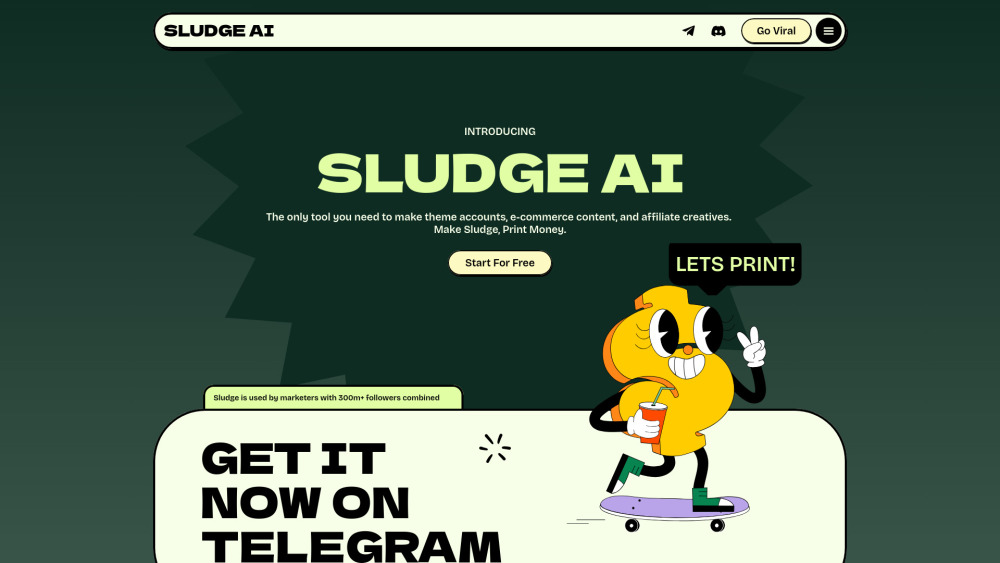
Sludge AI website preview

Sludge AI Website screenshot

Introducing Sludge AI: Fast, Free Video Download & Smart Editing — All in One

Sludge AI is a next-generation content acceleration platform built for digital creators, affiliate marketers, and growth-focused teams. It combines lightning-fast video downloading from 50+ platforms with intelligent, one-click editing tools — all designed to help you repurpose, rebrand, and redistribute content while preserving authenticity and platform compliance.

Getting Started with Sludge AI Is Effortless

No complex setup required. Simply locate a video on any supported site (TikTok, Instagram Reels, YouTube Shorts, X, Pinterest, etc.), copy its URL, and send it directly to the Sludge AI Telegram Bot. Within seconds, choose to download in HD or launch into the built-in editor for instant customization.

Why Creators Choose Sludge AI: Core Capabilities

Download videos from 50+ social & streaming platforms — no watermarks, no limits

AI-powered editing suite: auto-crop, voiceover replacement, subtitle generation, speed adjustment, and background swaps

Bulk processing mode: queue dozens of links and export edited clips in parallel

Affiliate-ready workflows: embed tracking links, UTM tags, and CTAs directly into exported videos

Real-World Applications of Sludge AI

Scale theme-based accounts (e.g., “Motivation Daily”, “Tech Explained”) without manual editing overhead

Fuel e-commerce funnels with high-performing, localized video variants for different audiences

Turn trending affiliate offers into native-feeling content — fast, compliant, and conversion-optimized

Sludge AI: Your Questions, Answered

How does Sludge AI make repurposed videos algorithm-friendly?

Is there a free plan — and what’s included?

What truly sets Sludge AI apart from generic downloader or editor tools?

  • Join the Sludge AI Community

    Connect with fellow curators, get early feature access, and share winning strategies in the official Sludge AI Discord: https://discord.gg/8eARaBvQyv. For curated community announcements and templates, visit our Discord hub (/discord/8earabvqyv).

  • About the Team Behind Sludge AI

    Sludge AI is developed and maintained by FANSPY LLC — a U.S.-based SaaS studio specializing in ethical, performance-driven creator infrastructure since 2021.

Product source: Sludge AI official website. Check the provider for current plans, limits and availability.

FAQ

Sludge AI questions and answers

Product context and practical checks for evaluating Sludge AI.

What is Sludge AI used for?

Sludge AI: Download & edit videos from any platform—fast, free, and feature-rich. See pricing, reviews, use cases & top alternatives!

How do I get started with Sludge AI?

No complex setup required. Simply locate a video on any supported site (TikTok, Instagram Reels, YouTube Shorts, X, Pinterest, etc.), copy its URL, and send it directly to the Sludge AI Telegram Bot. Within seconds, choose to download in HD or launch into the built-in editor for instant customization.

Which capabilities are described for Sludge AI?

Download videos from 50+ social & streaming platforms — no watermarks, no limitsAI-powered editing suite: auto-crop, voiceover replacement, subtitle generation, speed adjustment, and background swapsBulk processing mode: queue dozens of links and export edited clips in parallelAffiliate-ready workflows: embed tracking links, UTM tags, and CTAs directly into exported videos

What projects can I evaluate Sludge AI for?

Scale theme-based accounts (e.g., “Motivation Daily”, “Tech Explained”) without manual editing overheadFuel e-commerce funnels with high-performing, localized video variants for different audiencesTurn trending affiliate offers into native-feeling content — fast, compliant, and conversion-optimized

What should I compare before choosing a Sludge AI plan?

Check Sludge AI’s current pricing page for included usage, renewal terms and any credit charges. Compare the cost of a usable result, including retries, rather than assuming that account registration includes free usage.

What inputs should I prepare for a Sludge AI trial?

Compare text prompts, reference frames, source footage and audio support. Check duration, aspect ratio and whether the tool lets you keep a subject consistent between shots.

How can I check the quality of a Sludge AI result?

Watch the entire clip for motion errors, distorted objects, changing identities, lip-sync problems and abrupt transitions. Inspect the downloaded file as well as the preview.

Which export options should I check in Sludge AI?

Check export resolution, frame rate, aspect ratio, audio tracks and watermark rules. A good preview is not a substitute for an export that fits your publishing channel.

What is a practical way to test Sludge AI against alternatives?

Use a short shot with one subject and one camera movement. Keep the prompt and duration constant, then compare usable seconds and the number of regenerations.

Where is the official Sludge AI website?

The website linked from this profile is https://sludge.ai. Use the provider’s own documentation, account area and support channels to confirm current product details.

Visit Sludge AI