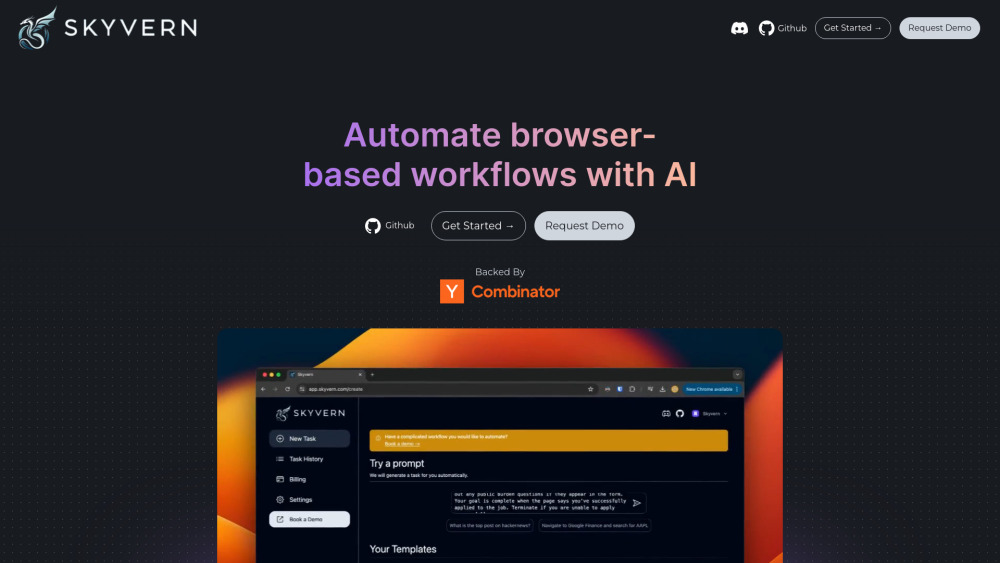
What is Skyvern AI?
Skyvern AI is an advanced, open-source AI Agent designed to streamline and automate browser-based workflows for businesses. By offering a simple API interface, it replaces unreliable scripts with a robust solution that can handle automation across numerous websites. Utilizing a blend of computer vision and artificial intelligence, Skyvern comprehends webpage content and adapts to various site structures. Users can input natural language commands, and Skyvern will carry out intricate tasks effortlessly. These workflows are executed in the cloud, allowing simultaneous operation of hundreds of tasks. Moreover, each AI decision made by Skyvern is accompanied by clear explanations, ensuring transparency in its operations.
How to use Skyvern AI?
To get started with Skyvern, you simply need to make an API call to automate browser-based workflows. Provide your instructions in plain language, and the AI agent will manage the tasks in the cloud, enabling the execution of multiple workflows concurrently.
Skyvern AI's Core Features
API-driven browser automation
Integration of AI with computer vision
Execute tasks with natural language commands
Cloud-based execution of workflows
Explainable AI with detailed decision reports
Skyvern AI's Use Cases
Automating procurement processes
Multilingual workflow automation
Data extraction across various formats
AI-assisted content generation
-
Skyvern AI Discord
Join the Skyvern AI Discord community here: https://discord.com/invite/fG2XXEuQX3. For additional details, click here(/discord/fg2xxeuqx3).
-
Skyvern AI Support Email & Customer Service Contact
For customer service inquiries, reach out to Skyvern AI via email at [email protected]. For more contact options, visit our contact page (https://www.skyvern.com/contact).
-
Skyvern AI Company
Skyvern AI operates under the company name Ikonomos Inc. For more details about the company, visit our about page (https://www.skyvern.com/about).
-
Skyvern AI Login
Access the Skyvern AI platform by logging in here: https://app.skyvern.com.
-
Skyvern AI Sign Up
Interested in using Skyvern AI? Sign up at https://www.skyvern.com/sign-up.
-
Skyvern AI Pricing
Explore Skyvern AI's pricing options here: https://www.skyvern.com/pricing.
-
Skyvern AI LinkedIn
Connect with us on LinkedIn: https://www.linkedin.com/company/95726232.
-
Skyvern AI Twitter
Follow Skyvern AI on Twitter: https://twitter.com/skyvernai.
-
Skyvern AI GitHub
Check out our GitHub repository: https://github.com/Skyvern-AI/Skyvern.