AI Blog Writer

Simplified

Simplified: The ultimate marketing app for teams. Collaborate seamlessly, access free media content, and manage posts with our Content Calendar. Save time, boost creativity!

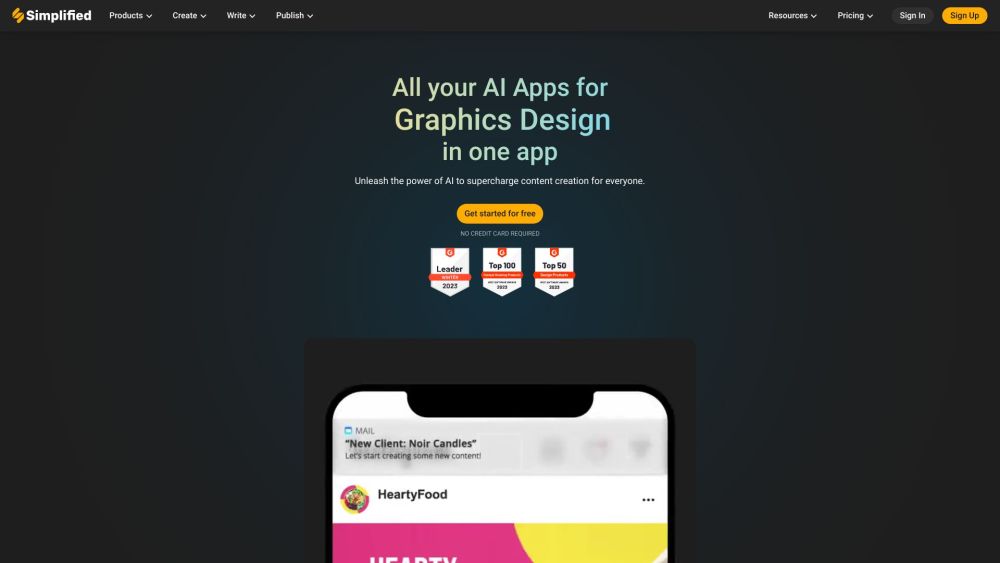
Simplified website preview
```html

Simplified Website screenshot

Understanding Simplified

Simplified is an innovative, user-friendly application designed for modern marketing teams, offering a comprehensive suite of tools to streamline marketing efforts. The app provides access to a vast library of free media, including images, videos, and audio, and features a diverse range of designer templates. Additionally, Simplified supports content creation in over 30 languages, making it an essential tool for global teams. Its built-in Content Calendar helps users schedule and publish social media posts efficiently.

Getting Started with Simplified

To begin using Simplified, create an account and log in. Upon logging in, you'll have access to a variety of features, such as graphic design, AI-powered writing tools, video editing capabilities, and social media management functions. Choose a tool that suits your needs and follow the guided steps to create and customize your content. Simplified also offers tutorials and resources to maximize the effectiveness of its tools.

Key Features of Simplified

AI Presentation Maker

AI Image Generator

AI Background Remover

Magic Resizer

Animation Maker

AI Content Rewriter

AI Blog Writer

Instagram Reels

Convert mov to mp4

Convert jpg to png

Create Posts & Stories

Instagram Stories

Facebook Posts

LinkedIn Posts

Pinterest Pins

Online Ads

Half Page Ads

Instagram Ads

Facebook Feed Ads

Billboard Ads

eCommerce Tools

Newsletter Popup

Shopify Mobile Banner

Shopify Home Page

Business Tools

Letterhead Templates

Invoice Generator

Business Card Creator

Video Tools

Instagram Reels

YouTube Shorts

Pinterest Video Pins

TikTok Videos

Social Media Tools

Hashtag Generator

YouTube Video Titles

Photo Captions

eCommerce Content

Amazon Product Features

Blog Tools

Blog Ideas & Titles

Sentence Expander

Before-After Bridge

AI Designer

Social Media Quotes

Meme Generator

Applications of Simplified

Graphic Design

Video Editing

AI Copywriting

Social Media Management

```

Product source: Simplified official website. Check the provider for current plans, limits and availability.

FAQ

Simplified questions and answers

Product context and practical checks for evaluating Simplified.

What is Simplified used for?

Simplified: The ultimate marketing app for teams. Collaborate seamlessly, access free media content, and manage posts with our Content Calendar. Save time, boost creativity!

How do I get started with Simplified?

To begin using Simplified, create an account and log in. Upon logging in, you'll have access to a variety of features, such as graphic design, AI-powered writing tools, video editing capabilities, and social media management functions. Choose a tool that suits your needs and follow the guided steps to create and customize your content. Simplified also offers tutorials and resources to maximize the effectiveness of its tools.

Which capabilities are described for Simplified?

AI Presentation MakerAI Image GeneratorAI Background RemoverMagic ResizerAnimation MakerAI Content RewriterAI Blog WriterInstagram ReelsConvert mov to mp4Convert jpg to pngCreate Posts & StoriesInstagram StoriesFacebook PostsLinkedIn PostsPinterest PinsOnline AdsHalf Page AdsInstagram AdsFacebook Feed AdsBillboard AdseCommerce ToolsNewsletter PopupShopify Mobile BannerShopify Home PageBusiness ToolsLetterhead TemplatesInvoice GeneratorBusiness Card CreatorVideo ToolsInstagram ReelsYouTube ShortsPinterest Video PinsTikTok VideosSocial Media ToolsHashtag GeneratorYouTube Video TitlesPhoto CaptionseCommerce ContentAmazon Product FeaturesBlog ToolsBlog Ideas & TitlesSentence ExpanderBefore-After BridgeAI DesignerSocial Media QuotesMeme Generator

What projects can I evaluate Simplified for?

Graphic DesignVideo EditingAI CopywritingSocial Media Management Support & Customer Service Contact Simplified customer support at: [email protected]. Company Information Company Name: TLDR Technologies, Inc. Access Simplified Login: https://app.simplified.com/login Sign up: https://app.simplified.com/signup Simplified Pricing Check pricing at: https://simplified.com/pricing Social Media Links Facebook: https://www.facebook.com/simplifiedhq/ YouTube: https://www.youtube.com/@SimplifiedAI TikTok: https://www.tiktok.com/@simplifiedhq LinkedIn: https://www.linkedin.com/company/simplifiedhq Twitter: https://twitter.com/sosimplified Instagram: https://www.instagram.com/simplifiedhq/ Pinterest: https://www.pinterest.com/simplifiedhq/

What should I compare before choosing a Simplified plan?

Check pricing at: https://simplified.com/pricing Confirm current prices and allowances on the provider’s website before purchasing.

What inputs should I prepare for a Simplified trial?

Compare support for source documents, style instructions, outlines and length limits. Check whether citations link to real material rather than merely looking like references.

How can I check the quality of a Simplified result?

Verify names, dates, quotations and factual claims against the original sources. Edit tone, remove repetition and make sure the text answers the intended reader’s question.

Which export options should I check in Simplified?

Check export to plain text, Markdown, documents or your publishing system. Formatting, headings and working links matter when moving a draft into production.

What is a practical way to test Simplified against alternatives?

Use a real brief and a short source document. Compare factual accuracy, structure and editing time rather than accepting the longest or most confident draft.

Where is the official Simplified website?

The website linked from this profile is https://simplified.co. Use the provider’s own documentation, account area and support channels to confirm current product details.

Visit Simplified