AI Product Description Generator

Sembly AI

Sembly AI is a smart AI team assistant that records, transcribes, and generates meeting summaries with meeting minutes. It works with popular meeting platforms like Zoom, Google Meet, and Microsoft Teams.

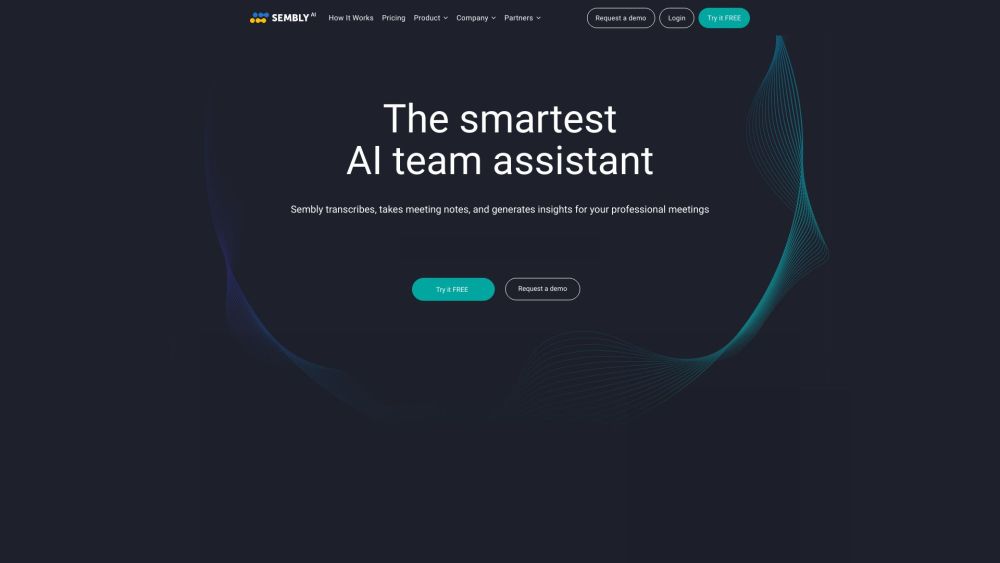
Sembly AI website preview

Sembly AI Website screenshot

Understanding Sembly AI

Sembly AI is an intelligent AI-powered assistant designed to enhance team productivity by recording, transcribing, and summarizing meetings with precise minutes. It integrates effortlessly with widely-used meeting platforms such as Zoom, Google Meet, and Microsoft Teams.

Getting Started with Sembly AI

To use Sembly AI, invite the Sembly bot to your meetings on platforms like Zoom, Google Meet, or Microsoft Teams. The AI will automatically capture the meeting, transcribe the audio, and generate comprehensive notes, highlighting key discussion points, decisions, requirements, and more. You can search through previous meetings, access detailed meeting notes with timestamps, and delegate Sembly to attend meetings on your behalf. Sembly can also automate follow-up actions by creating and sharing meeting minutes with stakeholders. Additionally, Sembly Tasks streamlines your team's workflow by identifying discussed tasks and projects and integrating them with popular task management tools.

Key Features of Sembly AI

Meeting Transcription and Note Generation

Searchable Meeting Records

High-Accuracy Transcriptions with Speaker Recognition

AI-Created Summaries of Meeting Discussions

Delegation to Attend Meetings on Your Behalf

Automated Meeting Minutes Sharing

Integration with Task Management Tools

Detection of Decisions, Requirements, and Issues

Tracking of Financial Figures and Statistics

Multilingual Support

Applications of Sembly AI

Efficient Capture of Meeting Content and Decisions

Quick Search and Retrieval of Past Meetings

Stay Updated without Attending Meetings

Automated Follow-Up Actions and Minute Sharing

Convert Meeting Discussions into Actionable Results

Organize Workflow and Tasks from Meetings

Improve Internal Processes and Identify Opportunities

Save Time on Post-Meeting Action Steps

Reduce Administrative Workload

Product source: Sembly AI official website. Check the provider for current plans, limits and availability.

FAQ

Sembly AI questions and answers

Product context and practical checks for evaluating Sembly AI.

What is Sembly AI used for?

Sembly AI is a smart AI team assistant that records, transcribes, and generates meeting summaries with meeting minutes. It works with popular meeting platforms like Zoom, Google Meet, and Microsoft Teams.

How do I get started with Sembly AI?

To use Sembly AI, invite the Sembly bot to your meetings on platforms like Zoom, Google Meet, or Microsoft Teams. The AI will automatically capture the meeting, transcribe the audio, and generate comprehensive notes, highlighting key discussion points, decisions, requirements, and more. You can search through previous meetings, access detailed meeting notes with timestamps, and delegate Sembly to attend meetings on your behalf. Sembly can also automate follow-up actions by creating and sharing meeting minutes with stakeholders. Additionally, Sembly Tasks streamlines your team's workflow by identifying discussed tasks and projects and integrating them with popular task management tools.

Which capabilities are described for Sembly AI?

Meeting Transcription and Note GenerationSearchable Meeting RecordsHigh-Accuracy Transcriptions with Speaker RecognitionAI-Created Summaries of Meeting DiscussionsDelegation to Attend Meetings on Your BehalfAutomated Meeting Minutes SharingIntegration with Task Management ToolsDetection of Decisions, Requirements, and IssuesTracking of Financial Figures and StatisticsMultilingual Support

What projects can I evaluate Sembly AI for?

Efficient Capture of Meeting Content and DecisionsQuick Search and Retrieval of Past MeetingsStay Updated without Attending MeetingsAutomated Follow-Up Actions and Minute SharingConvert Meeting Discussions into Actionable ResultsOrganize Workflow and Tasks from MeetingsImprove Internal Processes and Identify OpportunitiesSave Time on Post-Meeting Action StepsReduce Administrative Workload Sembly AI Support & Contact Information For customer service, reach out to Sembly AI at [email protected]. For more contact options, visit the contact us page. Sembly AI Company Details Company Name: Sembly AI Address: 234 5th Ave, New York, NY 10001 For more information, visit the about us page. Sembly AI Login Access the Sembly AI login page here: https://webapp.sembly.ai/login?servicePlan=PROFESSIONAL Sembly AI Pricing View pricing details here: https://www.sembly.ai/pricing/ Sembly AI Social Media Facebook: https://www.facebook.com/SemblyAI/ YouTube: https://www.youtube.com/channel/UCC2SojuAyLz9rlFtpExDFBQ LinkedIn: https://www.linkedin.com/company/semblyai/ Twitter: https://twitter.com/sembly_ai Instagram: https://www.instagram.com/semblyai/

What should I compare before choosing a Sembly AI plan?

View pricing details here: https://www.sembly.ai/pricing/ Confirm current prices and allowances on the provider’s website before purchasing.

What inputs should I prepare for a Sembly AI trial?

Look for text prompts, image references, masks or sketches as appropriate. Compare composition control, supported upload types and the ability to revise a selected area.

How can I check the quality of a Sembly AI result?

Inspect text, hands, edges, reflections and repeated objects at full size. Check that important product or brand details survive editing.

Which export options should I check in Sembly AI?

Compare pixel dimensions, transparency, file formats and any enlargement options. Confirm that the downloaded result works in your design or publishing software.

What is a practical way to test Sembly AI against alternatives?

Prepare a brief with a subject, composition, lighting and required output size. Test a first generation and a targeted revision to see how much control you retain.

Where is the official Sembly AI website?

The website linked from this profile is https://www.sembly.ai. Use the provider’s own documentation, account area and support channels to confirm current product details.

Visit Sembly AI