AI Video Generator

Seedance AI

Seedance AI transforms text & images into cinematic, multi-shot videos—effortlessly. Professional-grade AI video generation, redefined.

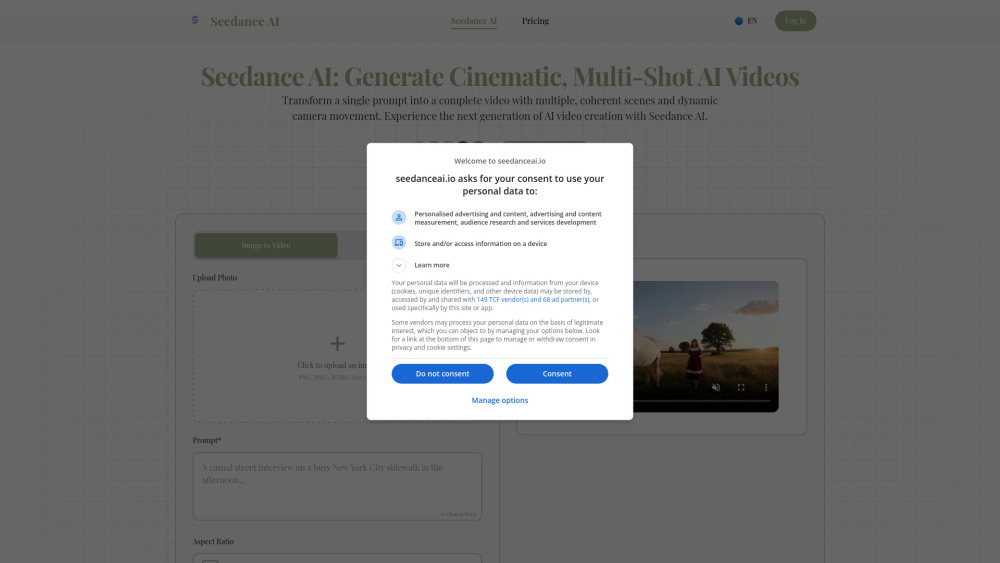
Seedance AI website preview

Seedance AI Website screenshot

Introducing Seedance AI: Where Storytelling Meets Cinematic AI Video

Seedance AI redefines what’s possible in generative video—transforming imagination into polished, multi-scene cinematic narratives with a single prompt. Unlike conventional AI video tools that output isolated clips, Seedance AI orchestrates *sequences*: intelligently stitching together multiple shots with continuity in character appearance, visual style, lighting, and emotional tone. Its proprietary motion engine simulates professional cinematography—fluid tracking shots, purposeful zooms, sweeping pans, and layered depth—all guided by natural language. Whether you begin with vivid text or an inspirational image, Seedance AI interprets intent, constructs narrative arcs, and delivers production-ready 1080p videos—no editing suite, no crew, no compromise on artistry.

Creating Cinematic Videos in Three Seamless Steps

Crafting a compelling, multi-shot video takes less than a minute: 1. Describe your vision — detail characters, mood, setting, action, and pacing (e.g., “A steampunk inventor in a cluttered workshop adjusts brass goggles, then glances up as golden light floods through stained-glass windows”). 2. Let Seedance AI direct — the model generates a synchronized sequence of shots, each with intentional framing and camera behavior that advances the story. 3. Refine and export — preview your full cinematic reel, adjust timing or shot emphasis if needed, then download in crisp 1080p for immediate use.

Why Filmmakers, Creators, and Brands Choose Seedance AI

True multi-shot storytelling—not just single-frame generation

Cross-shot consistency: characters, textures, lighting, and color grading remain unified

Cinematographer-grade camera logic: movement serves narrative, not just aesthetics

1080p HD output optimized for social feeds, ads, presentations, and broadcast

Hybrid input support: start from text prompts *or* upload reference images to anchor visual direction

Zero learning curve—designed for storytellers, not software engineers

End-to-end privacy: your prompts, assets, and outputs are never stored or shared

Real-World Applications, Amplified

Marketing teams producing scroll-stopping ad variants in minutes

Screenwriters and directors pre-visualizing key sequences before filming

Content creators launching themed video series with consistent branding

E-commerce brands bringing product stories to life—without studio rentals

Educators, artists, and hobbyists turning ideas into shareable cinematic moments

Product source: Seedance AI official website. Check the provider for current plans, limits and availability.

FAQ

Seedance AI questions and answers

Product context and practical checks for evaluating Seedance AI.

What is Seedance AI used for?

Seedance AI transforms text & images into cinematic, multi-shot videos—effortlessly. Professional-grade AI video generation, redefined.

How do I get started with Seedance AI?

Open the official Seedance AI website and identify the workflow that matches your task. Use a short shot with one subject and one camera movement. Keep the prompt and duration constant, then compare usable seconds and the number of regenerations.

What projects can I evaluate Seedance AI for?

Marketing teams producing scroll-stopping ad variants in minutesScreenwriters and directors pre-visualizing key sequences before filmingContent creators launching themed video series with consistent brandingE-commerce brands bringing product stories to life—without studio rentalsEducators, artists, and hobbyists turning ideas into shareable cinematic moments

How does Seedance AI handle seedance technologies inc.?

About Seedance AI Seedance AI is developed by Seedance Technologies Inc., an AI-native studio dedicated to democratizing cinematic creation. Headquarters: San Francisco, CA (remote-first global team). Learn our mission, values, and roadmap on the About Us page.

What should I compare before choosing a Seedance AI plan?

Explore pricing tiers—including Creator, Pro, and Studio plans—with priority rendering, extended duration limits, and commercial licensing: https://seedanceai.io/en/pricing Confirm current prices and allowances on the provider’s website before purchasing.

What inputs should I prepare for a Seedance AI trial?

Compare text prompts, reference frames, source footage and audio support. Check duration, aspect ratio and whether the tool lets you keep a subject consistent between shots.

How can I check the quality of a Seedance AI result?

Watch the entire clip for motion errors, distorted objects, changing identities, lip-sync problems and abrupt transitions. Inspect the downloaded file as well as the preview.

Which export options should I check in Seedance AI?

Check export resolution, frame rate, aspect ratio, audio tracks and watermark rules. A good preview is not a substitute for an export that fits your publishing channel.

What is a practical way to test Seedance AI against alternatives?

Use a short shot with one subject and one camera movement. Keep the prompt and duration constant, then compare usable seconds and the number of regenerations.

Where is the official Seedance AI website?

The website linked from this profile is https://seedanceai.io. Use the provider’s own documentation, account area and support channels to confirm current product details.

Visit Seedance AI