Writing Assistants

Replier

Replier: AI-powered tool that auto-responds to social media comments—fast, smart, and scalable. See use cases, pricing, reviews, features & alternatives.

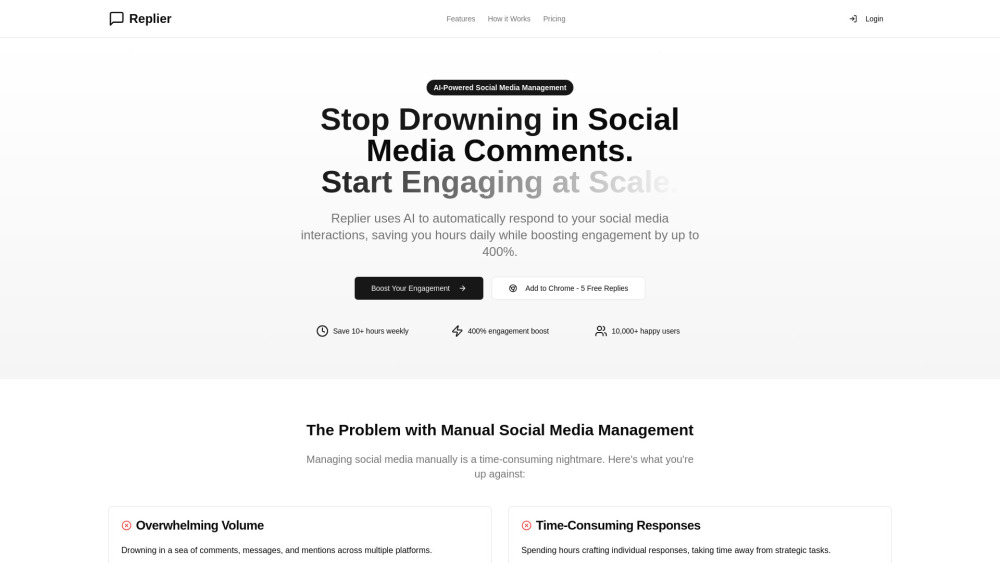
Replier website preview

Replier Website screenshot

Introducing Replier: AI Auto-Responds to Social Comments—Fast, Smart, Scalable

Replier is a next-generation AI assistant built for social media teams and creators who need to respond thoughtfully—and instantly—to audience comments across major platforms. By intelligently interpreting tone, intent, and context, Replier delivers personalized, on-brand replies in seconds—not hours—making real-time engagement truly scalable without sacrificing authenticity.

Getting Started with Replier Is Effortless

Install the lightweight Chrome extension in under 30 seconds. Once active, Replier surfaces smart reply suggestions directly beneath comments on Facebook, X (formerly Twitter), and LinkedIn—no switching tabs or copying text required. Approve, edit, or send with one click.

Why Teams Choose Replier

Context-Aware AI Responses

Zero-Click Workflow Automation

Proven Engagement Lift (Up to 3.2× Avg. Reply Rate)

Native Multilingual Understanding & Output

Fully Customizable Response Style & Voice

Transparent, Pay-As-You-Go Pricing Plans

Real-World Applications

Turn high-volume comment streams into meaningful conversations

Maintain consistent brand voice—even during viral spikes

Product source: Replier official website. Check the provider for current plans, limits and availability.

FAQ

Replier questions and answers

Product context and practical checks for evaluating Replier.

What is Replier used for?

Replier: AI-powered tool that auto-responds to social media comments—fast, smart, and scalable. See use cases, pricing, reviews, features & alternatives.

How do I get started with Replier?

Install the lightweight Chrome extension in under 30 seconds. Once active, Replier surfaces smart reply suggestions directly beneath comments on Facebook, X (formerly Twitter), and LinkedIn—no switching tabs or copying text required. Approve, edit, or send with one click.

What projects can I evaluate Replier for?

Turn high-volume comment streams into meaningful conversationsMaintain consistent brand voice—even during viral spikes

What should I compare before choosing a Replier plan?

Compare tiers and scale confidently: https://replier.social/#pricing Confirm current prices and allowances on the provider’s website before purchasing.

What inputs should I prepare for a Replier trial?

Look for text prompts, image references, masks or sketches as appropriate. Compare composition control, supported upload types and the ability to revise a selected area.

How can I check the quality of a Replier result?

Inspect text, hands, edges, reflections and repeated objects at full size. Check that important product or brand details survive editing.

Which export options should I check in Replier?

Compare pixel dimensions, transparency, file formats and any enlargement options. Confirm that the downloaded result works in your design or publishing software.

What is a practical way to test Replier against alternatives?

Prepare a brief with a subject, composition, lighting and required output size. Test a first generation and a targeted revision to see how much control you retain.

What should I review before uploading material to Replier?

Read the provider’s rules on access, retention, deletion and use of uploaded material. Start with a non-confidential sample that you have permission to use.

Where is the official Replier website?

The website linked from this profile is https://replier.social. Use the provider’s own documentation, account area and support channels to confirm current product details.

Visit Replier