AI tool profile

QuizWizard

Content quizification made easy.

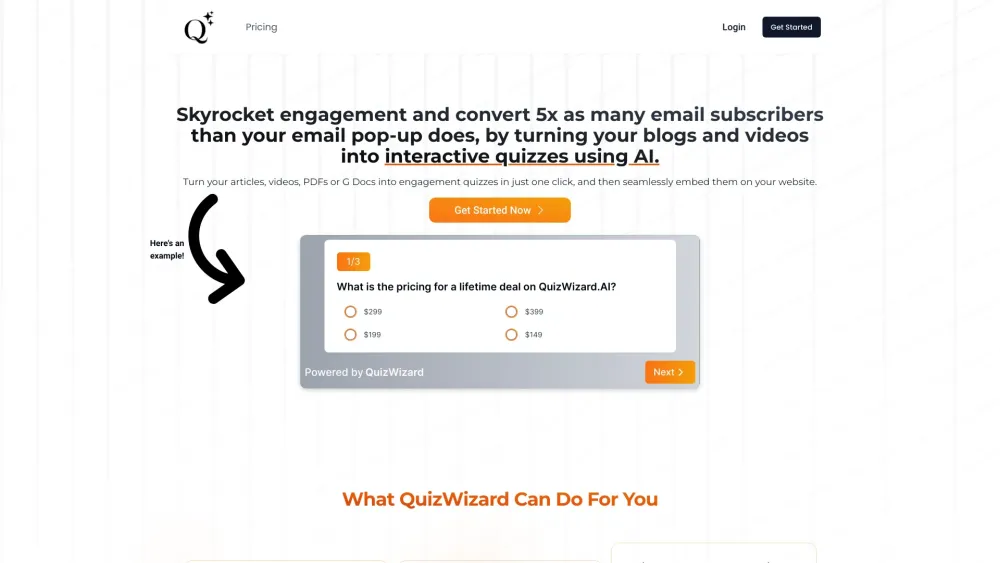
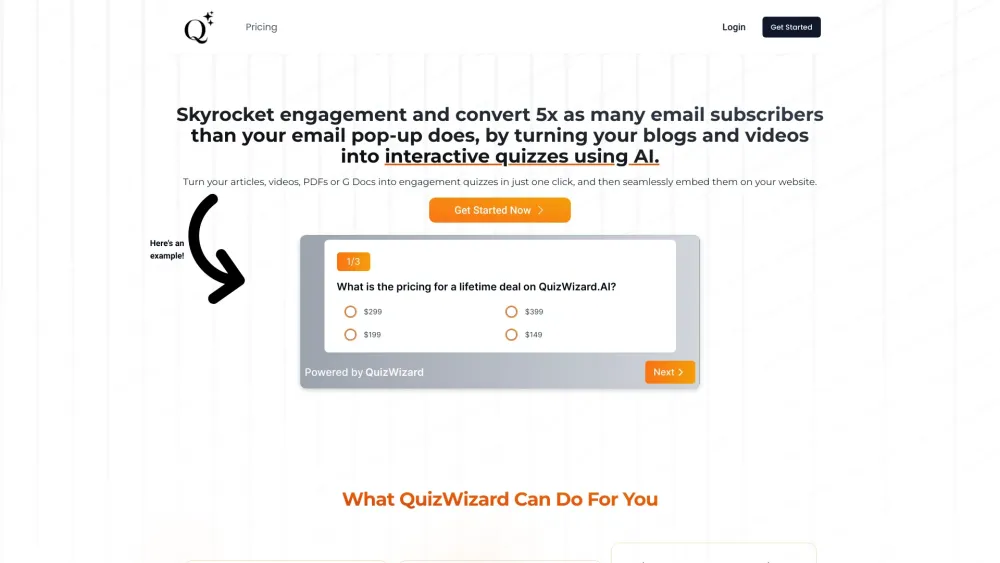
QuizWizard website preview

QuizWizard Website screenshot

What is QuizWizard?

Turn any video, article, or Google Doc into an engaging, AI-powered quiz in just one click. Then, seamlessly embed your quizzes on your site and use them to engage your audience and convert them into email subscribers.

How to use QuizWizard?

1. Choose a video, article, or Google Doc to convert into a quiz. 2. Click a button to generate an AI-powered quiz. 3. Embed the quiz on your website. 4. Engage your audience and convert them into email subscribers.

QuizWizard's Core Features

Video to Quiz

G Docs To Quiz

Blog Post To Quiz

Export Your Quizzes To Google Forms

Designed Meticulously To Maximize Email Signups

QuizWizard's Use Cases

Transform Videos into Interactive Quizzes

Instantly Turn Blogs into Quizzes

Create Dynamic Quizzes from Documents

Create Quizzes in Multiple Languages

Embed Your Quizzes Anywhere, Effortlessly

Easily Publish and Share Your Quizzes

Collect Submissions Effortlessly

Accelerate Your Email List Growth

Product source: QuizWizard official website. Check the provider for current plans, limits and availability.

FAQ

QuizWizard questions and answers

Product context and practical checks for evaluating QuizWizard.

What is QuizWizard used for?

Content quizification made easy.

How do I get started with QuizWizard?

1. Choose a video, article, or Google Doc to convert into a quiz. 2. Click a button to generate an AI-powered quiz. 3. Embed the quiz on your website. 4. Engage your audience and convert them into email subscribers.

Which capabilities are described for QuizWizard?

Video to QuizG Docs To QuizBlog Post To QuizExport Your Quizzes To Google FormsDesigned Meticulously To Maximize Email Signups

What projects can I evaluate QuizWizard for?

Transform Videos into Interactive QuizzesInstantly Turn Blogs into QuizzesCreate Dynamic Quizzes from DocumentsCreate Quizzes in Multiple LanguagesEmbed Your Quizzes Anywhere, EffortlesslyEasily Publish and Share Your QuizzesCollect Submissions EffortlesslyAccelerate Your Email List Growth QuizWizard Support Email & Customer service contact & Refund contact etc. More Contact, visit the contact us page(https://clubofcoders.com/contact-us) QuizWizard Login QuizWizard Login Link: https://www.quizwizard.ai/login QuizWizard Pricing QuizWizard Pricing Link: https://www.quizwizard.ai/pricing QuizWizard Youtube QuizWizard Youtube Link: https://www.youtube.com/channel/UCCDIRRh-HVDHlUu1nfLpAXQQuizWizard Twitter QuizWizard Twitter Link: https://twitter.com/clubofcoderscomQuizWizard Instagram QuizWizard Instagram Link: https://www.instagram.com/clubofcodersofficial/

What should I compare before choosing a QuizWizard plan?

QuizWizard Pricing Link: https://www.quizwizard.ai/pricing Confirm current prices and allowances on the provider’s website before purchasing.

What inputs should I prepare for a QuizWizard trial?

Compare support for source documents, style instructions, outlines and length limits. Check whether citations link to real material rather than merely looking like references.

How can I check the quality of a QuizWizard result?

Verify names, dates, quotations and factual claims against the original sources. Edit tone, remove repetition and make sure the text answers the intended reader’s question.

Which export options should I check in QuizWizard?

Check export to plain text, Markdown, documents or your publishing system. Formatting, headings and working links matter when moving a draft into production.

What is a practical way to test QuizWizard against alternatives?

Use a real brief and a short source document. Compare factual accuracy, structure and editing time rather than accepting the longest or most confident draft.

Where is the official QuizWizard website?

The website linked from this profile is https://. Use the provider’s own documentation, account area and support channels to confirm current product details.

Visit QuizWizard