Writing Assistants

PromptLoop

Unlock efficiency with PromptLoop: AI Tools for Data Processing & Web Research in Google Sheets and Excel. Advanced text analysis, labeling, and web research made easy!

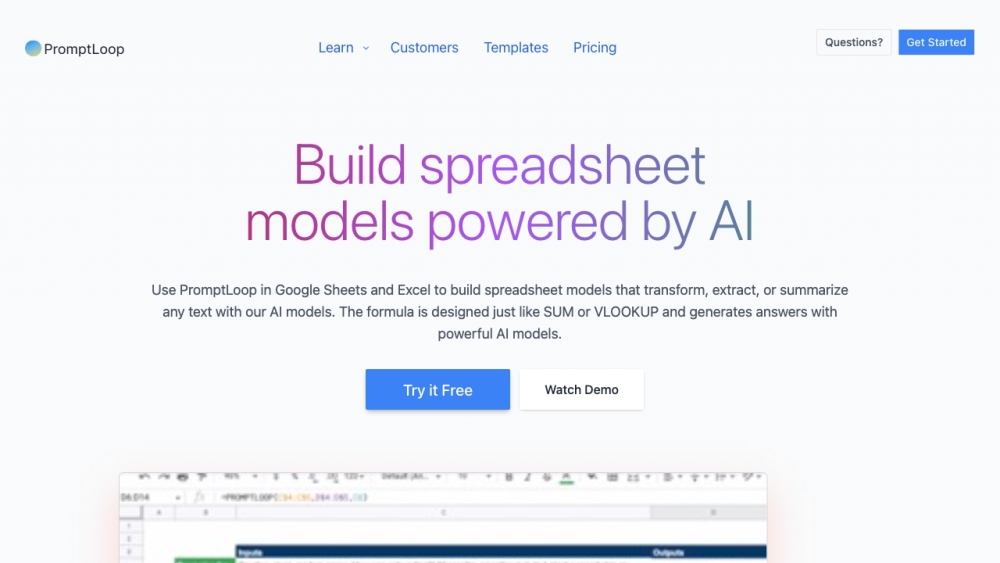
PromptLoop website preview

PromptLoop Website screenshot

What is PromptLoop?

PromptLoop offers a suite of advanced AI tools designed for Data Processing and Web Research within Google Sheets and Excel. These tools empower users to utilize cutting-edge AI models for streamlined text analysis, tagging, and online research.

How to use PromptLoop?

To get started with PromptLoop, install the plugin and integrate it with your preferred spreadsheet software. Once set up, you can access AI models directly in your spreadsheets to perform tasks like intelligent tagging, text analysis, and web research. Additionally, PromptLoop supports custom AI model training, tailored to your specific data requirements. Its user-friendly interface ensures that extracting insights from complex data is both easy and efficient.

PromptLoop's Core Features

AI-driven text analysis and tagging

Automated web research tools for data extraction

Content quality analysis to evaluate and rank content

Smooth integration with Google Sheets and Excel

Customizable AI models for specific data tasks

High performance and reliability

Instant insights on data rows

Repeatable workflows for improved efficiency

Adaptable models to fit unique work processes

PromptLoop's Use Cases

Market research and data processing

Smart tagging and labeling of text data

Efficient web research and data gathering

Content quality assessment for filtering and quality control

Product source: PromptLoop official website. Check the provider for current plans, limits and availability.

FAQ

PromptLoop questions and answers

Product context and practical checks for evaluating PromptLoop.

What is PromptLoop used for?

Unlock efficiency with PromptLoop: AI Tools for Data Processing & Web Research in Google Sheets and Excel. Advanced text analysis, labeling, and web research made easy!

How do I get started with PromptLoop?

To get started with PromptLoop, install the plugin and integrate it with your preferred spreadsheet software. Once set up, you can access AI models directly in your spreadsheets to perform tasks like intelligent tagging, text analysis, and web research. Additionally, PromptLoop supports custom AI model training, tailored to your specific data requirements. Its user-friendly interface ensures that extracting insights from complex data is both easy and efficient.

Which capabilities are described for PromptLoop?

AI-driven text analysis and taggingAutomated web research tools for data extractionContent quality analysis to evaluate and rank contentSmooth integration with Google Sheets and ExcelCustomizable AI models for specific data tasksHigh performance and reliabilityInstant insights on data rowsRepeatable workflows for improved efficiencyAdaptable models to fit unique work processes

What projects can I evaluate PromptLoop for?

Market research and data processingSmart tagging and labeling of text dataEfficient web research and data gatheringContent quality assessment for filtering and quality control PromptLoop Support Email & Customer Service Contact For more contact information, visit the contact us page. About PromptLoop Company name: PromptLoop. Learn more about PromptLoop by visiting the about us page. PromptLoop Login To log in, visit PromptLoop Login. PromptLoop Pricing Check out the pricing details at PromptLoop Pricing. PromptLoop YouTube Visit our YouTube channel at PromptLoop YouTube.PromptLoop LinkedIn Follow us on LinkedIn: PromptLoop LinkedIn.PromptLoop Twitter Stay updated with our latest tweets: PromptLoop Twitter.

What should I compare before choosing a PromptLoop plan?

Check out the pricing details at PromptLoop Pricing. Confirm current prices and allowances on the provider’s website before purchasing.

What inputs should I prepare for a PromptLoop trial?

Compare support for source documents, style instructions, outlines and length limits. Check whether citations link to real material rather than merely looking like references.

How can I check the quality of a PromptLoop result?

Verify names, dates, quotations and factual claims against the original sources. Edit tone, remove repetition and make sure the text answers the intended reader’s question.

Which export options should I check in PromptLoop?

Check export to plain text, Markdown, documents or your publishing system. Formatting, headings and working links matter when moving a draft into production.

What is a practical way to test PromptLoop against alternatives?

Use a real brief and a short source document. Compare factual accuracy, structure and editing time rather than accepting the longest or most confident draft.

Where is the official PromptLoop website?

The website linked from this profile is https://www.promptloop.com. Use the provider’s own documentation, account area and support channels to confirm current product details.

Visit PromptLoop