AI Advertising Assistant

NextBrain AI

Unlock AI's potential with NextBrain AI—no coding needed! Create ML models, explore generative AI, and optimize marketing with user-friendly tools.

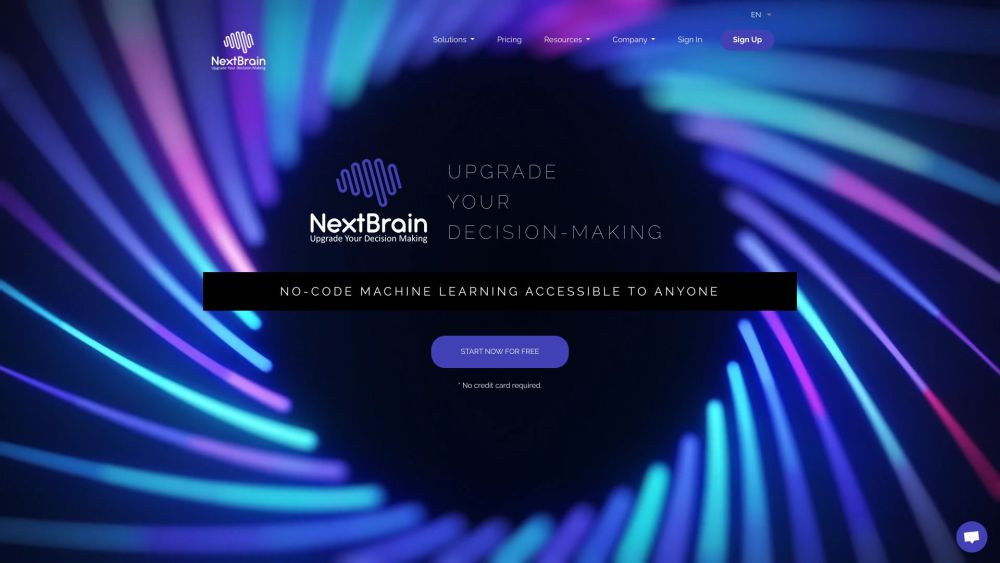
NextBrain AI website preview

NextBrain AI Website screenshot

Discover NextBrain AI

NextBrain AI is an innovative platform designed to provide businesses with accessible machine learning tools, enabling them to leverage the power of AI without needing to write any code. The platform specializes in no-code machine learning, the creation of ML models, generative AI, and marketing mix modeling.

Getting Started with NextBrain AI

To begin using NextBrain AI, you can choose between the web application or the Google Sheets plugin. You can import your data from sources such as CSV files, Google Sheets, SQL Databases, MongoDB, or through the Dataslayer API. After selecting the type of model you wish to create and customizing the training parameters, NextBrain AI will train your model and provide actionable insights and predictions to aid in decision-making.

Key Features of NextBrain AI

No-Code Machine Learning

ML Models

Generative AI

ChatGPT Integration

Marketing Mix Modeling

Rapid and Accurate Model Training

Explained ML with Actionable Insights

Connectivity with Multiple Data Sources

Generative AI Assistant using LLM

Chat-Based Data Analysis and Transformations

Applications of NextBrain AI

Optimizing ROI through Marketing Mix Modeling

Modeling Li-ion Battery Aging

Enhancing Energy Efficiency in Buildings

Predicting Diabetes for Healthcare Purposes

Product source: NextBrain AI official website. Check the provider for current plans, limits and availability.

FAQ

NextBrain AI questions and answers

Product context and practical checks for evaluating NextBrain AI.

What is NextBrain AI used for?

Unlock AI's potential with NextBrain AI—no coding needed! Create ML models, explore generative AI, and optimize marketing with user-friendly tools.

How do I get started with NextBrain AI?

To begin using NextBrain AI, you can choose between the web application or the Google Sheets plugin. You can import your data from sources such as CSV files, Google Sheets, SQL Databases, MongoDB, or through the Dataslayer API. After selecting the type of model you wish to create and customizing the training parameters, NextBrain AI will train your model and provide actionable insights and predictions to aid in decision-making.

Which capabilities are described for NextBrain AI?

No-Code Machine LearningML ModelsGenerative AIChatGPT IntegrationMarketing Mix ModelingRapid and Accurate Model TrainingExplained ML with Actionable InsightsConnectivity with Multiple Data SourcesGenerative AI Assistant using LLMChat-Based Data Analysis and Transformations

What projects can I evaluate NextBrain AI for?

Optimizing ROI through Marketing Mix ModelingModeling Li-ion Battery AgingEnhancing Energy Efficiency in BuildingsPredicting Diabetes for Healthcare Purposes NextBrain AI Support and Contact Information For more contact details, visit the contact us page. About NextBrain AI NextBrain AI Company name: NextBrain AI. Company address: Paseo de la Castellana, n.º 210, 5º-8 28046 Madrid, Spain. Learn more about us by visiting the about us page. NextBrain AI Login Login at: https://app.nextbrain.ai/ NextBrain AI Sign Up Sign up at: https://app.nextbrain.ai/register NextBrain AI Pricing View pricing at: https://nextbrain.ai/pricing NextBrain AI YouTube Channel Visit our YouTube Channel: NextBrain AI YouTube NextBrain AI LinkedIn Connect with us on LinkedIn: NextBrain AI LinkedIn NextBrain AI Twitter Follow us on Twitter: NextBrain AI Twitter NextBrain AI GitHub Explore our projects on GitHub: NextBrain AI GitHub

What should I compare before choosing a NextBrain AI plan?

View pricing at: https://nextbrain.ai/pricing Confirm current prices and allowances on the provider’s website before purchasing.

What inputs should I prepare for a NextBrain AI trial?

Identify the files, text or account connections your task needs. Confirm that the product accepts those inputs and offers controls for reviewing its work.

How can I check the quality of a NextBrain AI result?

Test one representative task and inspect the result for accuracy and completeness. Record where manual corrections or extra tools are needed.

Which export options should I check in NextBrain AI?

Check export formats, integrations and whether you can keep using your work outside the service. Test a real export before committing to a longer plan.

What is a practical way to test NextBrain AI against alternatives?

Choose one task with a clear success condition. Keep the input consistent, record the time spent reviewing and compare the complete workflow cost.

Where is the official NextBrain AI website?

The website linked from this profile is . Use the provider’s own documentation, account area and support channels to confirm current product details.