AI Creative Writing

NEX

NEX is a multimodal creativity platform for creative storytelling. It is a media technology company building controllable AI models for visual expression.

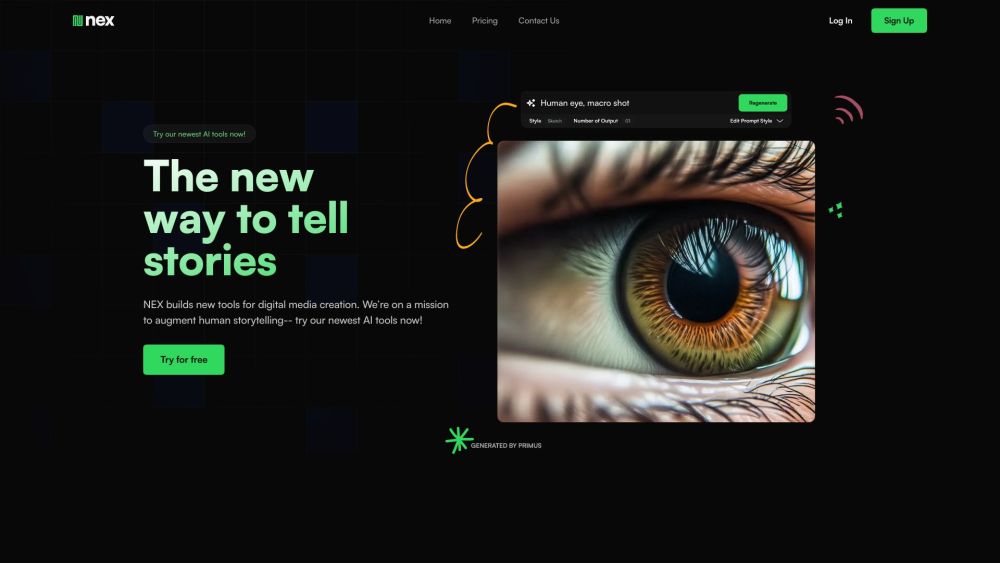
NEX website preview

NEX Website screenshot

What is NEX?

NEX is an innovative platform designed for creative storytelling. It is a leading media technology company that develops advanced AI models for dynamic visual expression.

How to use NEX?

Using NEX is straightforward. The platform allows users to create, manage, and share content seamlessly. Users can adjust the AI models' outputs by manipulating depth, color, and multi-modal parameters, and they can enhance their creations by using both text and image prompts.

NEX's Core Features

NEX provides multimodal prompting, depth and color controls, user-friendly foundation models, convenient presets, and a centralized space to save, view, and share your content.

NEX's Use Cases

NEX is ideal for digital media creation, storytelling, and visual artistry.

Product source: NEX official website. Check the provider for current plans, limits and availability.

FAQ

NEX questions and answers

Product context and practical checks for evaluating NEX.

What is NEX used for?

NEX is a multimodal creativity platform for creative storytelling. It is a media technology company building controllable AI models for visual expression.

How do I get started with NEX?

Using NEX is straightforward. The platform allows users to create, manage, and share content seamlessly. Users can adjust the AI models' outputs by manipulating depth, color, and multi-modal parameters, and they can enhance their creations by using both text and image prompts.

Which capabilities are described for NEX?

NEX provides multimodal prompting, depth and color controls, user-friendly foundation models, convenient presets, and a centralized space to save, view, and share your content.

What projects can I evaluate NEX for?

NEX is ideal for digital media creation, storytelling, and visual artistry. NEX DiscordJoin the NEX community on Discord: https://discord.gg/vWn4Vug2f6. For more information, click here. NEX Support Email & Customer Service ContactFor customer support, contact NEX via email at [email protected]. Visit our contact page for more details. NEX CompanyThe official name of our company is NEX Synthetic Technologies Corp. NEX LoginLog in to NEX here: https://www.nex.art/login. NEX Sign UpCreate an account with NEX here: https://www.nex.art/create-account. NEX PricingCheck out NEX's pricing plans here: https://www.nex.art/pricing. NEX YouTubeFollow NEX on YouTube: https://www.youtube.com/@nexgenart. NEX TwitterStay updated with NEX on Twitter: https://twitter.com/NEXOutreach. NEX InstagramFollow NEX on Instagram: https://www.instagram.com/nexaiofficial/.

What should I compare before choosing a NEX plan?

Check out NEX's pricing plans here: https://www.nex.art/pricing. Confirm current prices and allowances on the provider’s website before purchasing.

What inputs should I prepare for a NEX trial?

Identify the files, text or account connections your task needs. Confirm that the product accepts those inputs and offers controls for reviewing its work.

How can I check the quality of a NEX result?

Test one representative task and inspect the result for accuracy and completeness. Record where manual corrections or extra tools are needed.

Which export options should I check in NEX?

Check export formats, integrations and whether you can keep using your work outside the service. Test a real export before committing to a longer plan.

What is a practical way to test NEX against alternatives?

Choose one task with a clear success condition. Keep the input consistent, record the time spent reviewing and compare the complete workflow cost.

Where is the official NEX website?

The website linked from this profile is https://nex.art. Use the provider’s own documentation, account area and support channels to confirm current product details.

Visit NEX