AI Content Generator

MyShell

Create personalized, AI & Web3-powered chatbots with MyShell. Join the interactive workshop to build, customize, and share your Shell bots with ease!

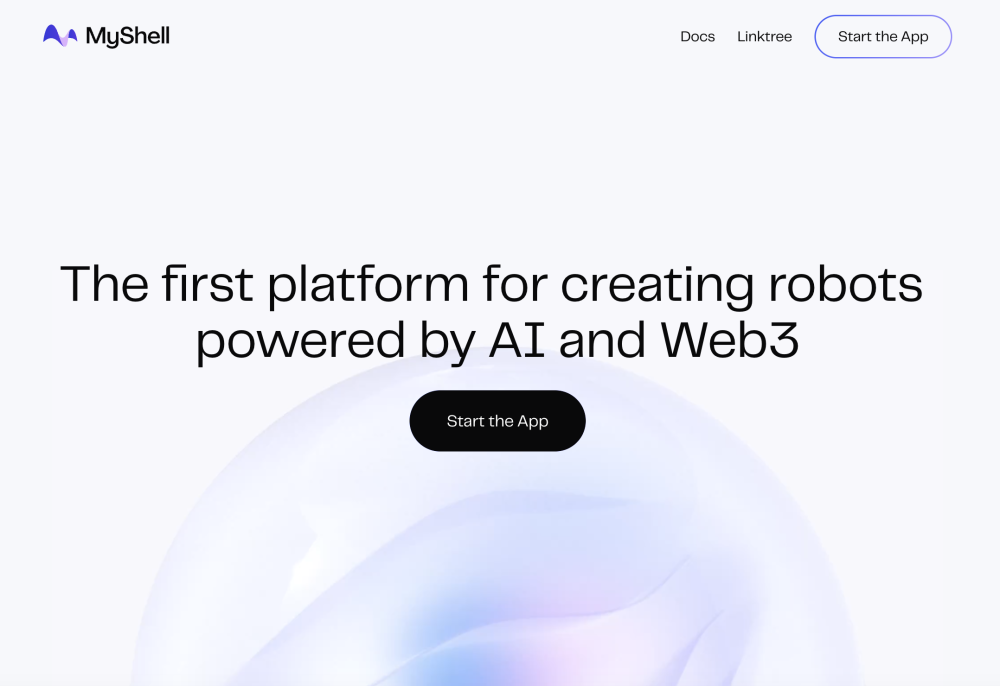
MyShell website preview

MyShell Website screenshot

Discover MyShell

MyShell revolutionizes the creation of chatbots by integrating AI and Web3 technologies. This pioneering platform allows users to design custom chatbots, known as Shells, through a dynamic workshop. These Shells can be tailored to fit individual needs and shared with friends or a wider community.

Getting Started with MyShell

To begin using MyShell, visit the app on the official website. Engage with the interactive workshop to build your unique Shell chatbot. Utilize a variety of components to enhance the chatbot’s functionality and entertainment value. MyShell supports the incorporation of customizable knowledge bases, voice capabilities, unlimited memory, internet and API connectivity, and multimodal input. Fine-tune your chatbot with specific data for a more personalized experience. For an intriguing twist, you can explore historical settings, such as a 1350 village, as a time-traveling merchant gathering information from local villagers.

Key Features of MyShell

Knowledge Customization

Voice Studio

Unlimited Memory

Internet & API Integration

Multimodal Input

Data Fine-Tuning

Practical Applications of MyShell

Design personalized chatbots for diverse needs

Create engaging and functional chatbots to share with others

Simulate historical adventures as a time-traveling information seeker

  • MyShell Discord

    Join the MyShell Discord community here: https://discord.gg/myshell. For additional information, click here(/discord/myshell).

  • About MyShell

    Company name: MyShell.

Product source: MyShell official website. Check the provider for current plans, limits and availability.

FAQ

MyShell questions and answers

Product context and practical checks for evaluating MyShell.

What is MyShell used for?

Create personalized, AI & Web3-powered chatbots with MyShell. Join the interactive workshop to build, customize, and share your Shell bots with ease!

How do I get started with MyShell?

To begin using MyShell, visit the app on the official website. Engage with the interactive workshop to build your unique Shell chatbot. Utilize a variety of components to enhance the chatbot’s functionality and entertainment value. MyShell supports the incorporation of customizable knowledge bases, voice capabilities, unlimited memory, internet and API connectivity, and multimodal input. Fine-tune your chatbot with specific data for a more personalized experience. For an intriguing twist, you can explore historical settings, such as a 1350 village, as a time-traveling merchant gathering information from local villagers.

Which capabilities are described for MyShell?

Knowledge CustomizationVoice StudioUnlimited MemoryInternet & API IntegrationMultimodal InputData Fine-Tuning

What projects can I evaluate MyShell for?

Design personalized chatbots for diverse needsCreate engaging and functional chatbots to share with othersSimulate historical adventures as a time-traveling information seeker MyShell Discord Join the MyShell Discord community here: https://discord.gg/myshell. For additional information, click here(/discord/myshell). About MyShell Company name: MyShell.

What should I compare before choosing a MyShell plan?

Check MyShell’s current pricing page for included usage, renewal terms and any credit charges. Compare the cost of a usable result, including retries, rather than assuming that account registration includes free usage.

What inputs should I prepare for a MyShell trial?

Identify the files, text or account connections your task needs. Confirm that the product accepts those inputs and offers controls for reviewing its work.

How can I check the quality of a MyShell result?

Test one representative task and inspect the result for accuracy and completeness. Record where manual corrections or extra tools are needed.

Which export options should I check in MyShell?

Check export formats, integrations and whether you can keep using your work outside the service. Test a real export before committing to a longer plan.

What is a practical way to test MyShell against alternatives?

Choose one task with a clear success condition. Keep the input consistent, record the time spent reviewing and compare the complete workflow cost.

Where is the official MyShell website?

The website linked from this profile is https://www.myshell.ai. Use the provider’s own documentation, account area and support channels to confirm current product details.

Visit MyShell